Tapo Solar-Powered Security Camera Kit
| Tapo C400 KIT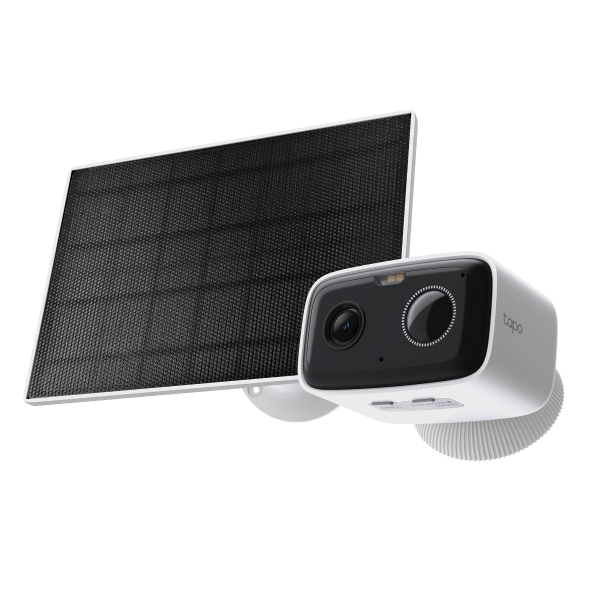
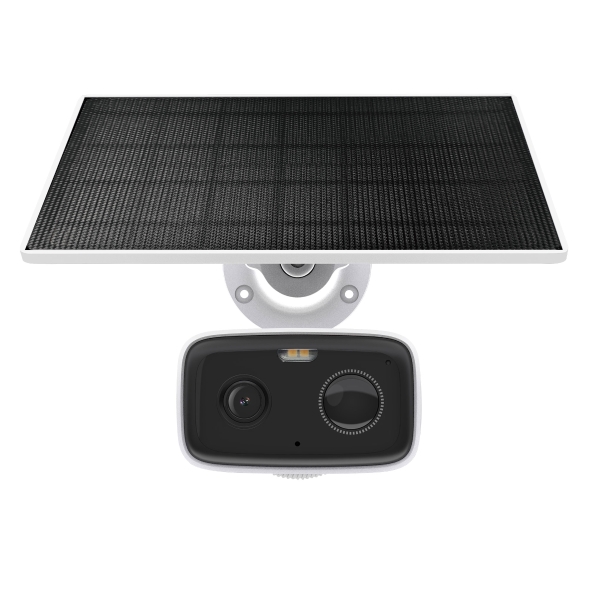
Tapo Solar-Powered Security Camera Kit
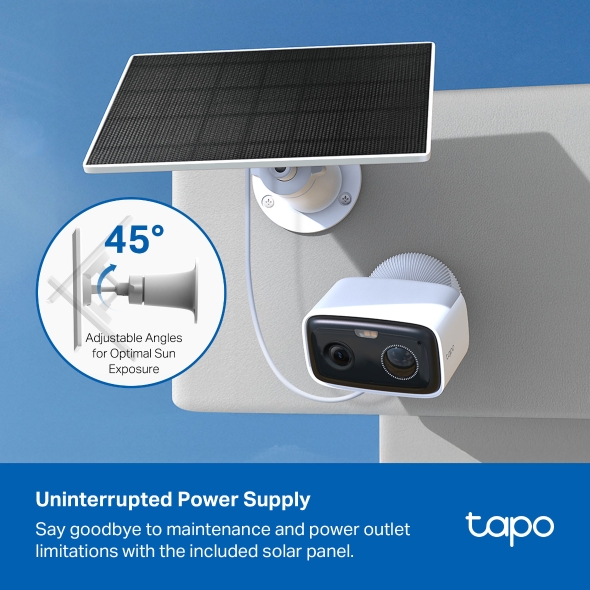
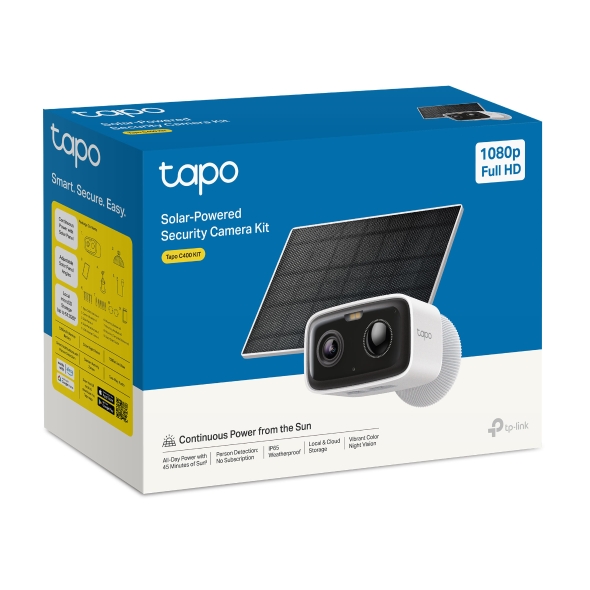
Tapo C400 KIT- Powered Infinitely: As little as 45 minutes of daily sunlight provides continuous power, eliminating the need for constant recharging.†
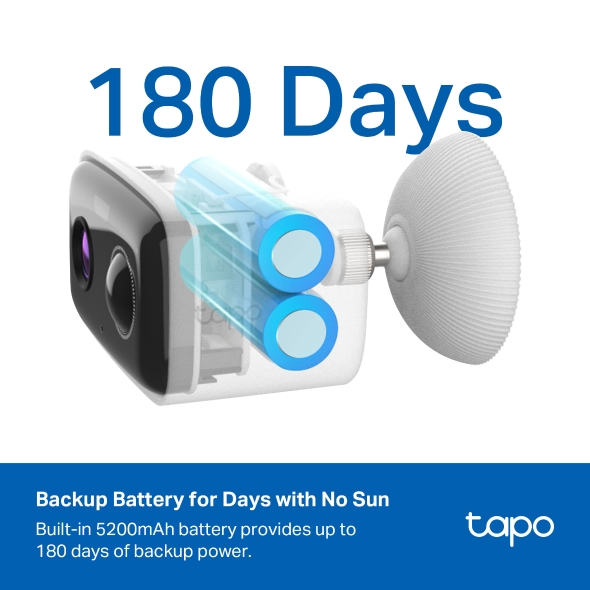
- Up to 180-Day Battery Life: Go wire-free and worry-free. The built-in 5,200mAh battery provides up to 180 days of backup power on days with no sun.*
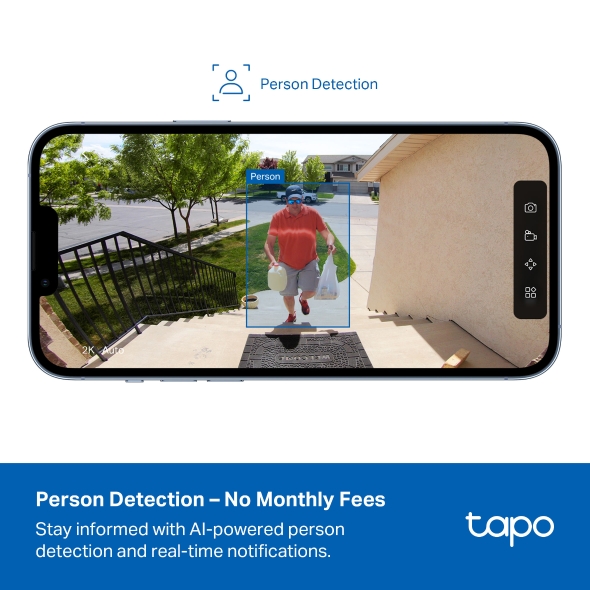
- Person Detection – No Subscription Required: Stay informed with AI-powered person detection and real-time notifications.
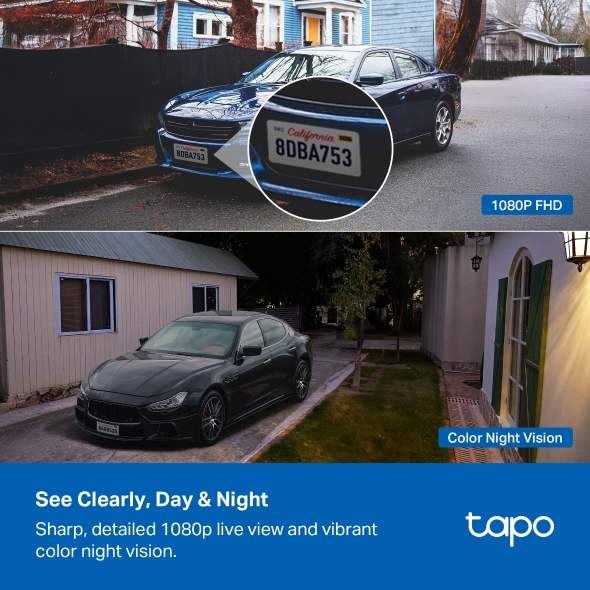
- See Clearly, Day & Night: Experience sharp, detailed 1080P Full HD live view and vibrant color night vision for complete home monitoring.
- Local & Cloud Storage: Record locally to a 512GB microSD card (not included) or subscribe to Tapo Care for 30-day cloud storage.*
- Tailored Alerts & Enhanced Privacy: Receive only the alerts you need by creating custom activity zones and maintain privacy with custom privacy zones.
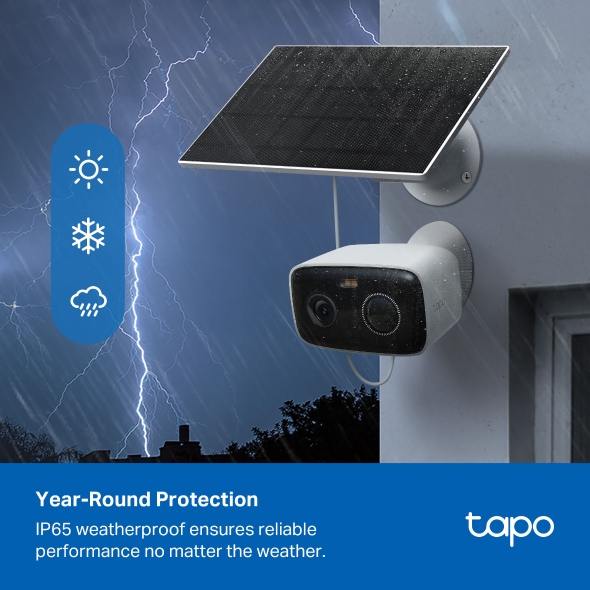
- Year-Round Weather Protection: Built to last, the IP65 weatherproof design protects your camera from the elements, ensuring reliable performance year-round.
Color Night Vision
Secure Your Outdoors, No Wires Attached.
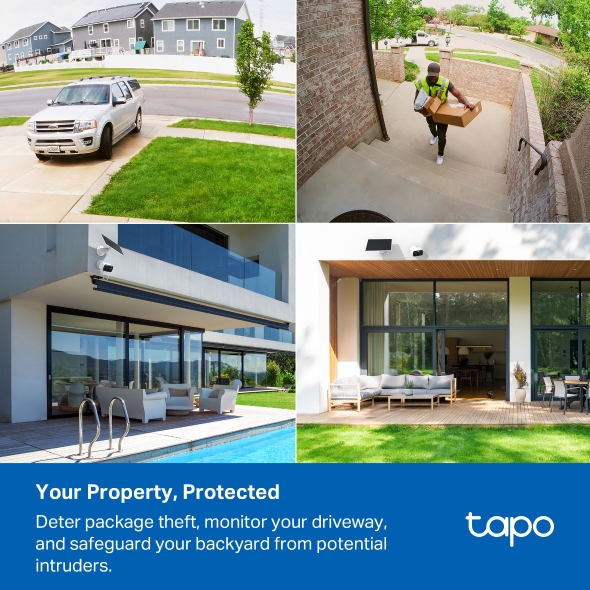
Enjoy complete outdoor security without the constraints of wires. The Tapo C400 provides comprehensive surveillance, from deterring package theft and safeguarding vehicles to securing your backyard and monitoring all outdoor spaces, including gardens, pools, and garages.
Solar-Powered Peace of Mind
Less Frequent Charging
Enjoy lasting security and convenience, no wiring or the need for recharging. Just 45 minutes† of daily sunlight and you may never have to take it down again.
Explore Tapo Solar Charging

Vivid Colors, Even at Night
Advanced color night vision technology captures clear, detailed footage in low-light environments without sacrificing image quality.


AI-Powered Detection: No Subscription Required
Gain peace of mind and receive more relevant real-time notifications with AI detection that alerts you when people are detected within frame, no additional fees or subscription needed.
 Person Detection
Features for Added Security and Convenience


Focus on What Matters:
Customize Activity Zones
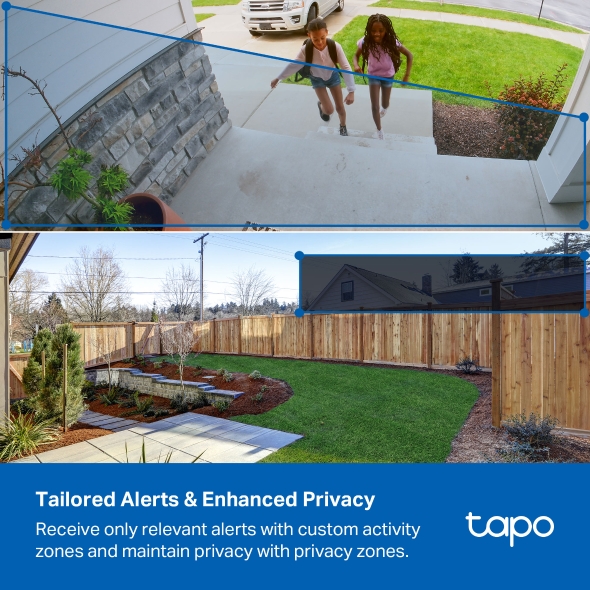
Eliminate unnecessary alerts and receive notifications only for the areas you choose to monitor. Create custom activity zones to pinpoint specific areas, like your front door or driveway, ensuring you're only alerted to relevant activity.
Maintain Privacy:
Define Hidden Zones
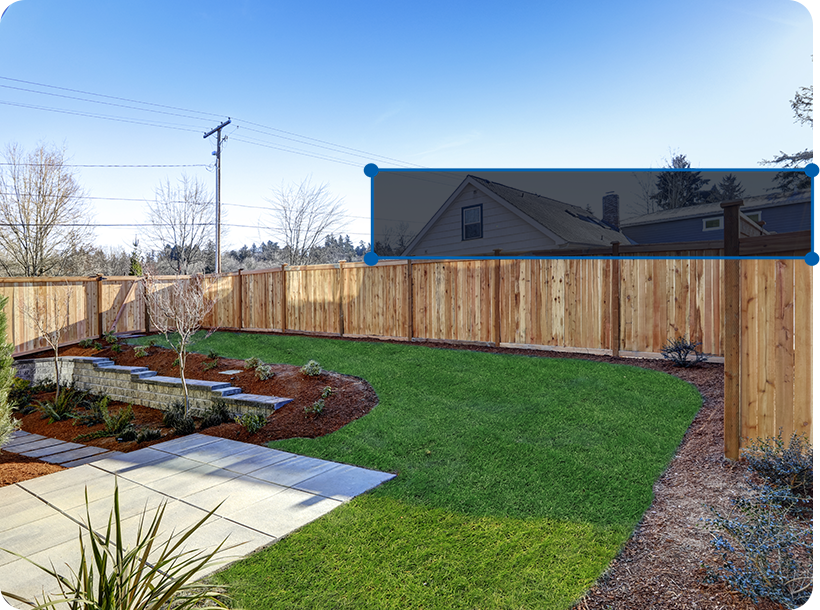
Protect your personal space by creating custom privacy zones. Exclude sensitive areas from recordings and live views, giving you complete control over what is captured.

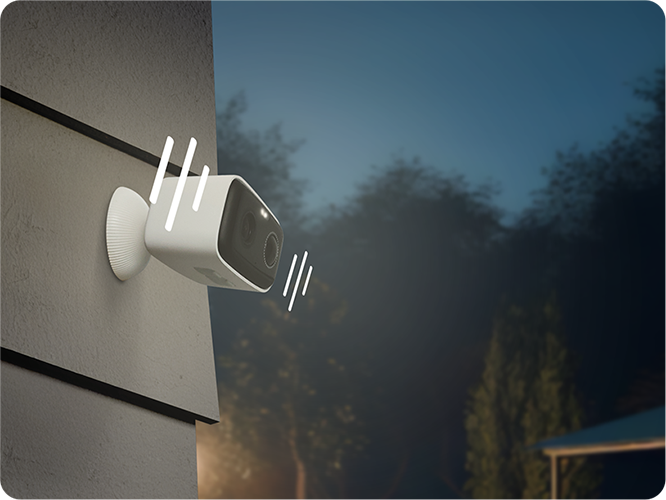 "Stay away from my property!"
Personalize Your Alarm
Create a completely custom sound and light alarm. Adjust the spotlight brightness to illuminate your property and record custom audio messages to warn off potential intruders.
1080p Clarity: See Every Detail
Enhance your home security with crystal-clear 1080p live view.
Identify faces, license plates, and other crucial details with exceptional precision.
Flexible Storage Solutions
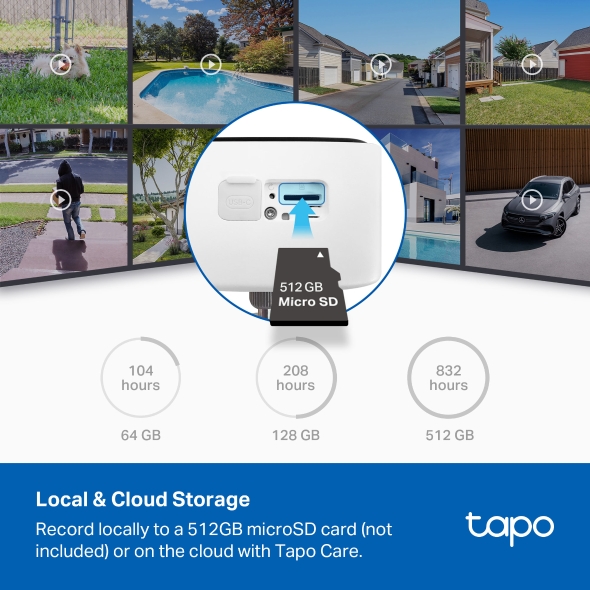
Choose between locally storing footage on a microSD card or via the cloud with a Tapo Care subscription.
Supports up to 512GB local storage on microSD card. (microSD card sold separately).
 104 hours
64G
 208 hours
128G
 832 hours
512G
Receive rich notifications with snapshots, encrypted protection, data backups, and 30-day video clip history with Tapo Care cloud service.
Get a 30-day Free TrialLocal microSD Storage
Supports up to 512GB local storage on microSD card. (microSD card sold separately).
104 hours64G
208 hours128G
832 hours512G
Tapo Care Cloud Service
Receive rich notifications with snapshots, encrypted protection, data backups, and 30-day video clip history with Tapo Care cloud service.
Get a 30-day Free Trial-

Year-Round Weather Protection
Built to last, the IP65 weatherproof design protects your camera from the elements, ensuring reliable performance year-round.
-
 Show me the backyard camera.
Pair with Smart Assistants
Includes seamless integration with Amazon Alexa, Google Assistant, and Samsung SmartThings. View live streams on your Echo Show or Chromecast.
-
 Hi, I have a delivery here. Could you leave it at the door, please?
Two-Way Audio
Engage in seamless real-time conversations with anyone within the camera's view thanks to integrated microphone and speakers.
-

No Hub Required
Simplify setup by connecting directly to your Wi-Fi network, eliminating the need for a hub.

Flexible Angle Adjustment
Mount your solar panel on the wall or roof and adjust its angle flexibly to capture enough sunlight with an angle-adjustable bracket.

High-Efficiency Solar Cells
The premium solar panel constructed of monocrystalline silicon cells harnesses the sun's energy with more efficiency than traditional panels, keeping your devices charged and ready.
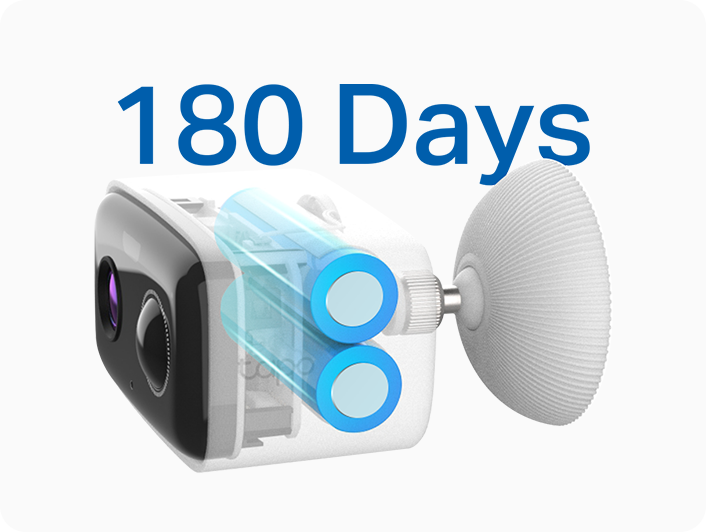
Long-Lasting Rechargeable Battery
No sun? No problem—the built-in long-lasting rechargeable battery ensures power for up to 180 days2 on a single charge, guaranteeing uninterrupted performance.

* 180-day battery life is based on Tapo laboratory tests with 250s of use per day. The time of use includes recording and watching live views. Actual battery life may vary due to device settings, usage, router specifications, and environmental factors.
** microSD card purchased separately. Actual storage capacity depends on the size of the microSD card used. The recording days in the table are estimated based on the average video bitrate measured in the laboratory and 40 daily events. Actual recording days may vary depending on scene complexity, dynamic scene proportion, frame rate settings, and the camera model's supported resolution.
† Actual charging power may vary based on installation location, weather conditions, temperature, and other environmental factors.
# The suitable operating temperature for the Solar Panel is -20°C to 45°C. The battery charging temperature should be maintained between 0°C and 45°C.
Tapo App Support
- 1 Download the free app
- 2 Plug in and connect
- 3 Control from anywhere



Walk You Through Setup Step by Step
-
1
 Download and open Tapo App
 -
2
 Tap Plus (+) to add your smart device
 -
3
 Look for your device and connect
 -
4
 Name the device and choose the room it’s in
 -
5
 Congratulations! You’ve now completed the configuration
Downloads