Dual Lens Pan/Tilt Security Camera
| Tapo C245D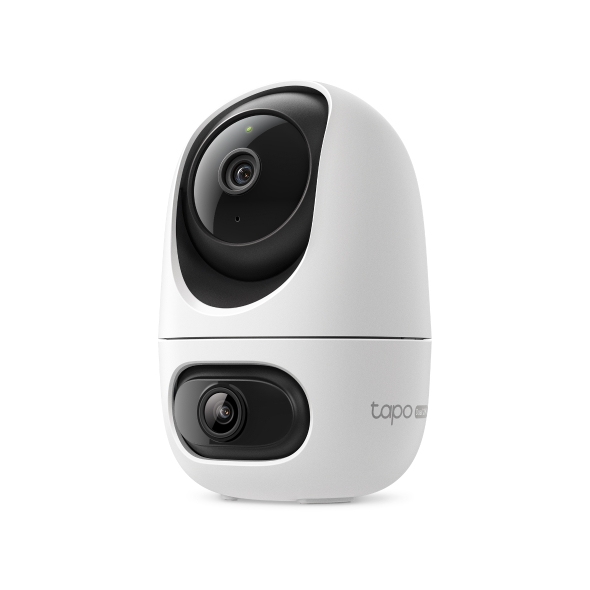

Dual Lens Pan/Tilt Security Camera
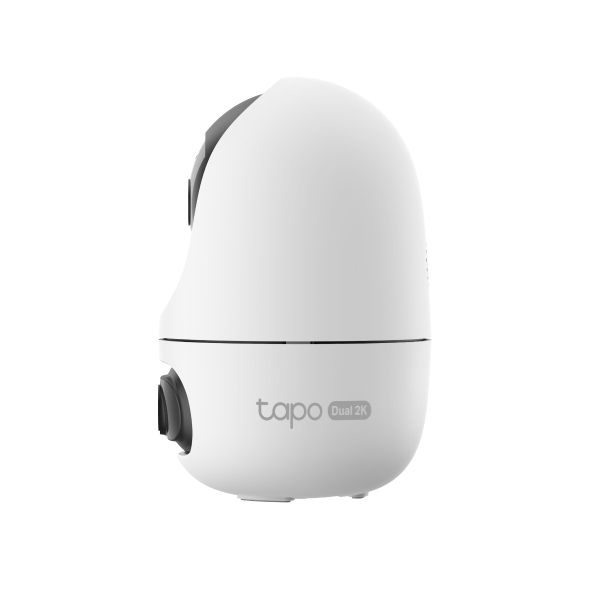
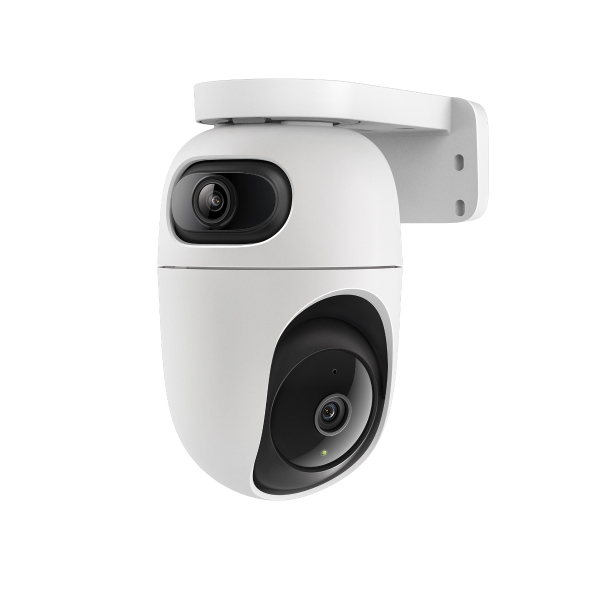
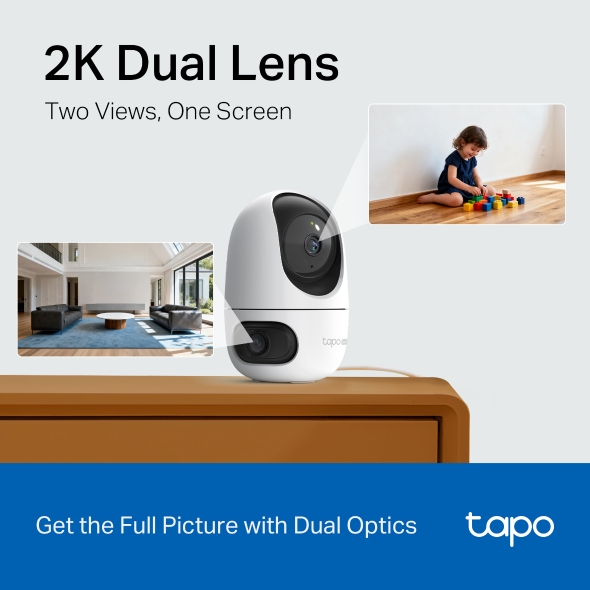
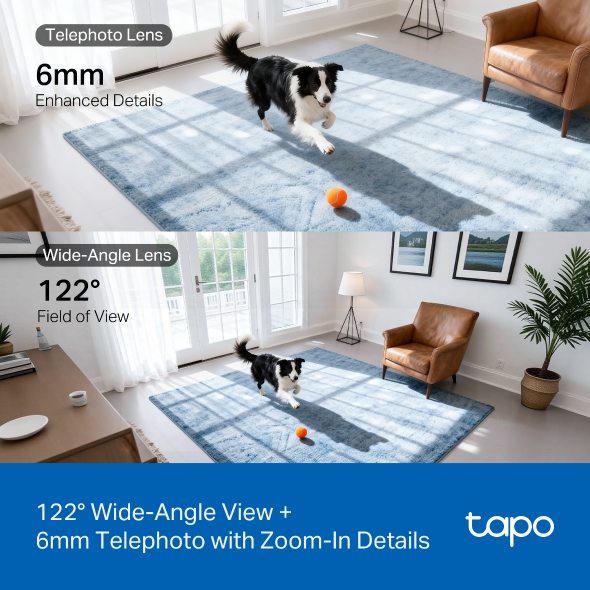
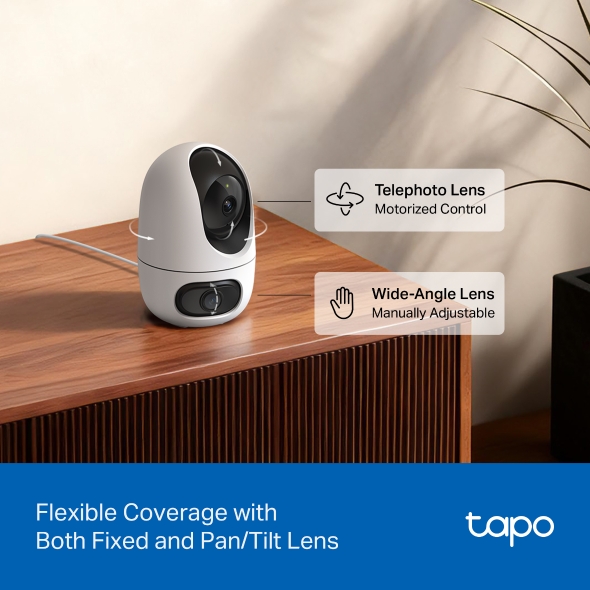
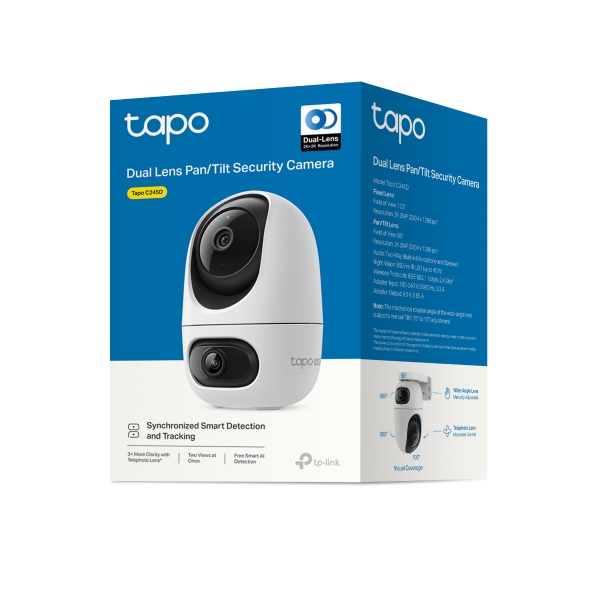
Tapo C245D- 2K 3MP Dual Lens - Capture the full picture with dual 2K high definition optics, monitoring two separate areas at the same time with just one device. Engineered to minimise blind spots for optimal coverage.
- Wide-angle & Telephoto Lens - With 122° FOV wide-angle lens and 6mm telephoto lens, it ensures all-around awareness and down-to-the-detail protection of your home.
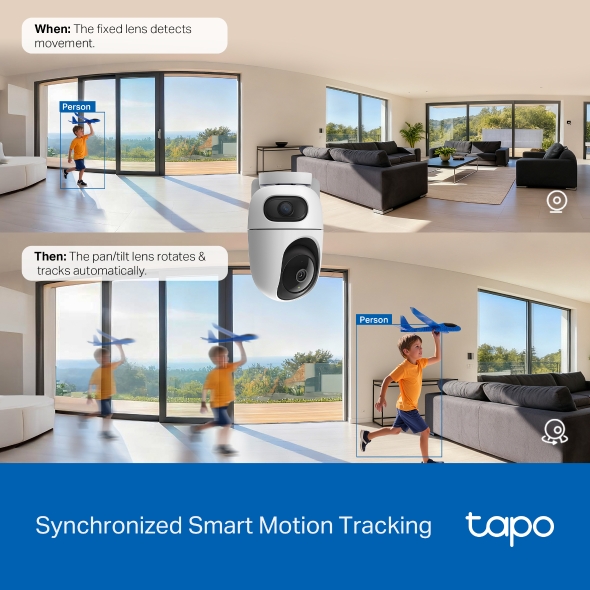
- Synchronised Smart Tracking - When the fixed lens detects events, the pan/tilt lens will automatically pivot to focus on and track the moving object.
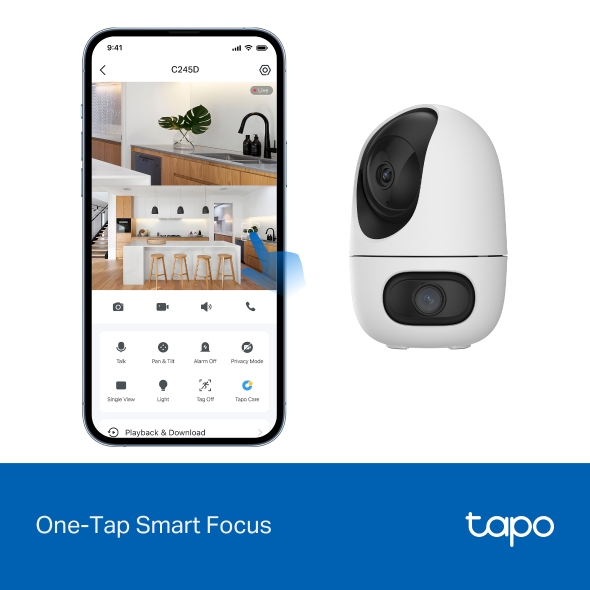
- One-Tap Smart Focus - Select an area in the wide-angle view, and the pan/tilt camera will focus on it instantly.
- Free Smart Dual AI Detection & Notification - Get instant push notifications when motion, person, pets, vehicles or even baby cry are detected, there is no additional fee to use it.
- Works with Alexa, Google Home & Samsung SmartThings - Fully compatible with Amazon Alexa and Google Assistant, use your simple voice command to view Tapo indoor/outdoor home security wi-fi camera live stream.
- Night Vision up to 40 ft -Even in complete darkness, an advanced IR algorithm delivers clear black-and-white footage.
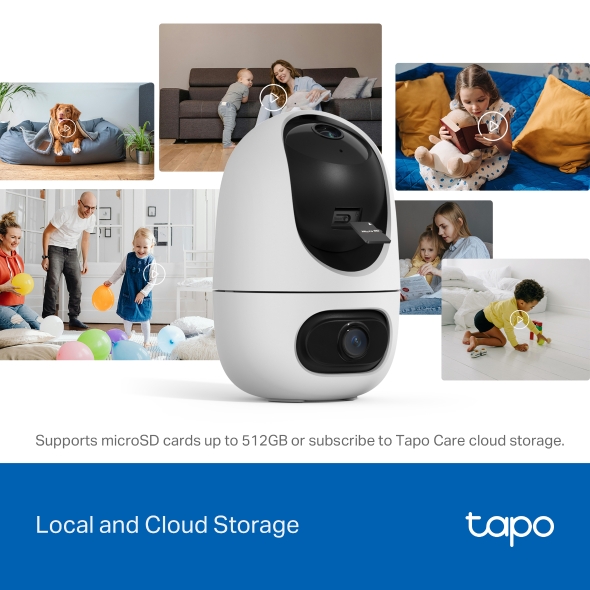
- Secure Local or Cloud Storage - Save footage continuously on up to a 512 GB microSD card (not included) or subscribe to Tapo Care for cloud storage which saves 30-day video.
- 2-Way Audio - Engage in seamless, real-time conversations with our two-way audio feature, designed for minimal latency and exceptional sound clarity.

†MicroSD card needs to be purchased separately. Actual storage capacity depends on the size of the microSD card used.
‡Subscribe for cloud storage at https://www.tapo.com/tapocare/
§Tapo H500 & H200 needs to be purchased separately. Actual support may vary. Please refer to the official H500 & H200 supported device list for accuracy.
△Manual zoom-in is required to enlarge the PT lens image during live view. Actual operation may vary. Please follow the instructions in the Tapo app.
Tapo App Support
Easy Setup at Your Fingers
- 1 Download the free app
- 2 Plug in and connect
- 3 Control from anywhere




* Compatible with iOS 9.0 or higher and Android 4.3 or higher
Walk You Through Setup Step by Step
-
1
 Download and open Tapo App
 -
2
 Tap Plus (+) to add your smart device
 -
3
 Look for your device and connect
 -
4
 Name the device and choose the room it’s in
 -
5
 Congratulations! You’ve now completed the configuration
Downloads
App
Tapo App
* Compatible with iOS 9.0 or higher and Android 4.3 or higher