Smart Recessed Downlight
| Tapo L730-6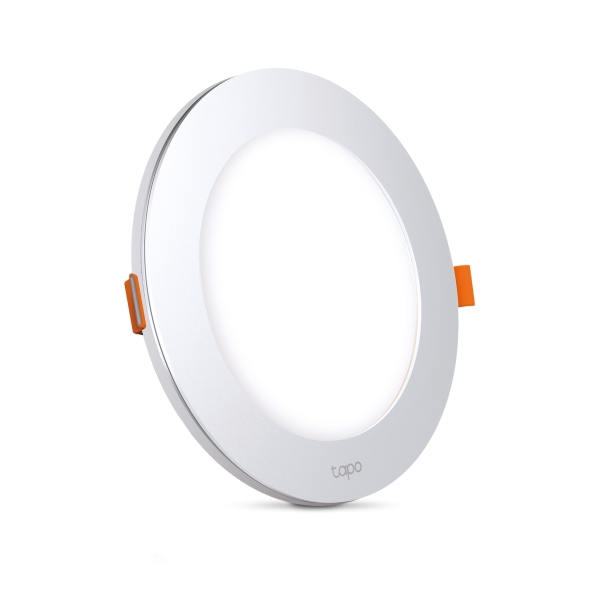
Smart Recessed Downlight
Tapo L730-6-
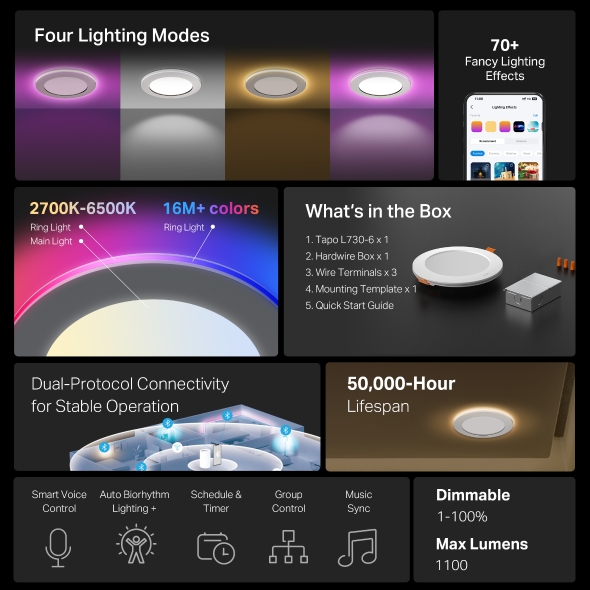
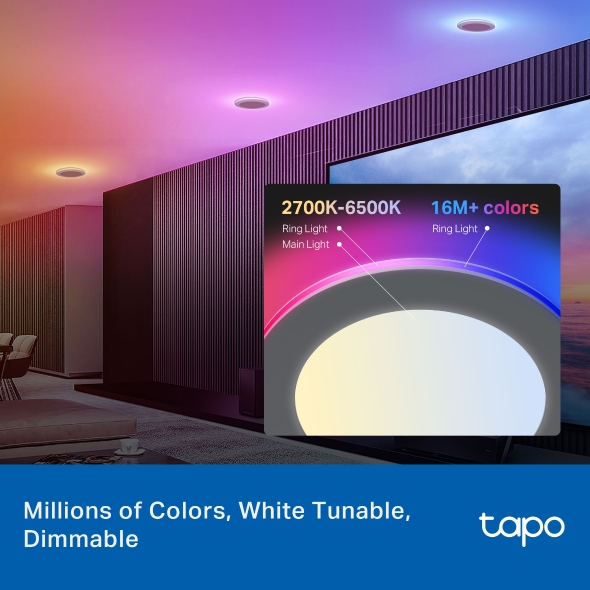
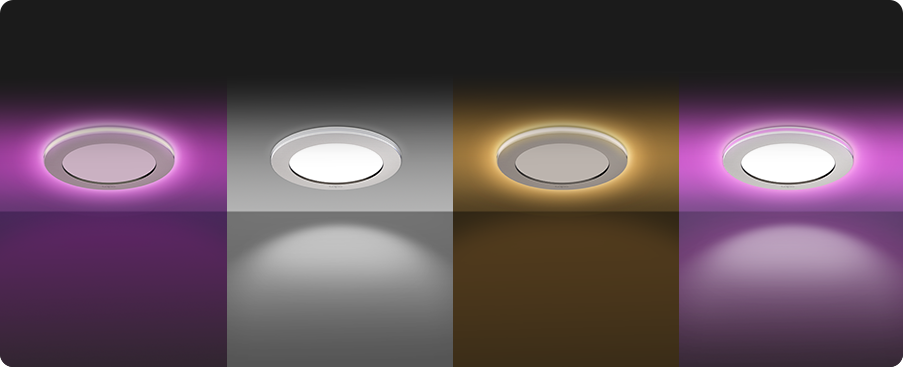
4 Lighting Modes - Tapo Smart Recessed Downlight features 4 lighting modes that meet different life scenes and needs.
-
16 Million Colors - Shape the amazing vibe by picking the lights from a wide array of colors, even dim to any brightness you desire for the perfect atmosphere.
-
White Tunable - Adjust the color temperature from 2,700 K to 6,500 K based on your changing needs.
-
Ultra-Dim 1% Brightness - With an ultra-dim 1% brightness (<6 lm), ensuring soothing, non-intrusive illumination, ideal for sleeping at night.
-
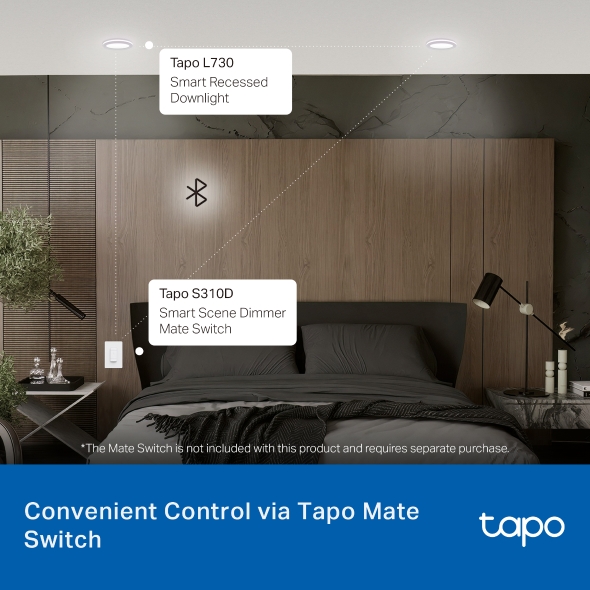
Multiple Convenient Control Methods - Adjust lights with your smartphone, voice, or the Tapo Mate Switch, ensuring convenience for all ages.
-
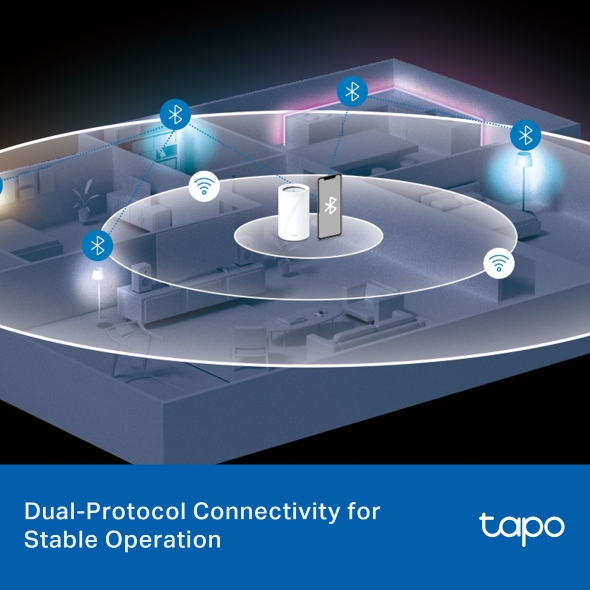
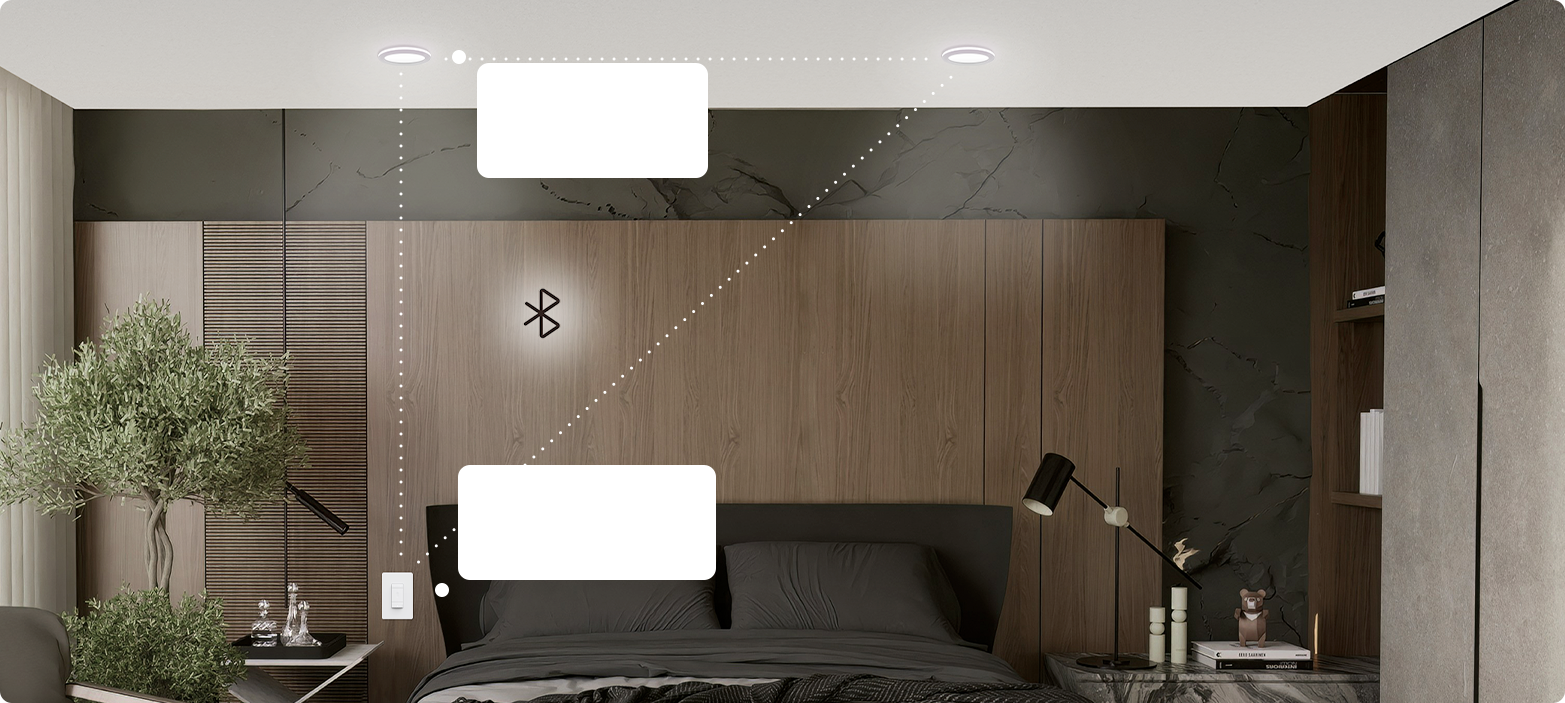
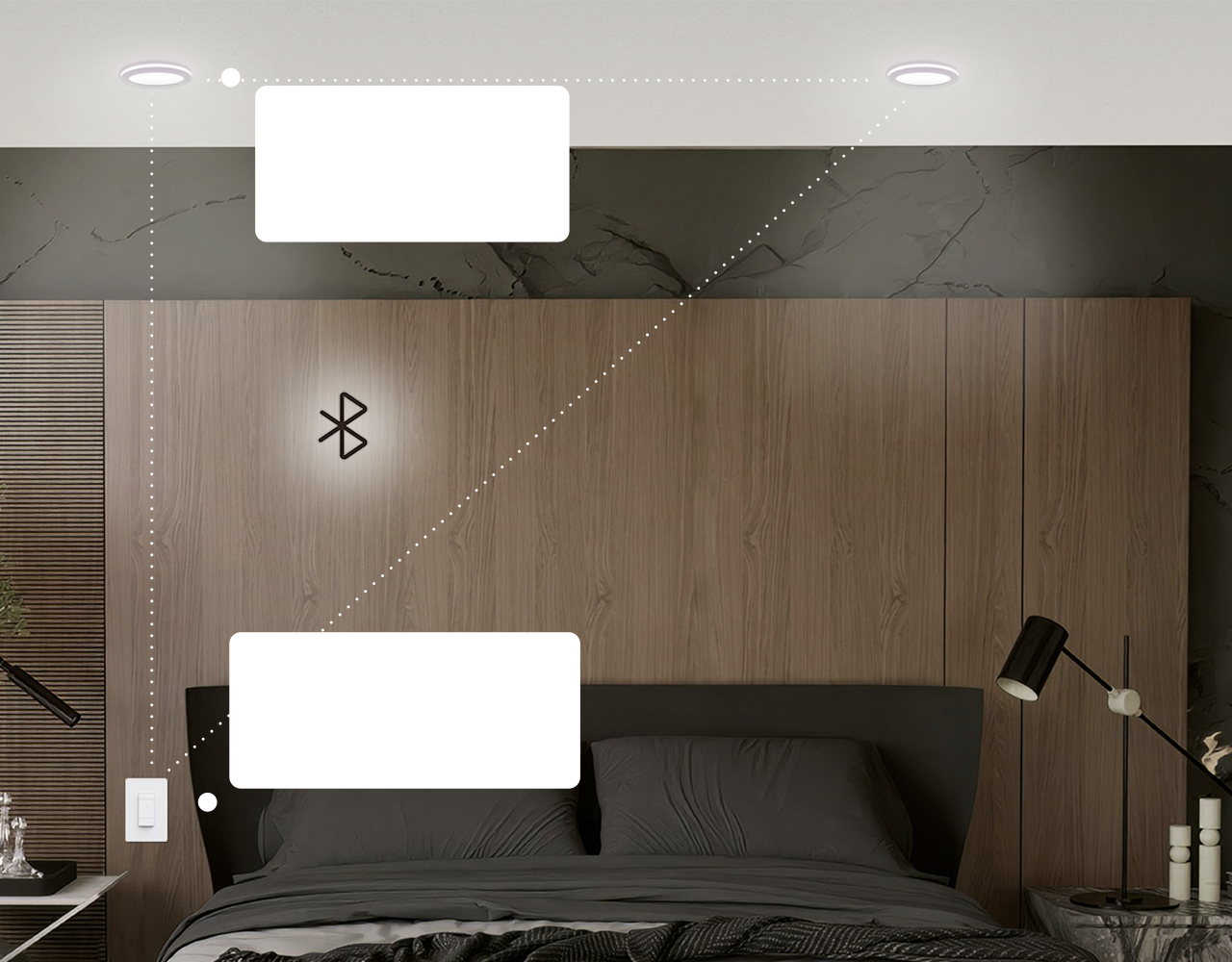
Dual-Protocol Connectivity for Stable Operation - Combines Wi-Fi and Bluetooth Mesh 1.1 technology to ensure smart lights remain responsive and connected even in areas with weak or no Wi-Fi signal.
-
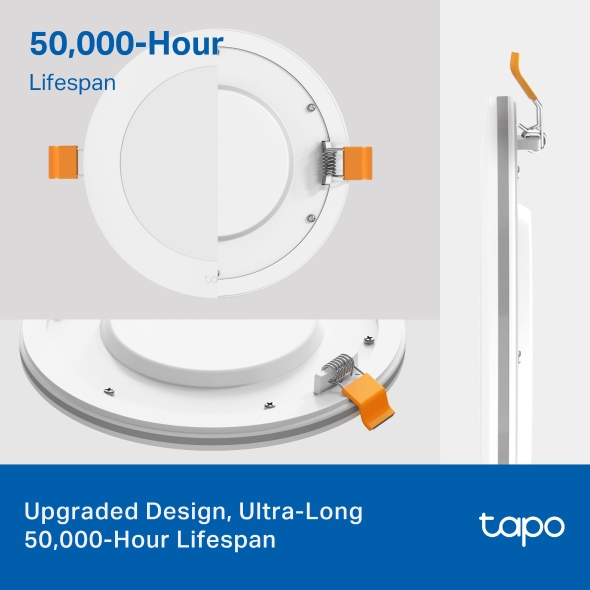
Ultra-Long 50,000-Hour Lifespan - The downlights boast a sophisticated pure white finish with gently curved edges. The luminaire features a high-quality aluminum alloy backplate for superior heat dissipation and a long service life of over 50,000 hours.
-
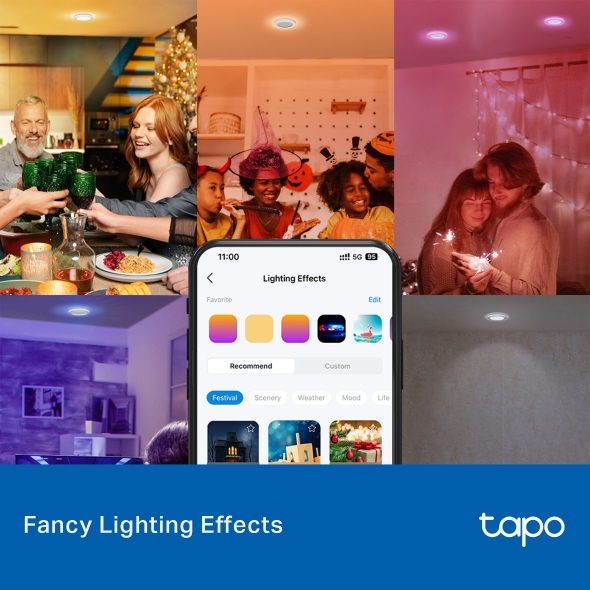
Fancy Lighting Effects - Amuse yourself with well-designed animated lighting effects, available on the Tapo App.
-
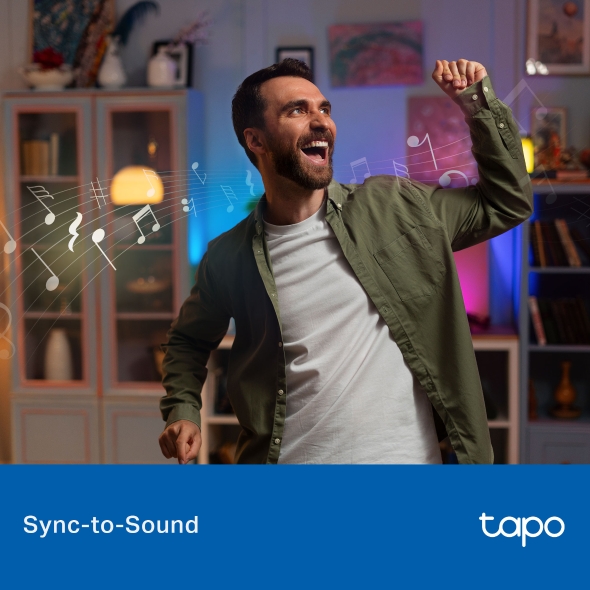
Sync-to-Sound - Use the Tapo App to sync the lights to your music and create a synchronized lighting experience.
-
Auto Biorhythm Lighting+ - Automatically adjusts daily brightness and color temperature based on the natural sunlight pattern of your positioning area, ensuring the most suitable lighting every time you turn it on.
-
Schedule & Timer - Create a regular schedule to turn on/off the light with your chosen light effects.
-
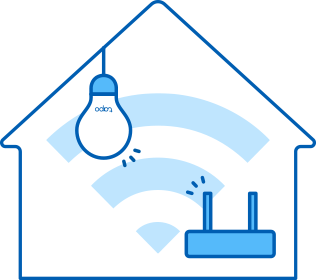
No Hub Required – Connect the Tapo L730 to your home Wi-Fi, then you are all set.
-
Voice Control - Manage your smart lights with voice commands via Siri, Alexa, Google Assistant, or Samsung SmartThings.
-
Remote Control and Away Mode - Instantly turn connected devices on/off wherever you are via the Tapo App. Turn on away mode to simulate someone being at home.

Light Up Your Entire
Space
Space
Smart Recessed LED Light
Tapo L730-6



Four Lighting Modes
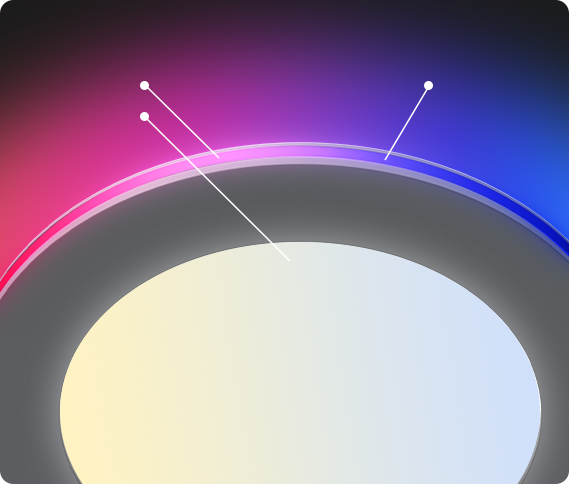
2700K-6500K
Ring Light
Main Light
16M+ colors
Ring Light
Dimmable
1-100%
Max Lumens
1100
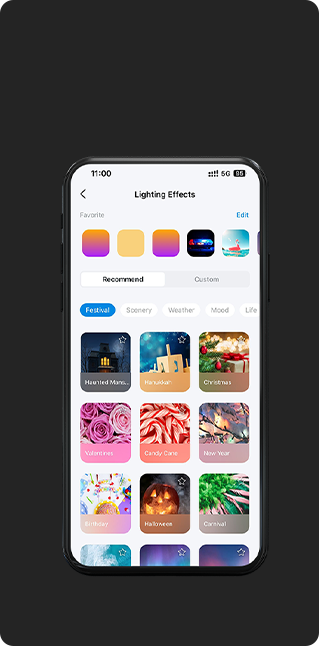
70+
Lighting Effects
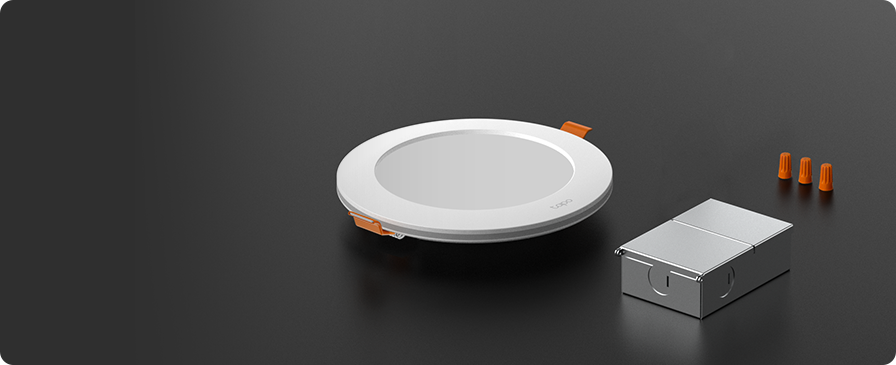
What's in the Box
1. Tapo L730-6 x 1
2. Hardwire Box x 1
3. Wire Terminals x 3
4. Mounting Template x 1
5. Quick Start Guide
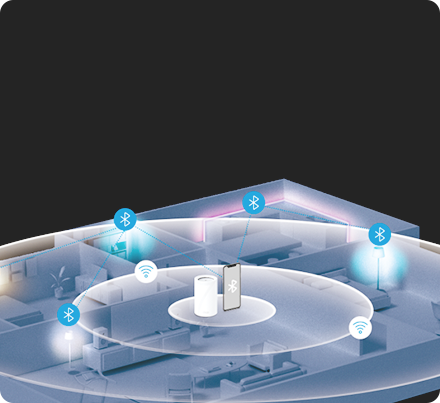
Dual-Protocol
Connectivity for Stable
Operation
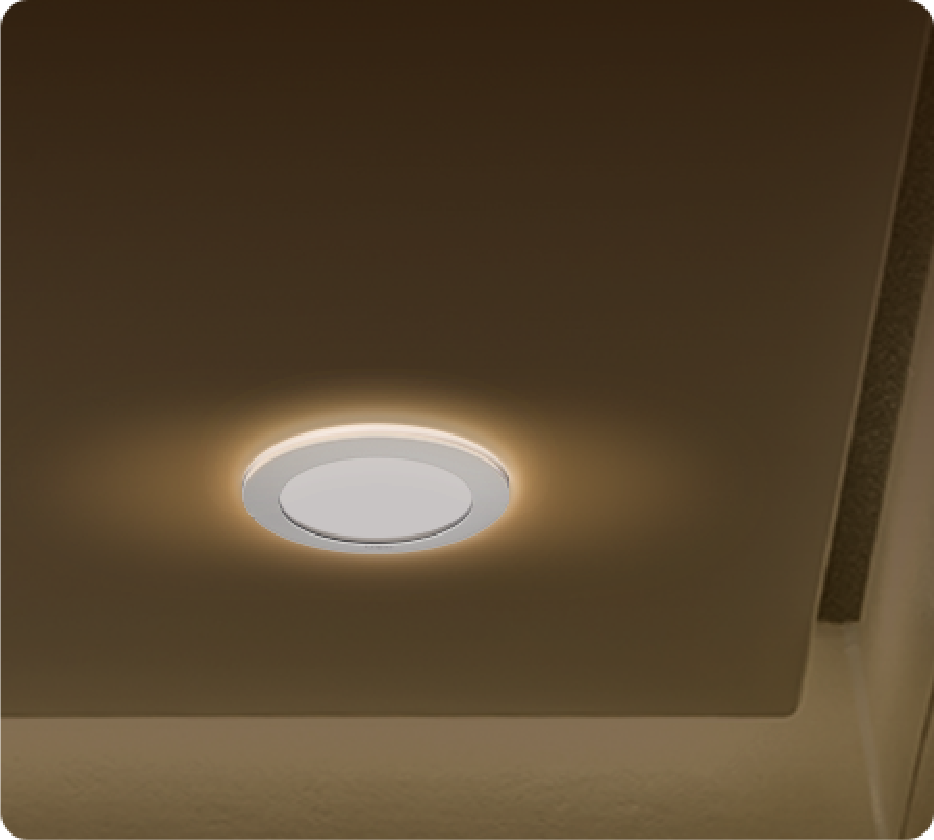
50,000-Hour
Lifespan

Smart Voice
Control
Control
Auto Biorhythm
Lighting +
Lighting +
Schedule &
Timer
Timer
Group
Control
Control
Music
Sync
Sync
Four Lighting Modes
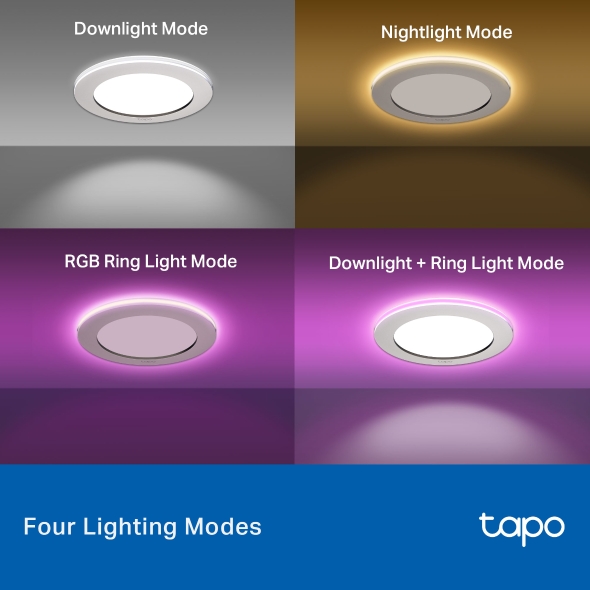
Tapo Smart Recessed Downlight features four lighting modes that meet different life scenes and needs.
Tapo Smart Recessed Downlight features four lighting modes that meet different life scenes and needs.

Downlight + Ring Light Mode Create a bright and colorful spatial
atmosphere.
atmosphere.

RGB Ring Light Mode Choose from a thousand colors on the
halo light to brighten your space, making
every moment vibrant and enjoyable.
halo light to brighten your space, making
every moment vibrant and enjoyable.

Nightlight Mode Adjust the lights' color temperature to
provide a cozy and soft glow for
nighttime relaxation without irritating
your eyes.
provide a cozy and soft glow for
nighttime relaxation without irritating
your eyes.

Downlight Mode Ideal for daily lighting to make the indoor
environment clearer and brighter.
environment clearer and brighter.
Four Lighting Modes
Tapo Smart Recessed Downlight features four lighting modes that meet different life scenes and needs.
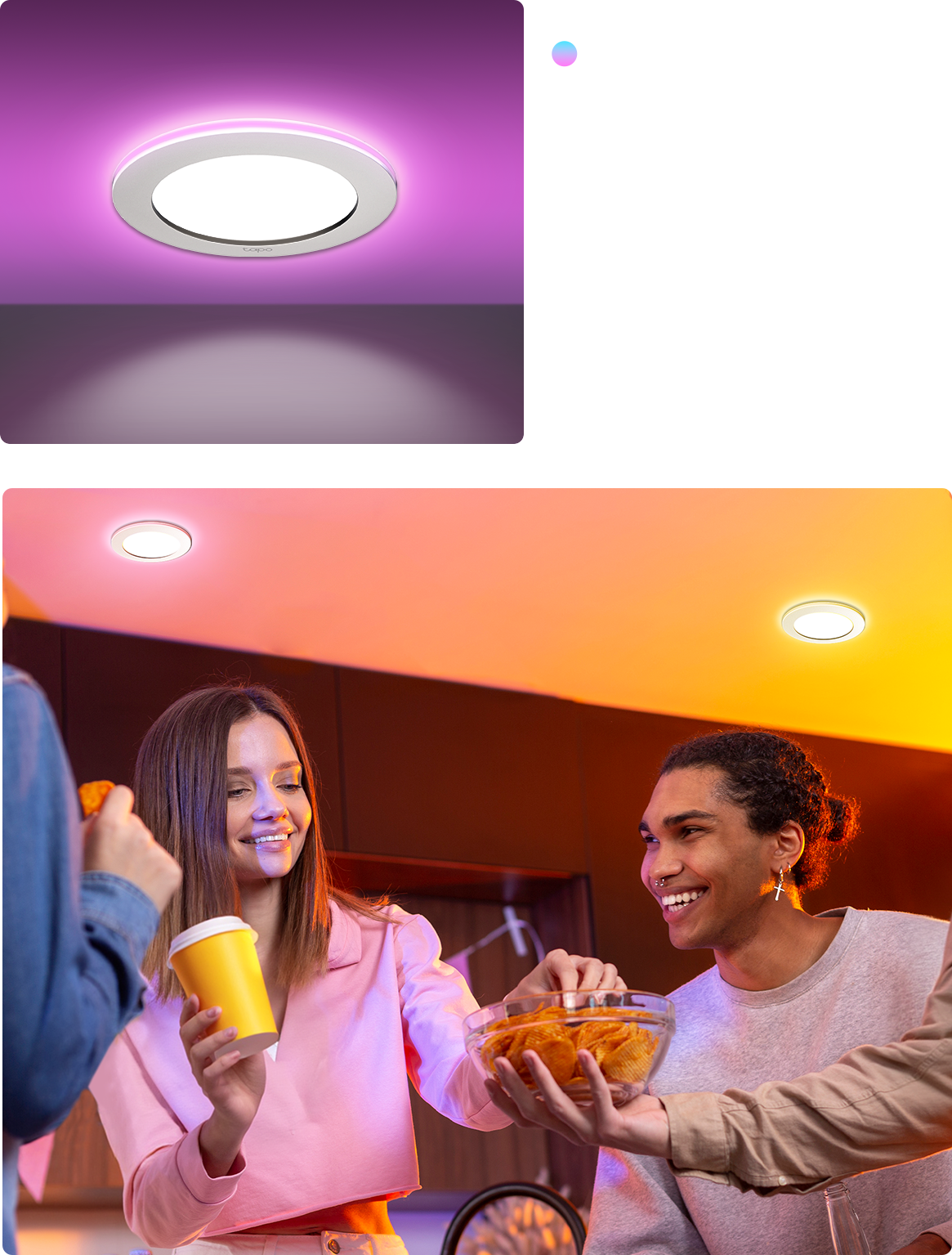
Downlight + Ring
Light Mode Create a bright and colorful spatial
atmosphere.
Light Mode Create a bright and colorful spatial
atmosphere.
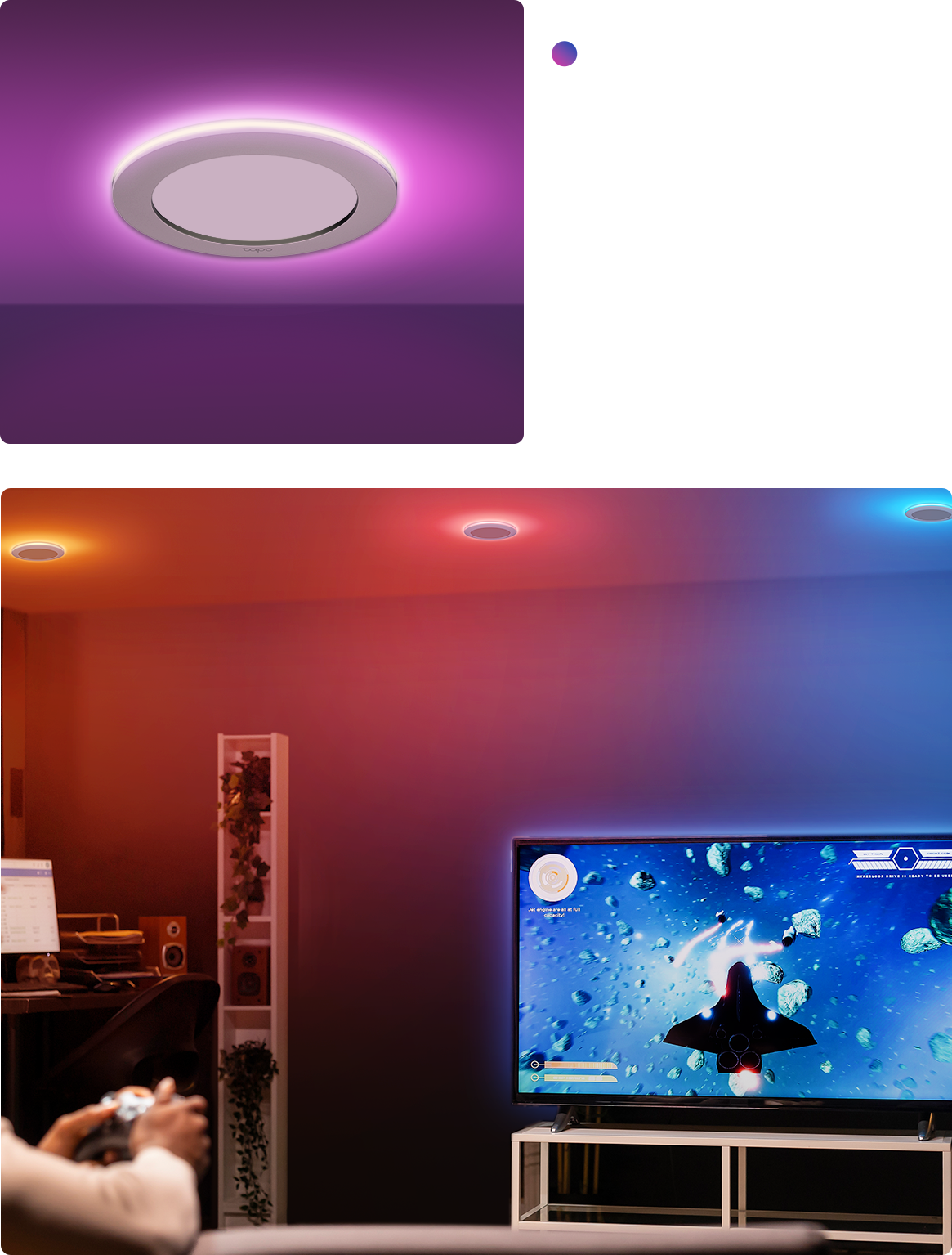
RGB Ring Light Mode Choose from a thousand colors on the halo light to brighten your space, making every moment vibrant and enjoyable.
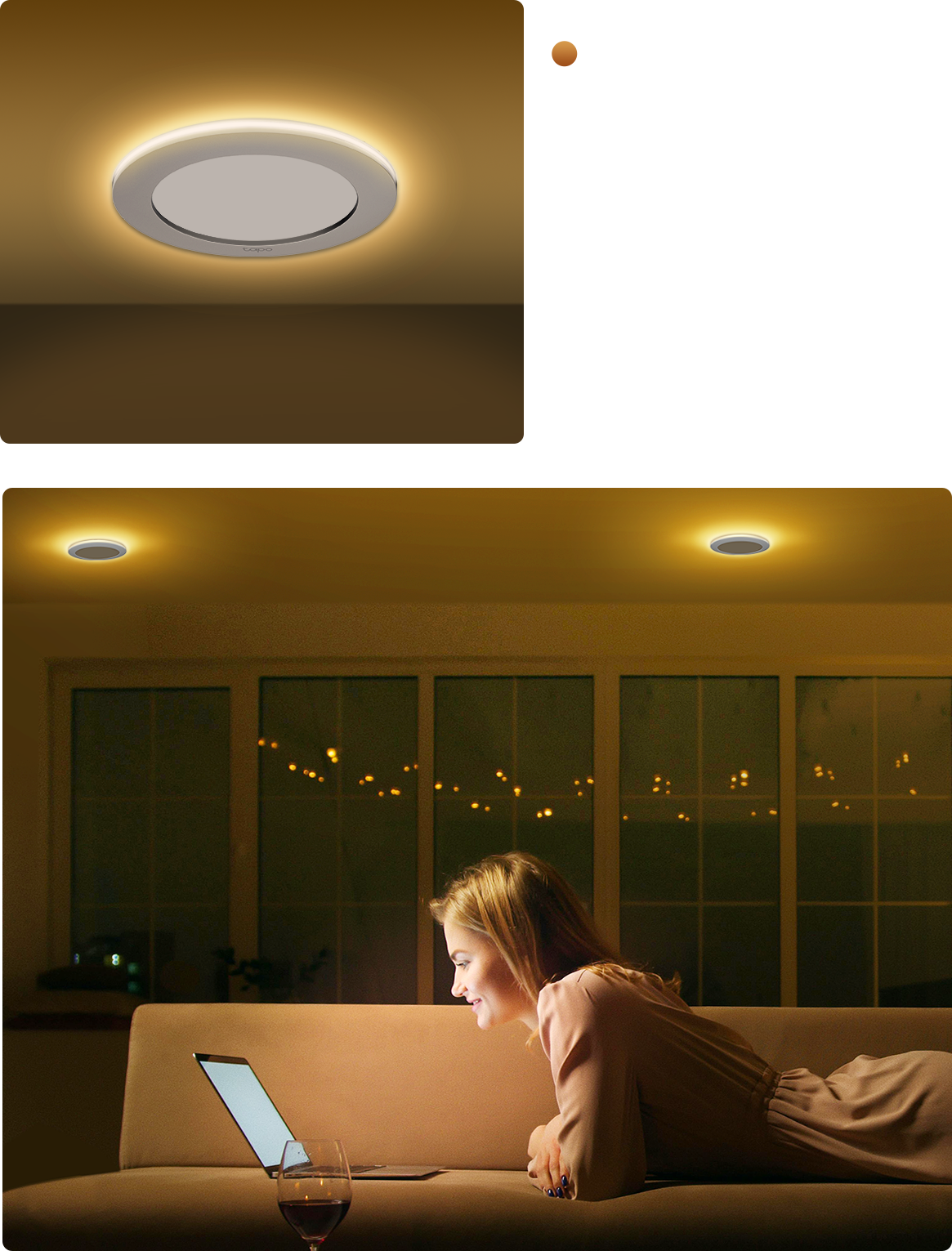
Nightlight Mode Adjust the lights' color temperature to provide a cozy and soft glow for nighttime relaxation without irritating your eyes.
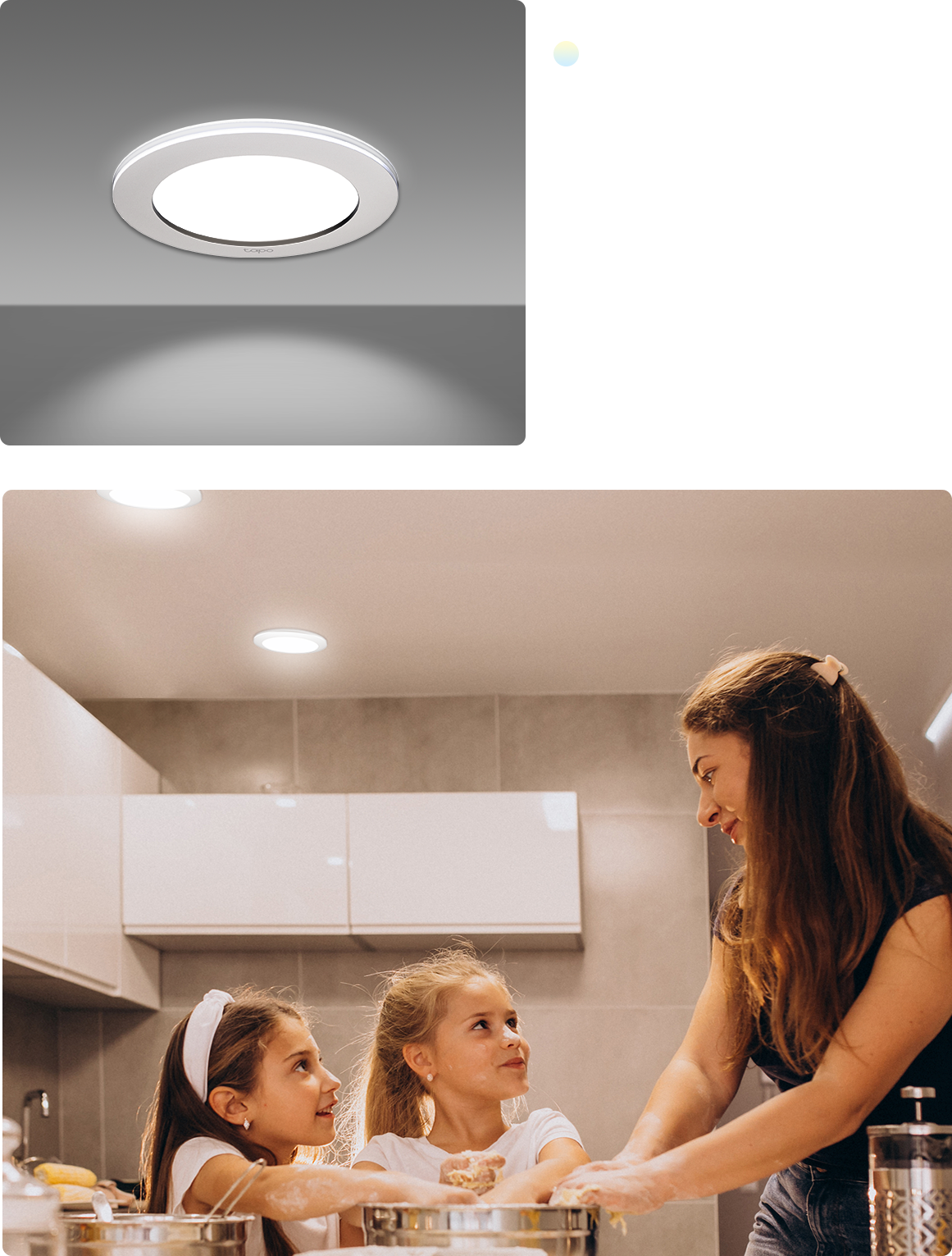
Downlight Mode Ideal for daily lighting to make the indoor environment clearer and brighter.
Explore Endless Lighting Possibilities
Create the Perfect Mood
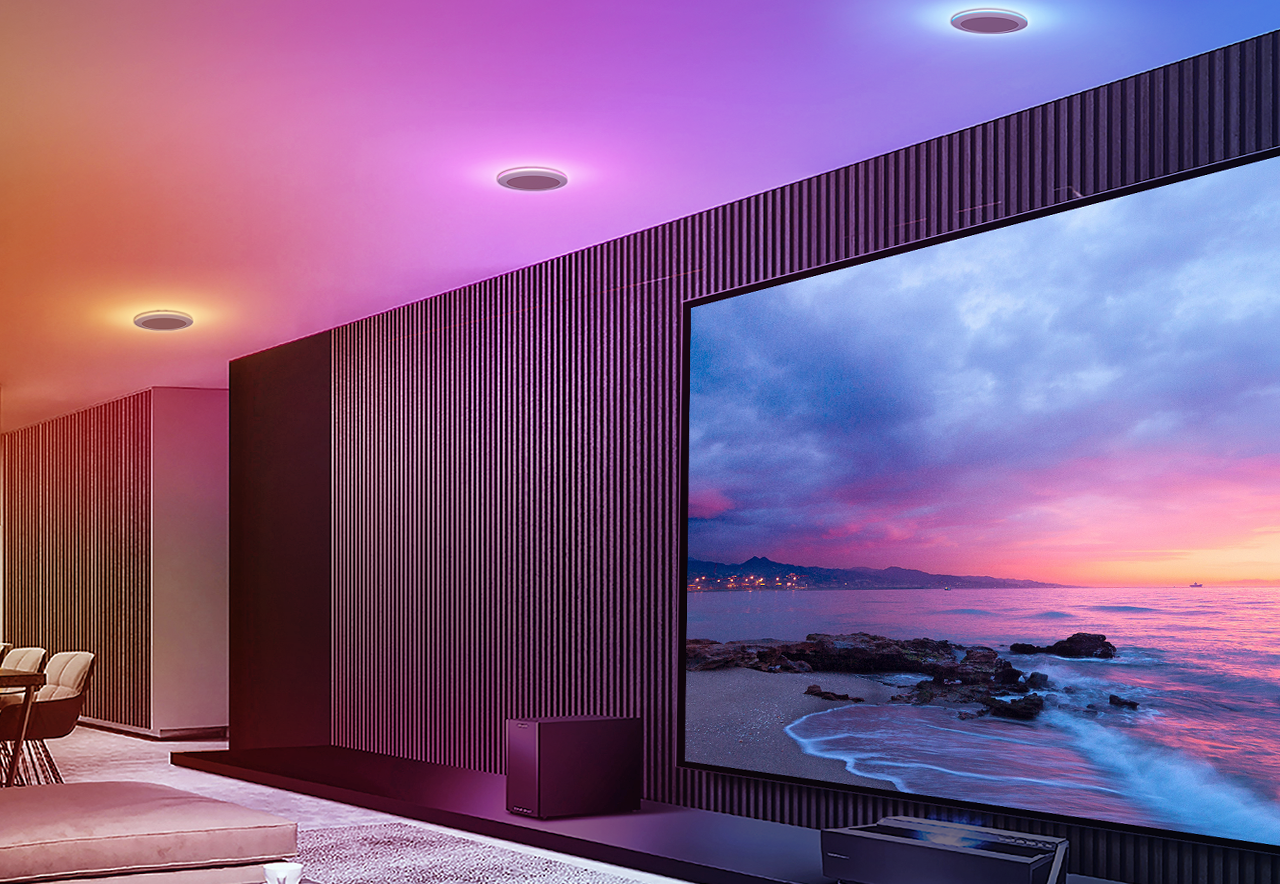
Set the mood for vibrant parties, fun sports viewings, cozy movie nights, and more with the ring light's 16 million colors.
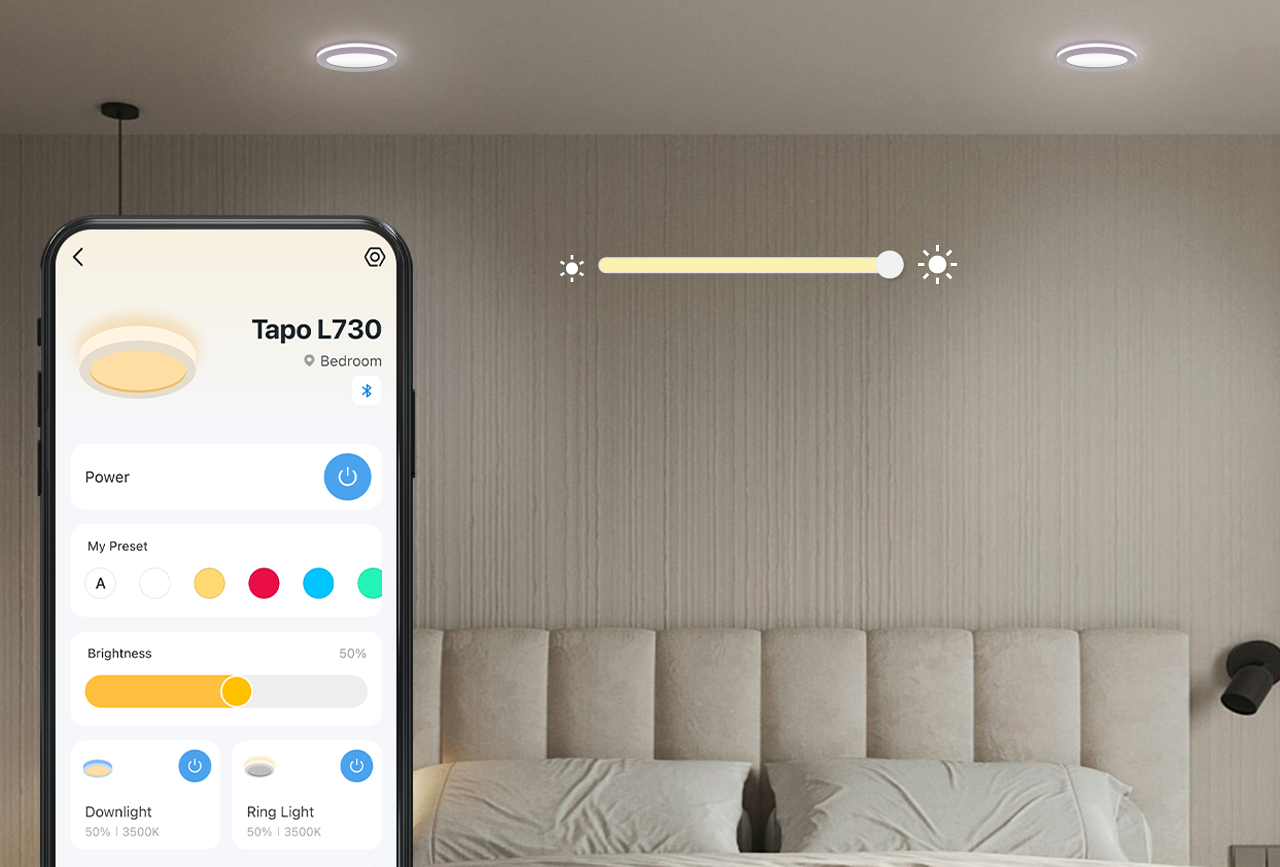
1%-100% Dimmable
Enjoy lighting that adapts to your needs with easily adjustable brightness using the Tapo App. *Downlight/Ring light can be dimmed simultaneously or individually.
Tunable White

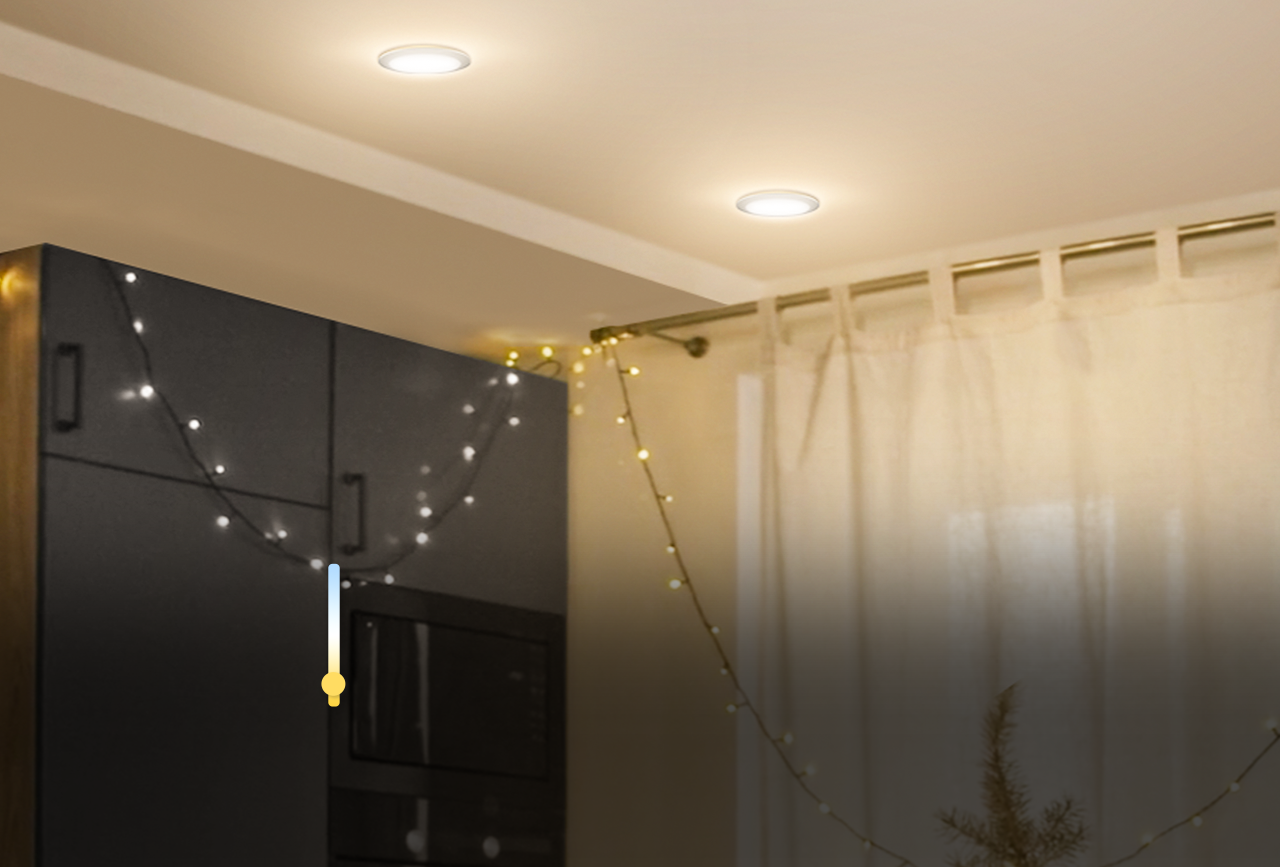
2700K
Warm White
Ideal for:
· Evening
· Dinner Time
· Bedroom
· Dinner Time
· Bedroom
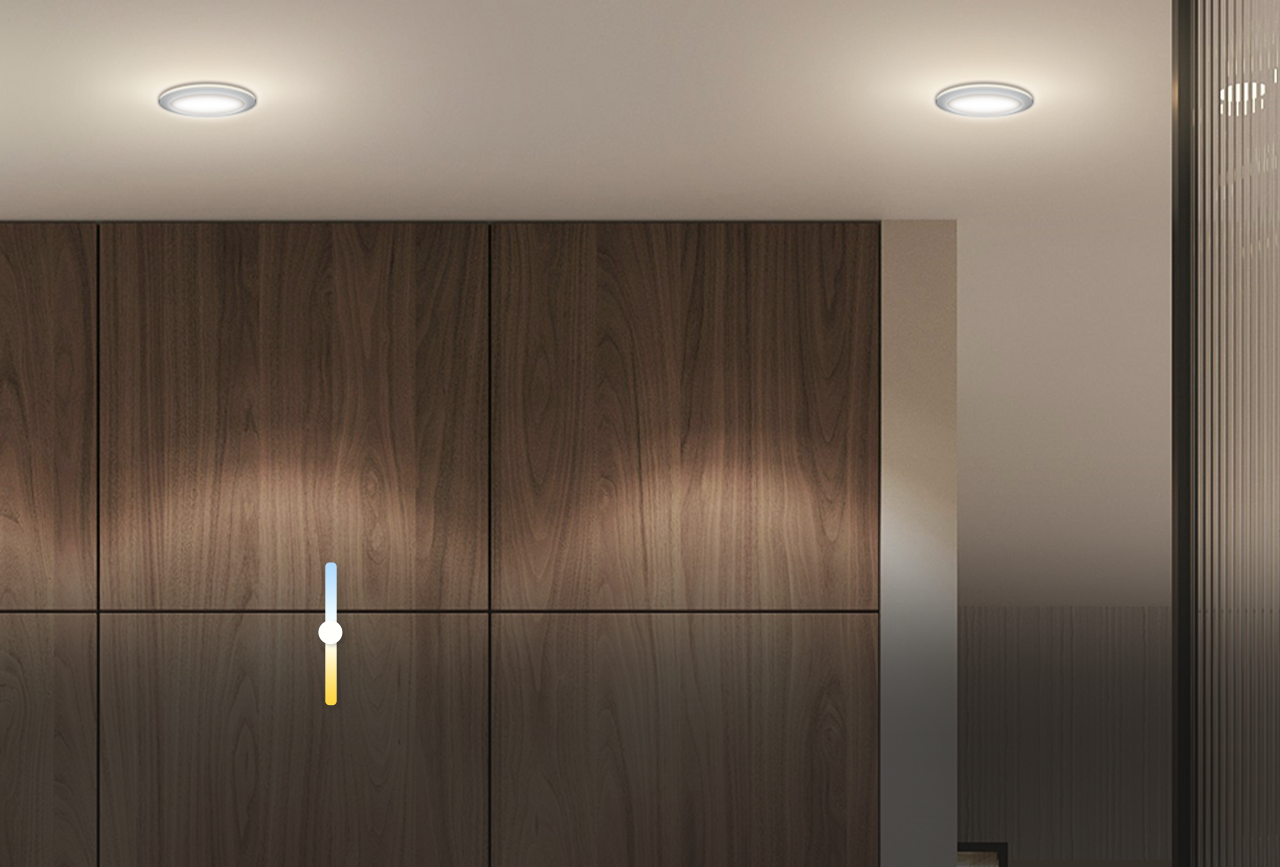
4000K
Natural White
Ideal for:
· Daytime
· Living Room
· Kitchen
· Living Room
· Kitchen
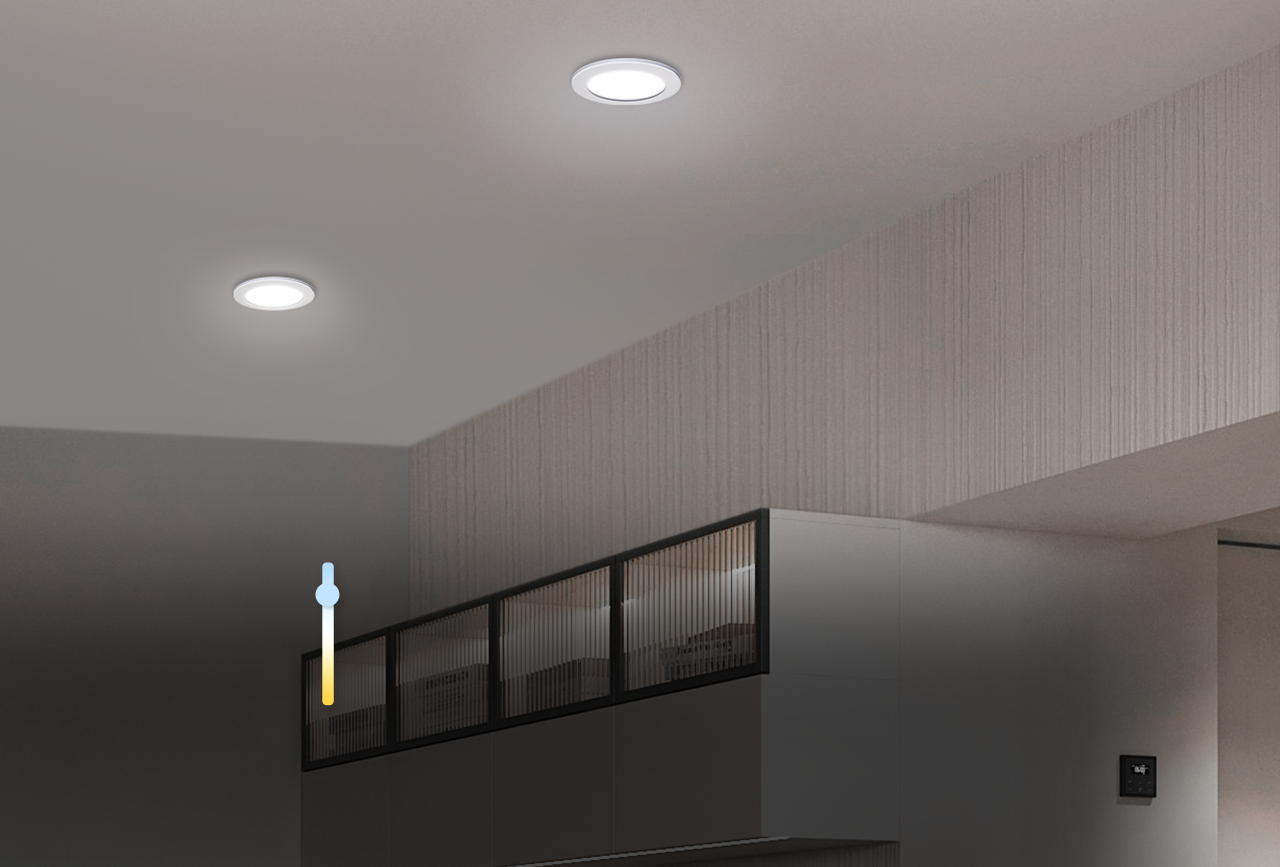
6500K
Cool White
Ideal for:
· Engaging Tasks
· Office
· Workspace
· Office
· Workspace

*Downlight/Ring light can be tuned simulta-
neously or individually.
neously or individually.
Multicolor
Dimmable
Tunable White


Create the Perfect Mood
Set the mood for vibrant parties, fun sports viewings,
cozy movie nights, and more with the ring light's 16
million colors.
cozy movie nights, and more with the ring light's 16
million colors.


1%-100% Dimmable
Enjoy lighting that adapts to your needs
with easily adjustable brightness using the
Tapo App.
with easily adjustable brightness using the
Tapo App.
*Downlight/Ring light can be dimmed simultaneously or individually.

2700K
Warm White
Ideal for:
· Evening
· Dinner Time
· Bedroom
· Dinner Time
· Bedroom
4000K
Natural White
Ideal for:
· Daytime
· Living Room
· Kitchen
· Living Room
· Kitchen
6500K
Cool White
Ideal for:
· Engaging Tasks
· Office
· Workspace
· Office
· Workspace
*Downlight/Ring light can be tuned simultaneously or individually.
Dual-Protocol Connectivity for Stable Operation
Combines Wi-Fi and Bluetooth Mesh 1.1 technology to ensure smart lights remain responsive and connected even in areas with weak or no Wi-Fi signal.

Dual-Protocol Connectivity for Stable Operation
Combines Wi-Fi and Bluetooth Mesh 1.1 technology to ensure smart lights remain responsive and connected even in areas with weak or no Wi-Fi signal.
Premium Quality: Revolutionized Upgrade
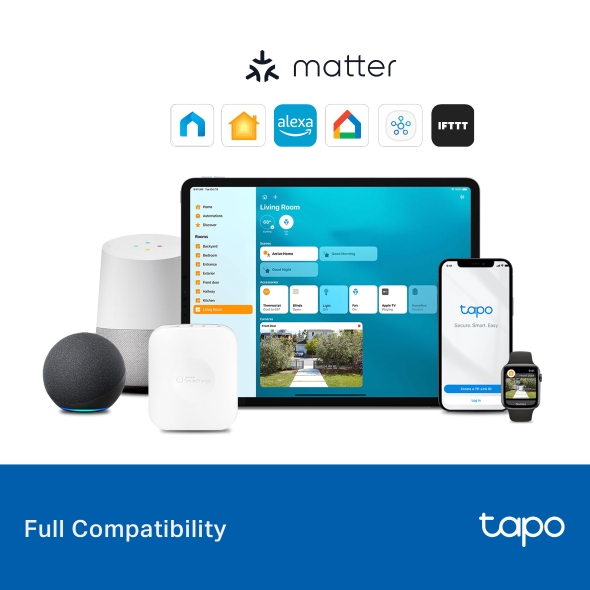
Full Compatibility
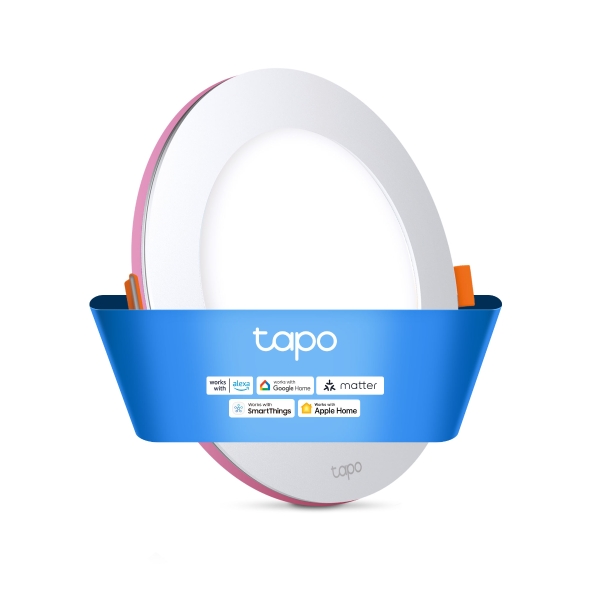
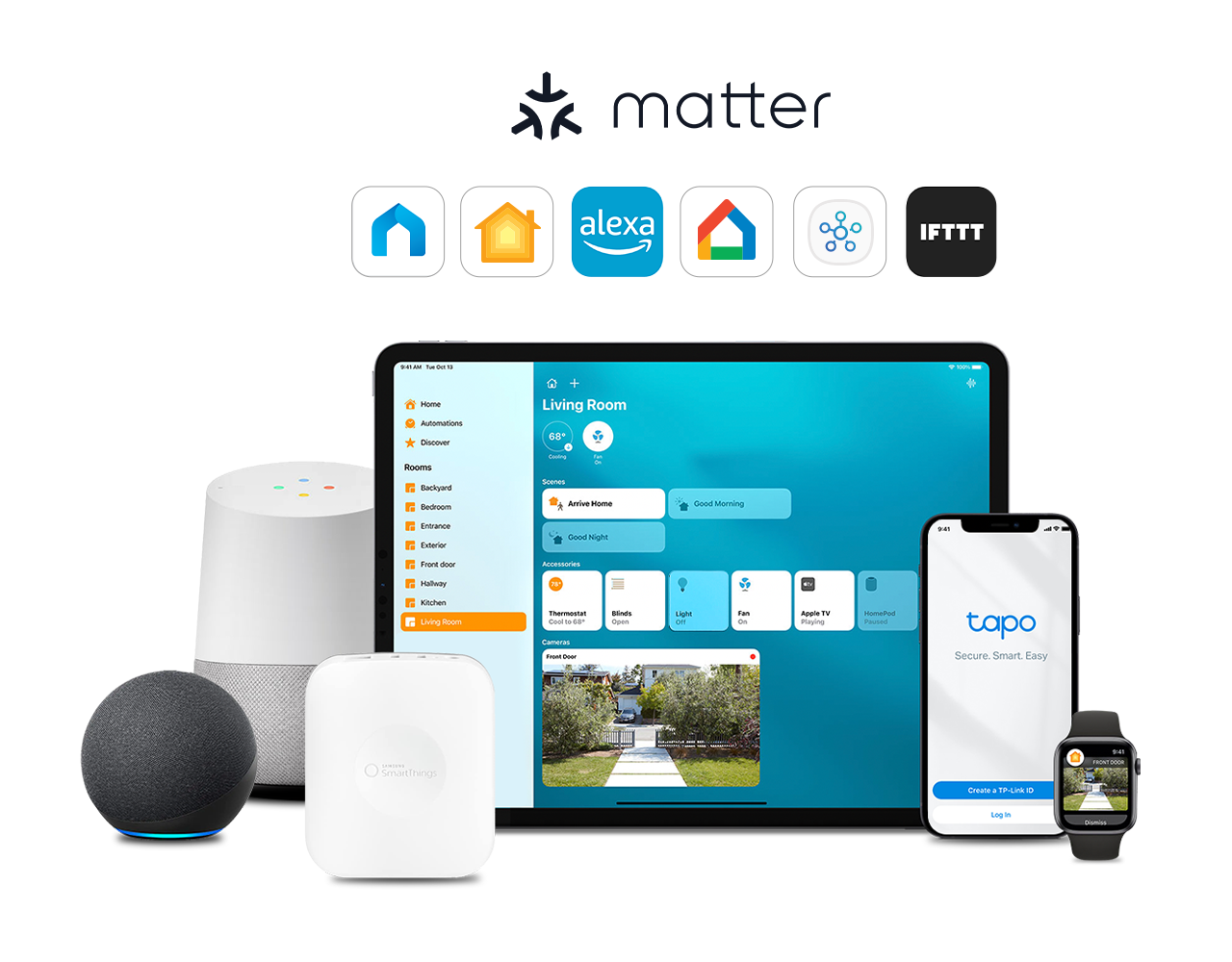
Tapo L730-6 supports Matter, a smart home standard that is compatible with Apple Home, Alexa, Google Home, Samsung SmartThings, and IFTTT. This means it can easily work with other smart devices, regardless of brand.
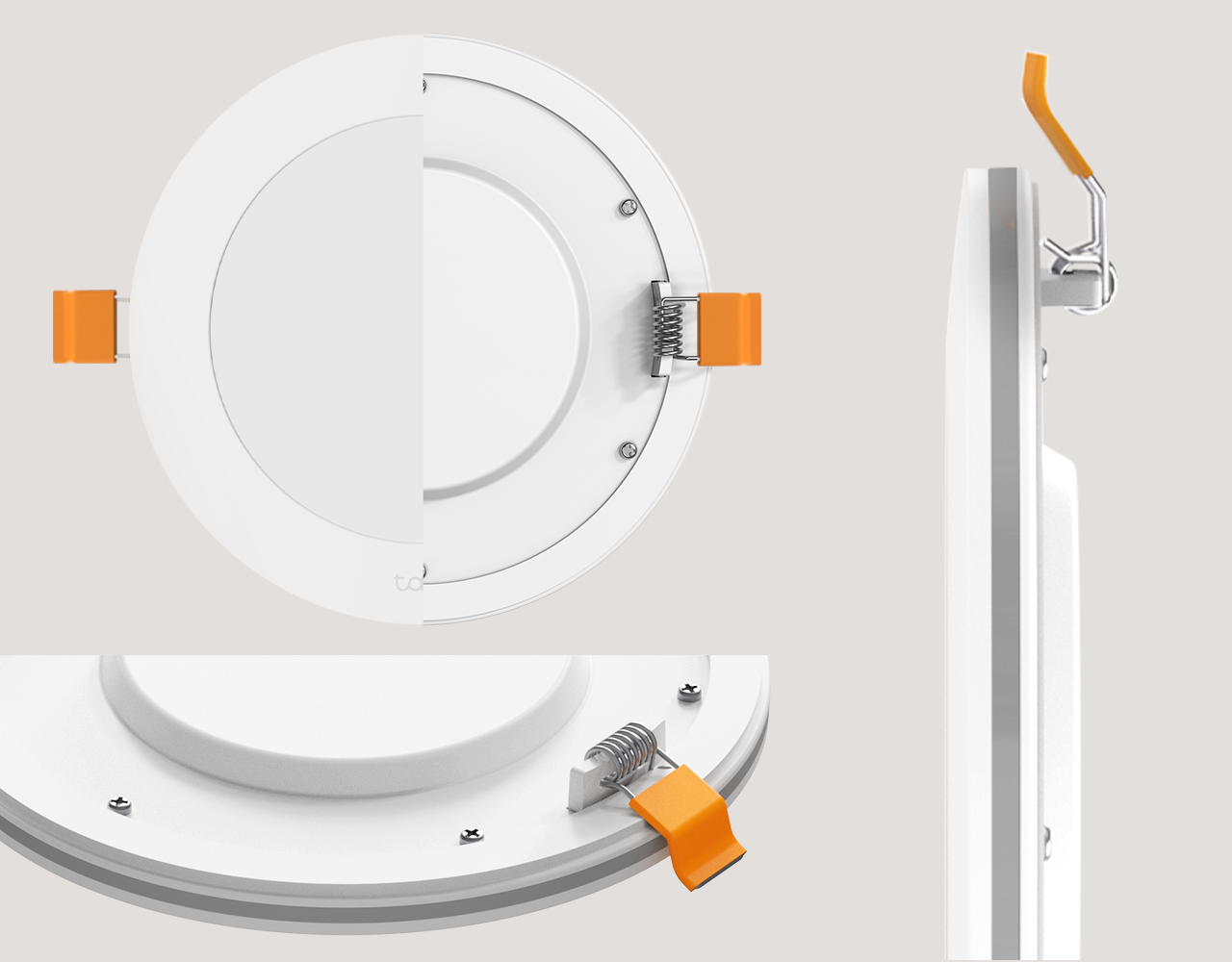
Upgraded Design
The downlights feature a sleek pure white finish with curved edges and a quality aluminum alloy backplate for optimal heat dissipation. Designed for ceiling mounting, they offer elegance, reliability, and a 50,000-hour lifespan.
50,000-Hour
Lifespan
Vivid and Precise Colors*
The smart recessed downlight has a CRl (Color Rendering Index) over 90, ensuring it produces lifelike, enjoyable colors.
*Photo enhanced to amplify feature.


Full Compatibility
Tapo L730-6 supports Matter, a smart home standard that is compatible with Apple Home, Alexa, Google Home, Samsung SmartThings, and IFTTT. This means it can easily work with other smart devices, regardless of brand.
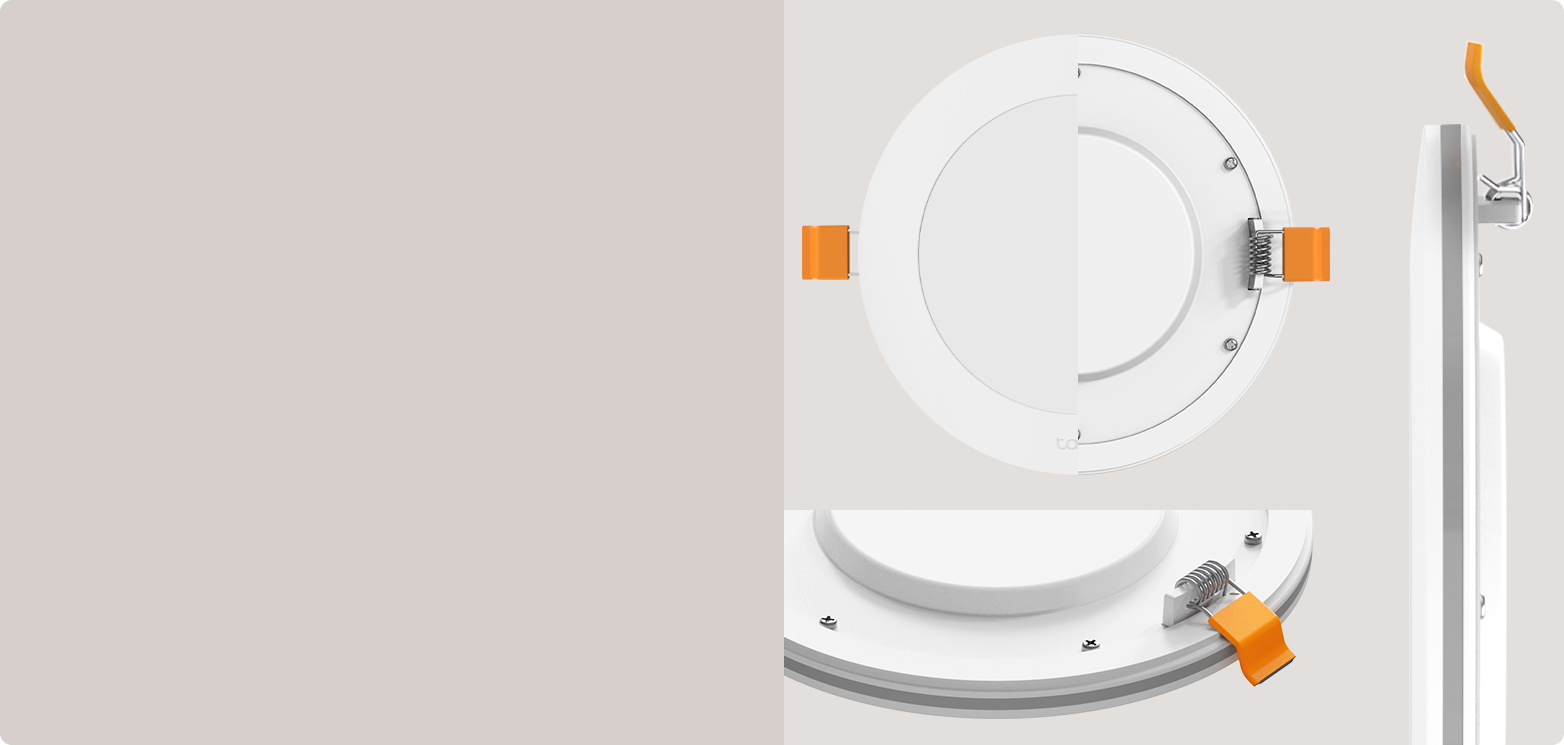
Upgraded Design
The downlights feature a sleek pure white finish with curved edges and a quality aluminum alloy backplate for optimal heat dissipation. Designed for ceiling mounting, they offer elegance, reliability, and a 50,000-hour lifespan.
50,000-Hour
Lifespan
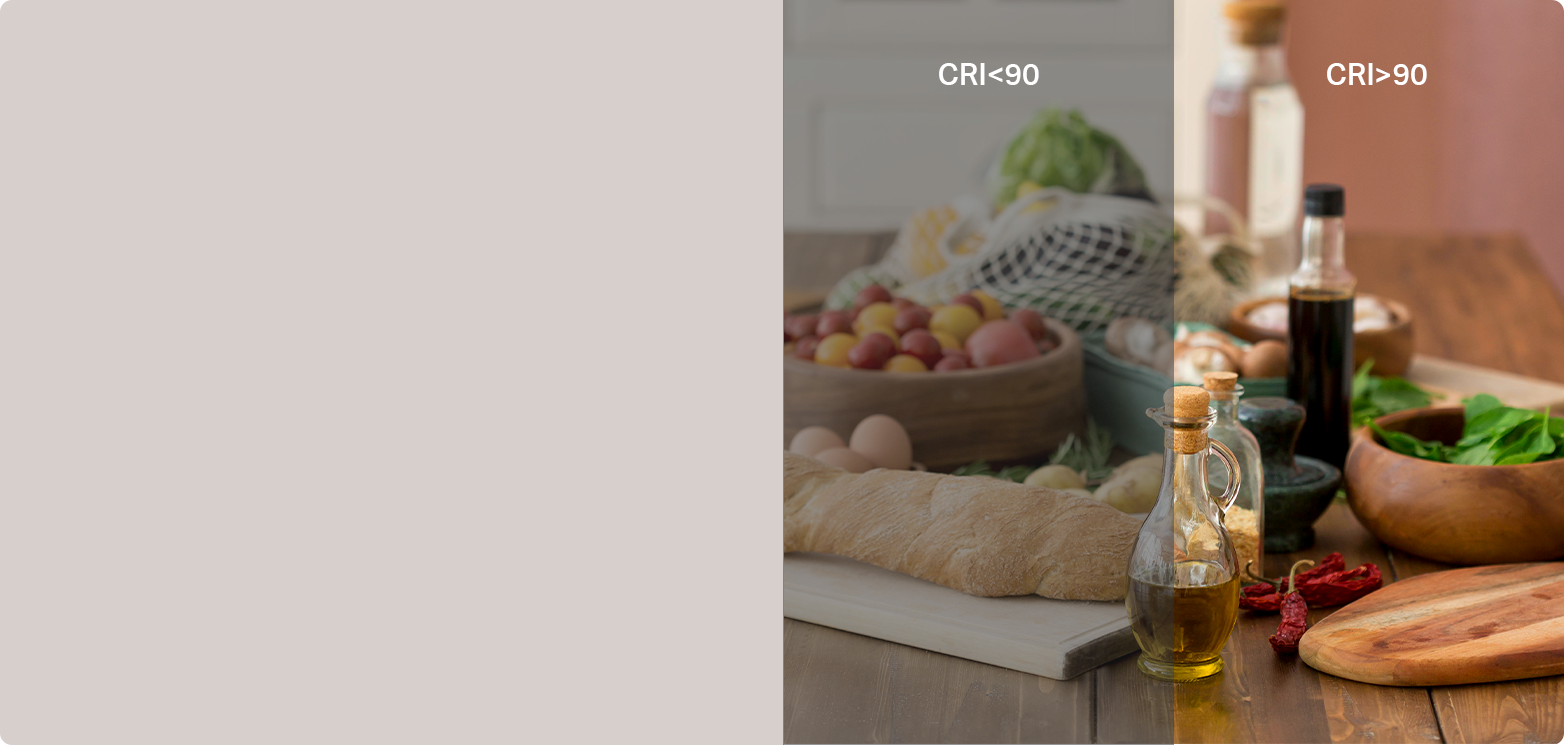
Vivid and Precise Colors*
The smart recessed downlight has a CRl (Color Rendering Index) over 90, ensuring it produces lifelike, enjoyable colors.
*Photo enhanced to amplify feature.
Own the Vibe
Ignite Your Senses with Music Sync
Activate Music Sync to sync the bulb to the frequency and the beat of the music playing.

Immersive Lighting Affects
Tapo L730-6 supports 70+ Lighting Effects. Unleash your creativity with enhanced customization and enjoy the convenience of pre-set scenes!
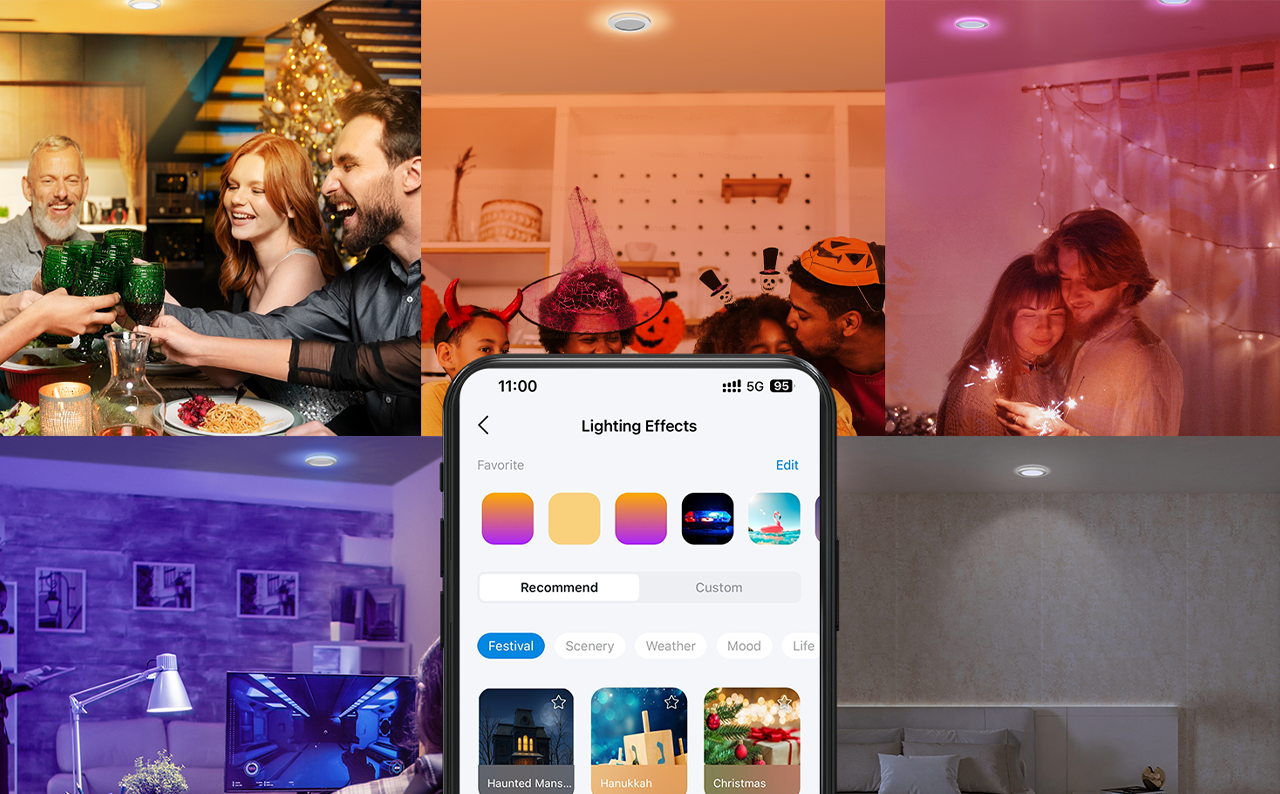

Own the Vibe
Activate Music Sync to sync the bulb to the frequency and the beat of the music playing.
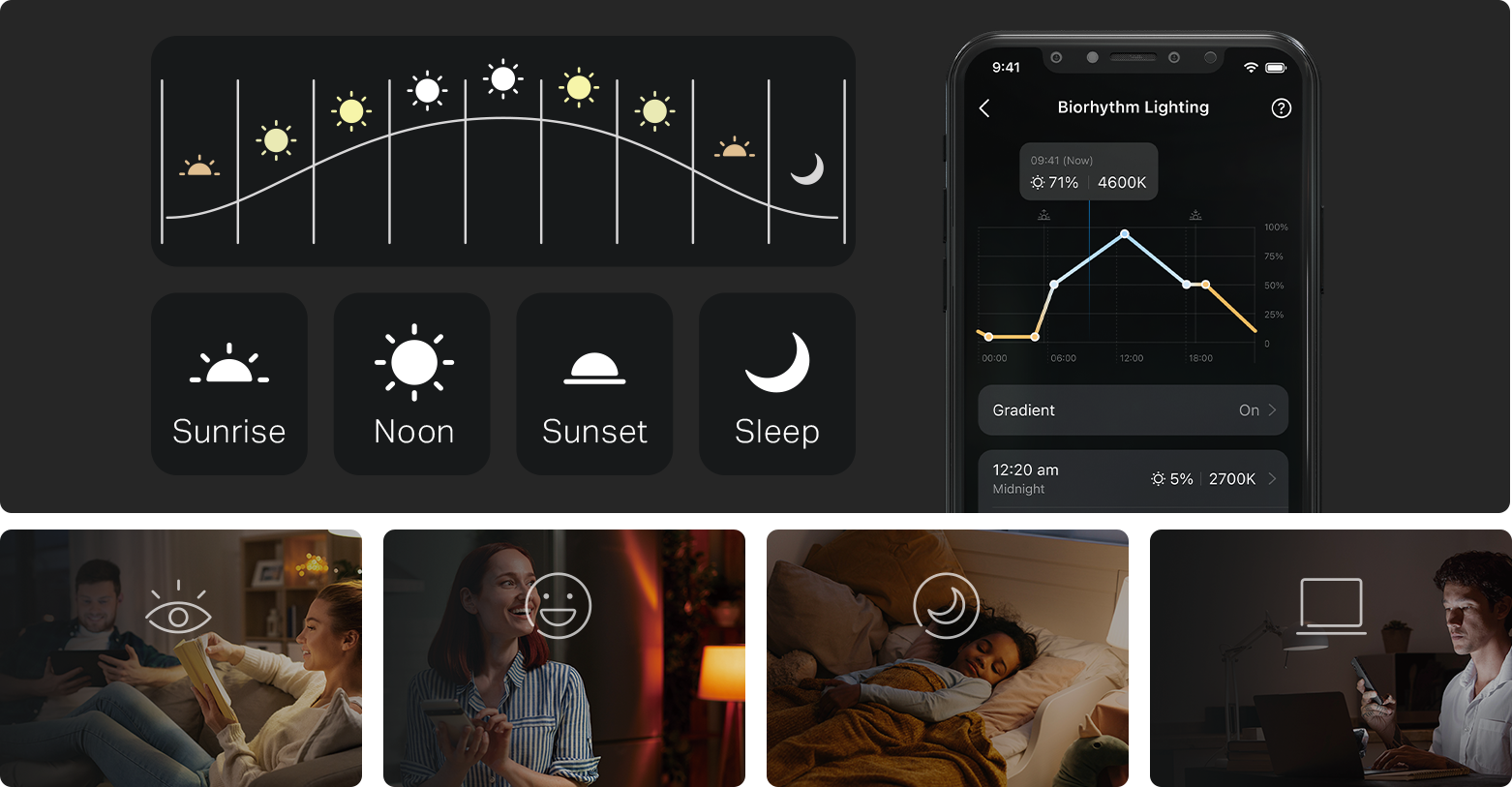
Tapo Auto Biorhythm Lighting +
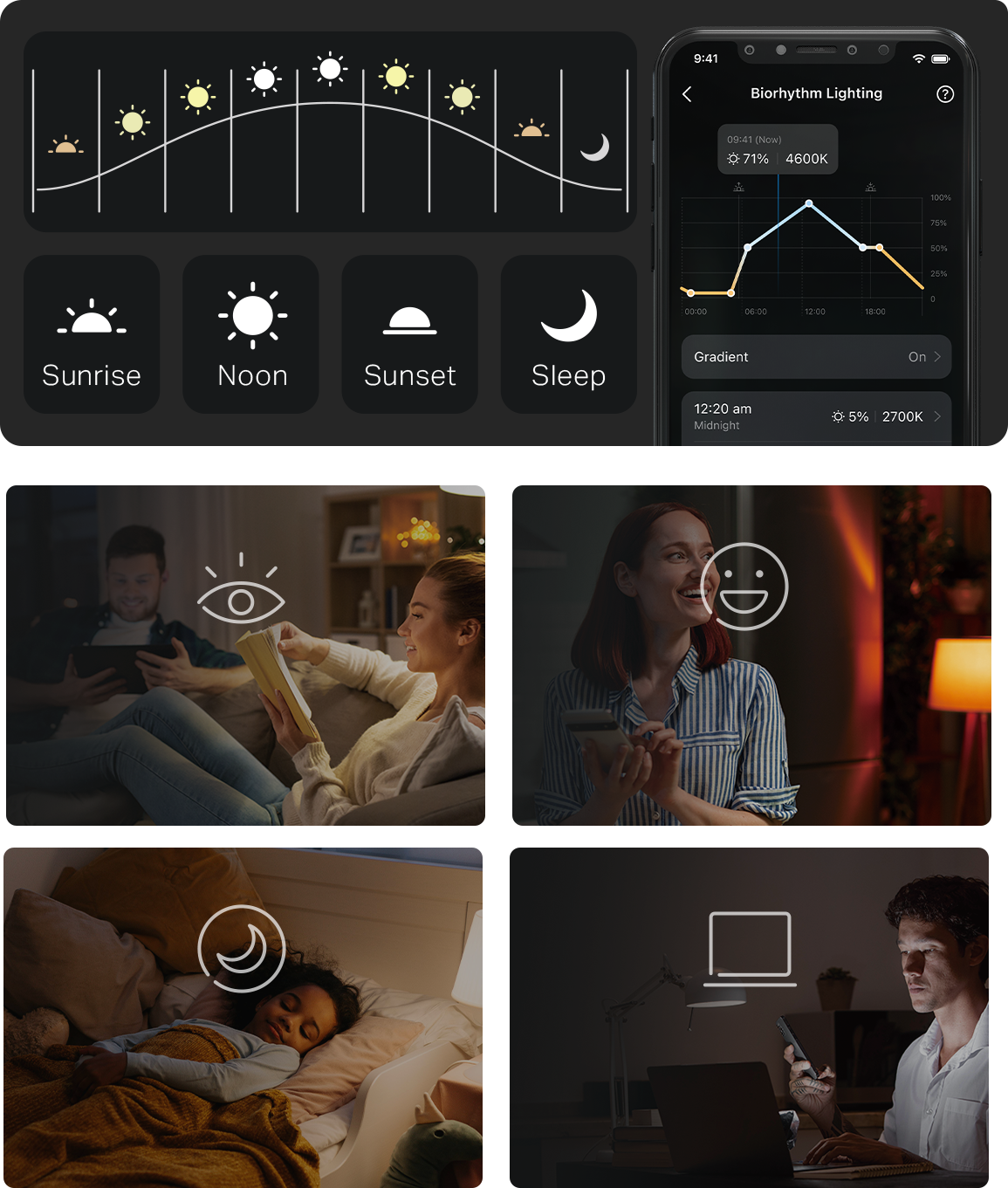
Automatically adjusts daily brightness and color temperature based on the natural sunlight pattern of your location,
ensuring the most suitable lighting for your body’s circadian rhythm every time it’s turned on. For example, it automatically presents a dim, mellow-toned light when turned on at midnight, thus avoiding eye irritation and sleep disruption.
Eyesight
Protecting
Protecting
Better
Moods
Moods
Restful
Sleep
Sleep
Higher Working
Efficiency
Efficiency
Eyesight
Protecting
Protecting
Better
Moods
Moods
Restful
Sleep
Sleep
Higher Working
Efficiency
Efficiency
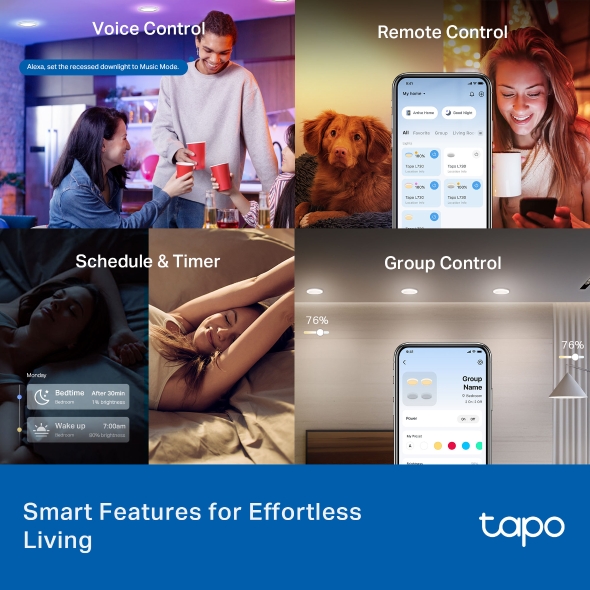
Smart Control for Everyday Efficiency
Voice Control
Free up your hands by using simple voice commands with Siri, Alexa, Google Assistant, or Samsung SmartThings.

Alexa, set the recessed downlight to Music Mode.
Remote Control
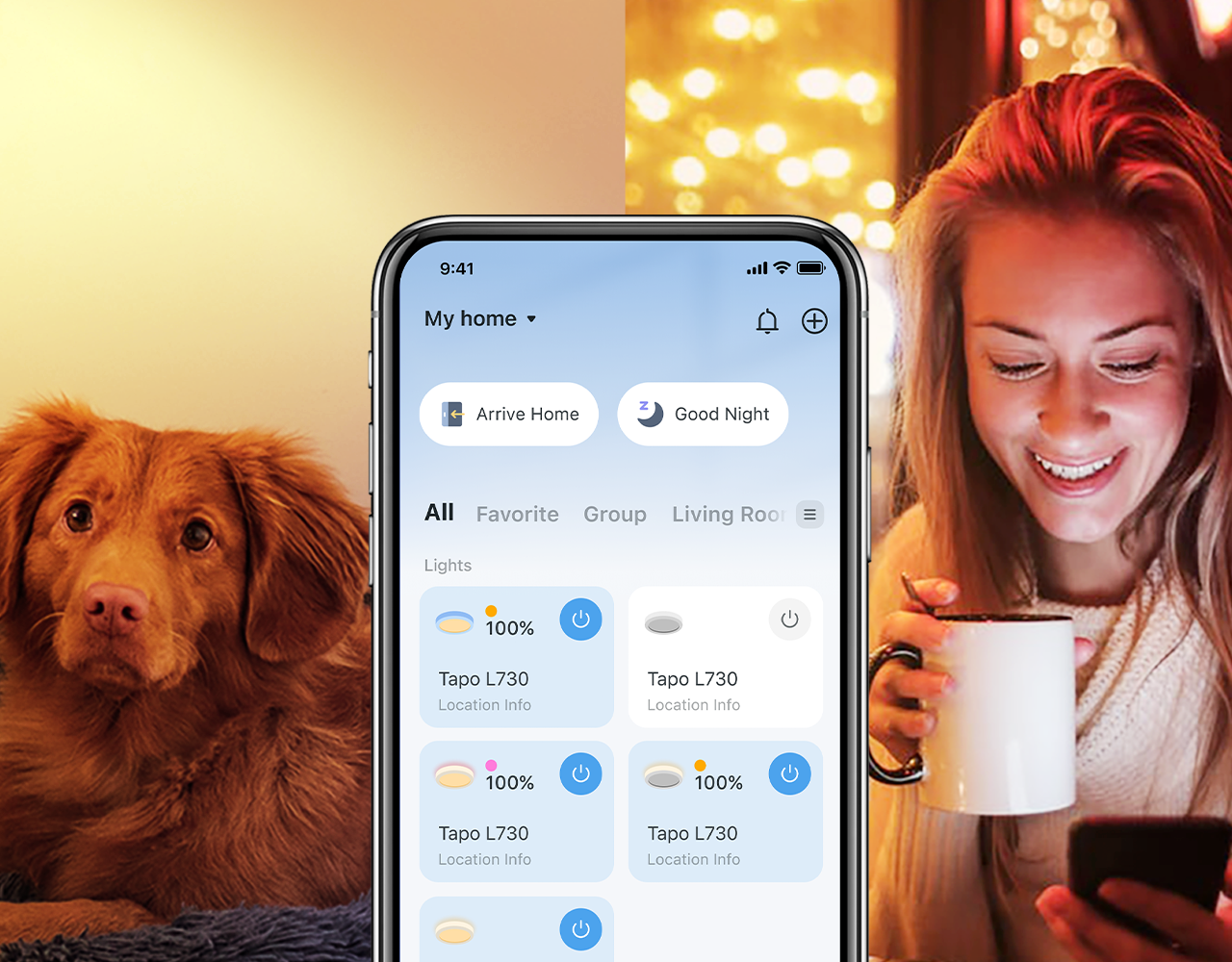
Control your smart recessed downlight from anywhere with the Tapo app. Dim, turn on or off, or change the colors of your light remotely at your fingertips.
Schedule & Timer
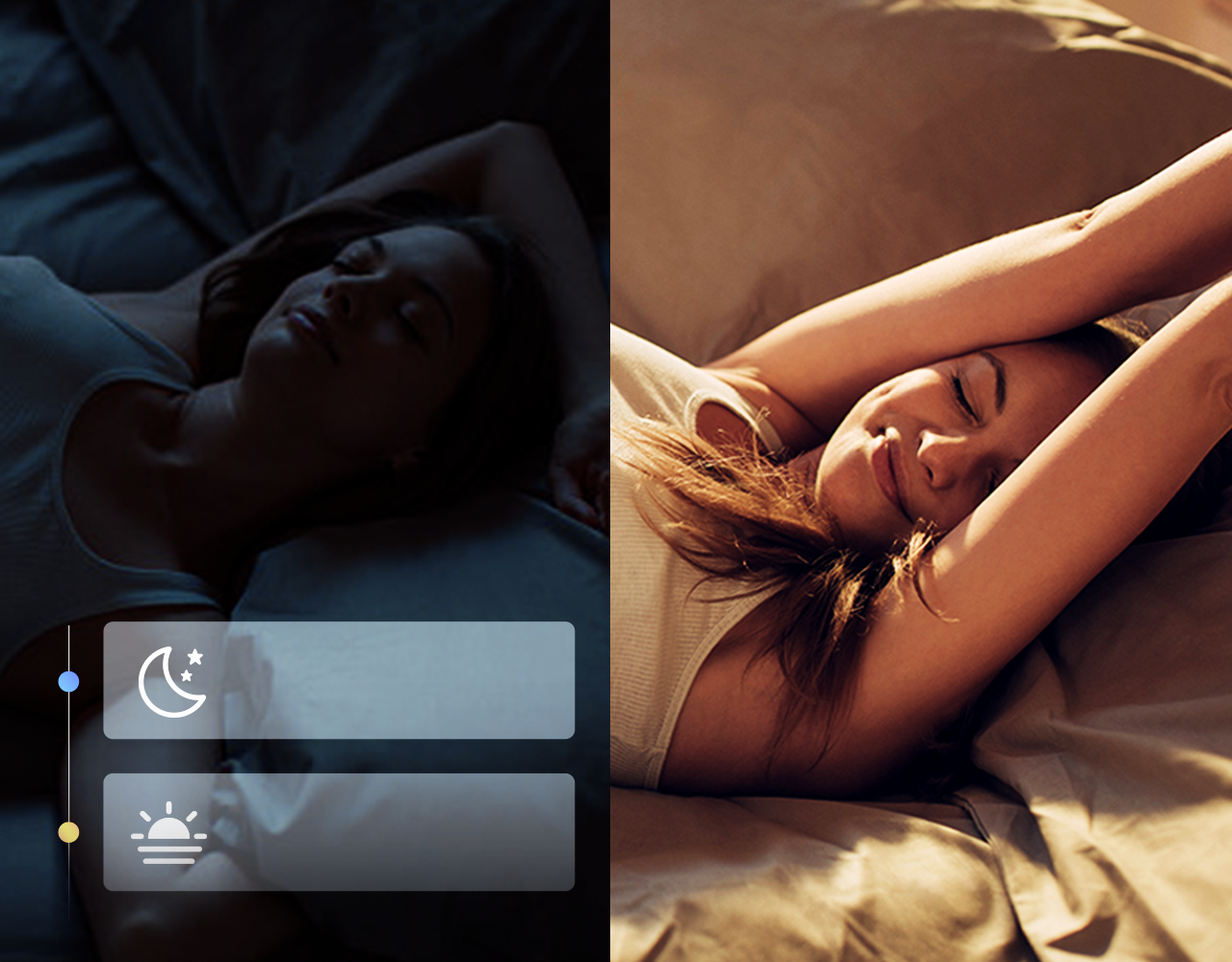
Create regular schedules and countdown timers to turn on/off with the brightness you set. Sunrise and sunset modes allow the lights to activate automatically according to your time zone.
Monday
Bedtime
Bedroom
After 30min
1% brightness
Wake up
Bedroom
7:00am
80% brightness
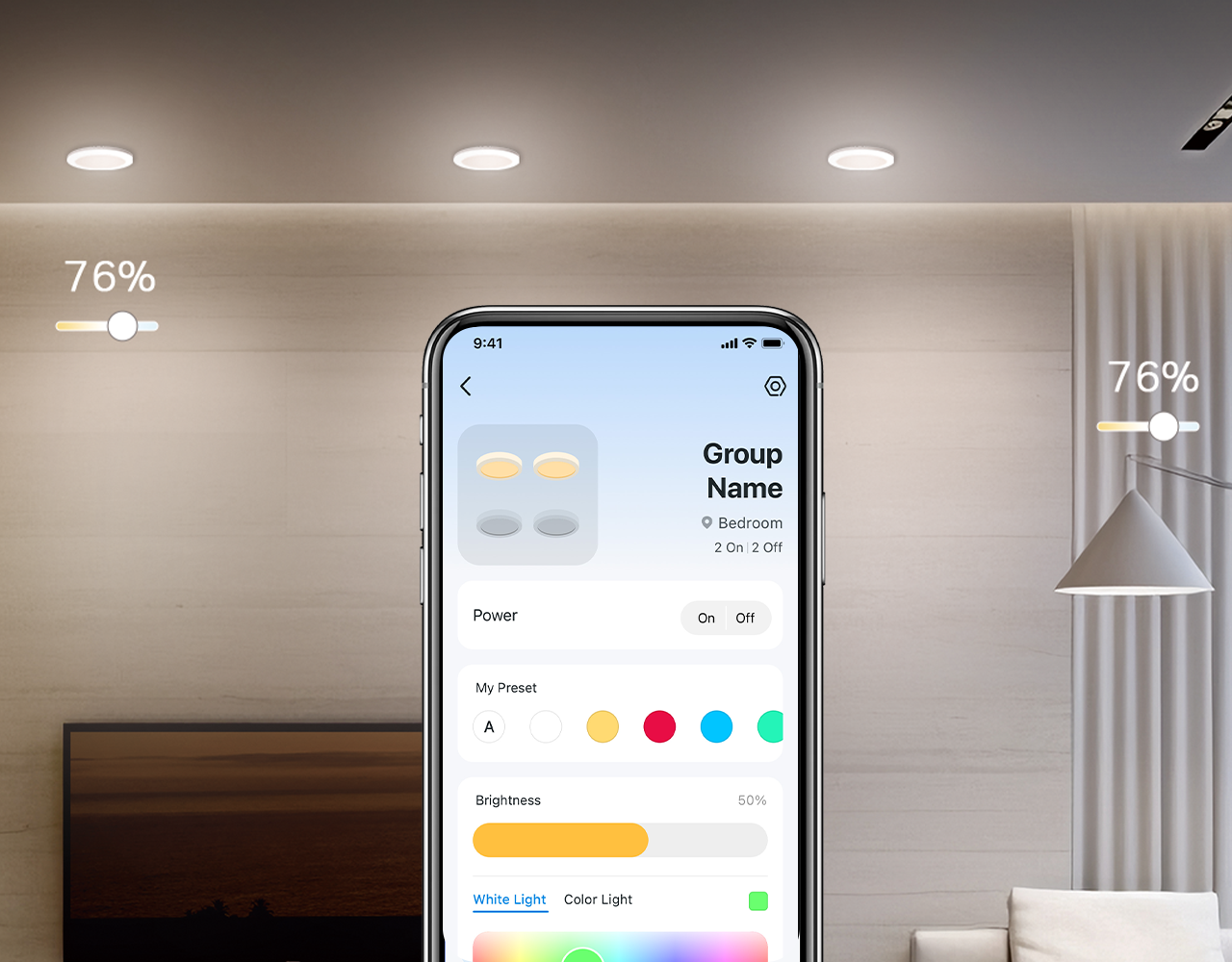
Group Control
Group your individual smart lights to adjust brightness, color, and more – all at once. You can also turn connected devices within each group on or off simultaneously.
Voice Control
Remote Control
Schedule & Timer
Group Control

Alexa, set the recessed downlight to Music Mode.
Free up your hands by using simple voice commands with Siri, Alexa, Google Assistant, or Samsung SmartThings.
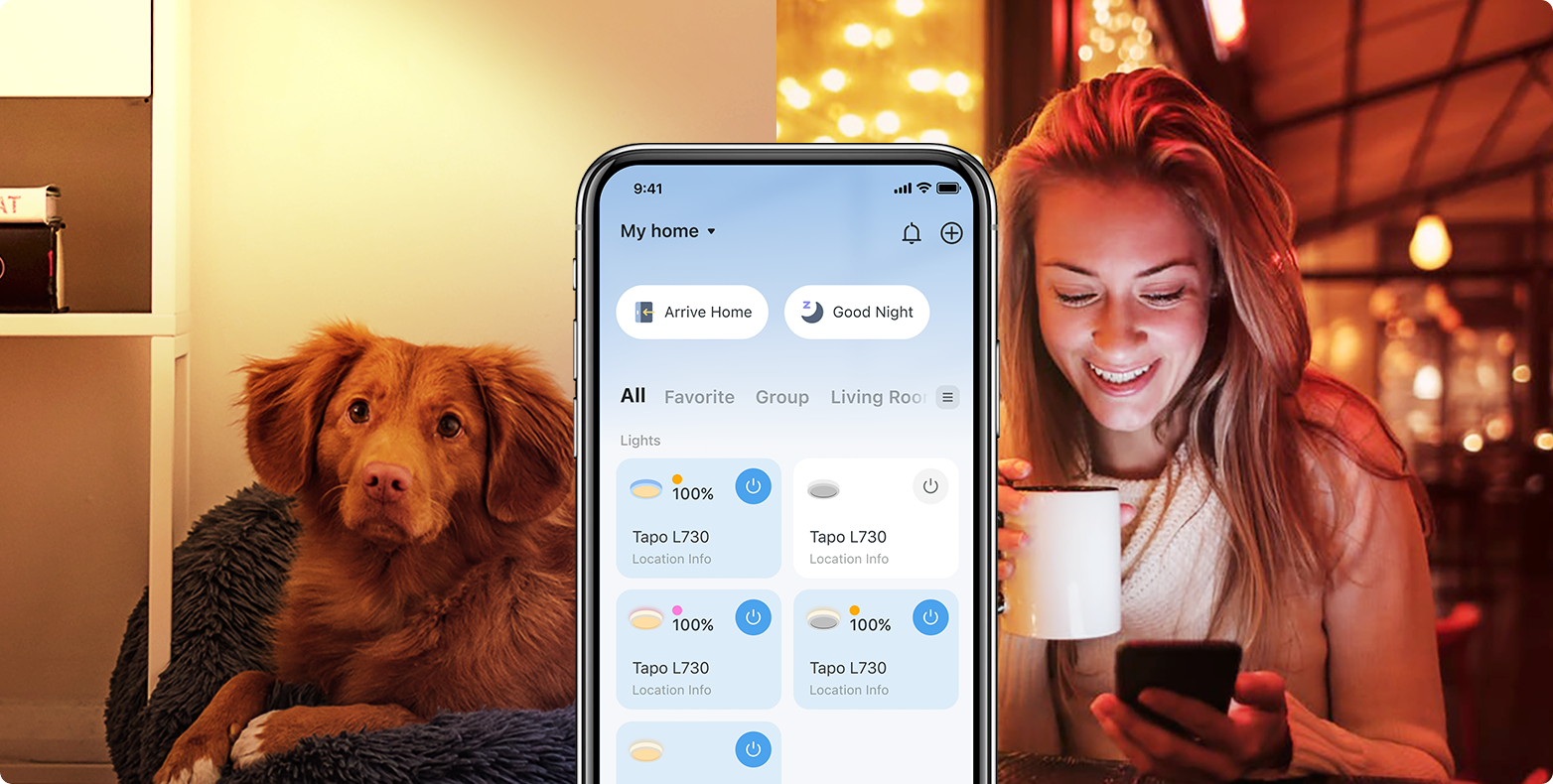
Control your smart recessed downlight from anywhere with the Tapo app. Dim, turn on or off, or change the colors of your light remotely at your fingertips.
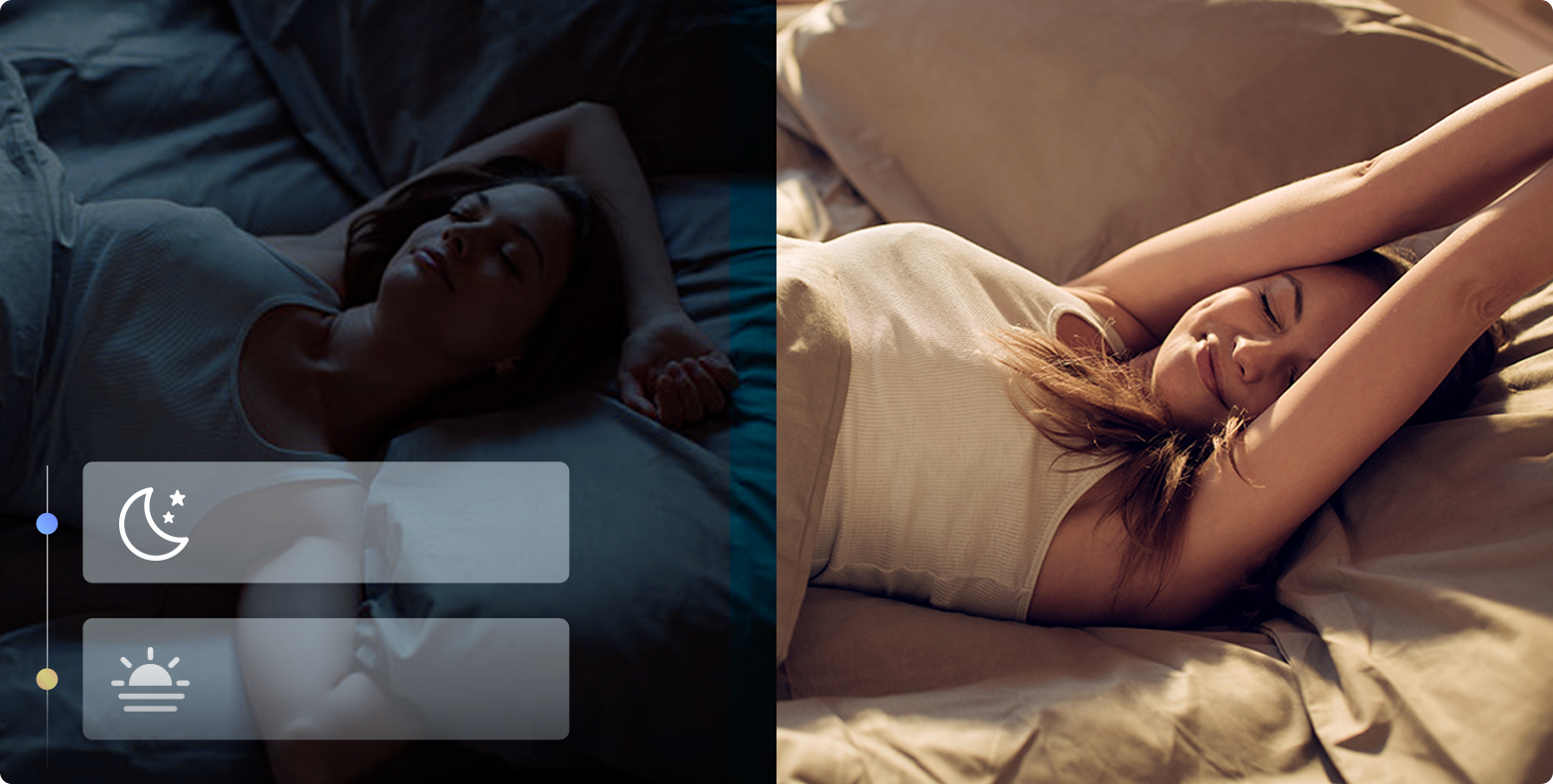
Monday
Bedtime
Bedroom
After 30min
1% brightness
Wake up
Bedroom
7:00am
80% brightness
Create regular schedules and countdown timers to turn on/off with the brightness you set. Sunrise and sunset modes allow the lights to activate automatically according to your time zone.
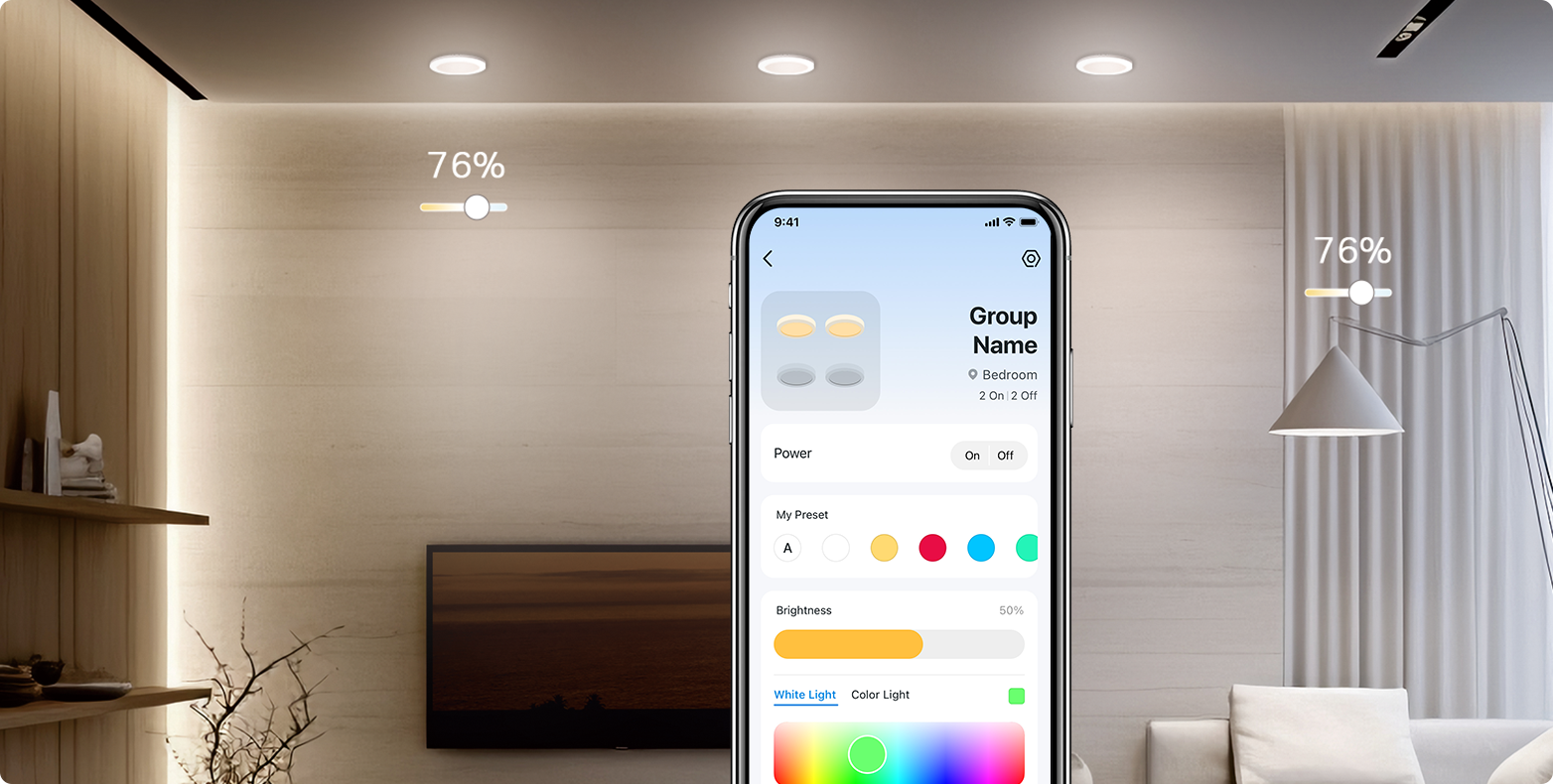
Group your individual smart lights to adjust brightness, color, and more – all at once. You can also turn connected devices within each group on or off simultaneously.
Convenient Control via the Wall Smart Light
Controller—Tapo Mate Switch*
Controller—Tapo Mate Switch*
Smart, Always Online
Replace your traditional wall switch with the Tapo Mate Switch for manual control without the risk of lights going offline when turned off, while still allowing smart control via voice or apps.
*The Mate Switch is not included with this product and requires separate purchase.
Tapo L730
Smart Recessed
Downlight
Downlight
Tapo S310D
Smart Scene Dimmer
Mate Switch
Mate Switch
*The Mate Switch is not included with this product and requires separate purchase.
Tapo L730
Smart Recessed
Downlight
Downlight
Tapo S310D
Smart Scene Dimmer
Mate Switch
Mate Switch
No Hub Required
Just connect Tapo L730-6 to your home Wi-Fi network.
No Hub Required
Just connect Tapo L730-6 to your home
Wi-Fi network.
Wi-Fi network.
Preset for Convenience
Found the perfect mood lighting? Save it as a setting.

Preset for Convenience
Found the perfect mood lighting? Save it
as a setting.
as a setting.
Away Mode
Set your smart light to switch on/off randomly, giving the impression you’re home even when away.

Away Mode
Set your smart light to switch on/off
randomly, giving the impression you’re
home even when away.
randomly, giving the impression you’re
home even when away.
Installation in 5 Steps*
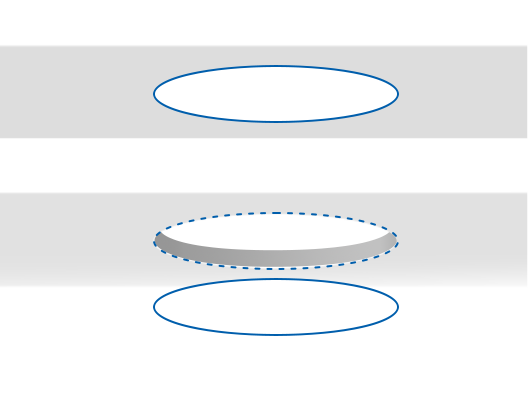
Trace the mounting template on the ceiling and cut along the outline to create an opening for the light.
Step 1
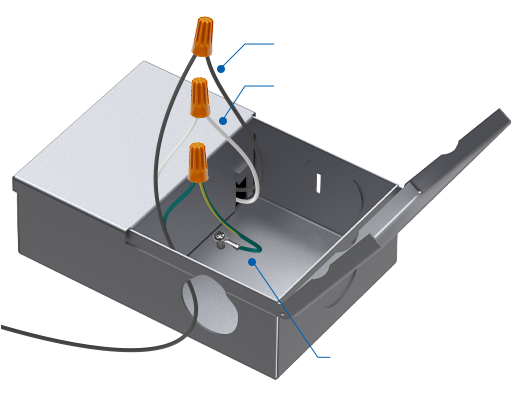
Line wire (Black)
Neutral wire
(White)
(White)
Ground wire
(Green-Yellow)
(Green-Yellow)
Using wire nuts, connect wires with the same color on the box.
Step 2
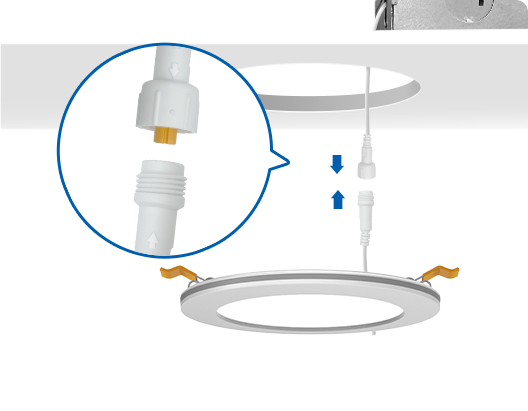
Align the arrow symbols on the hardwire box connector and the downlight connector to connect them, then screw the nut to tighten.
Step 3
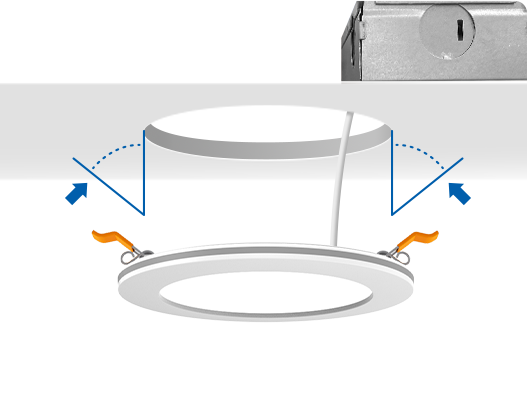
Push spring-loaded clips on the light upwards and insert the fixture base into the mounting hole.
Step 4
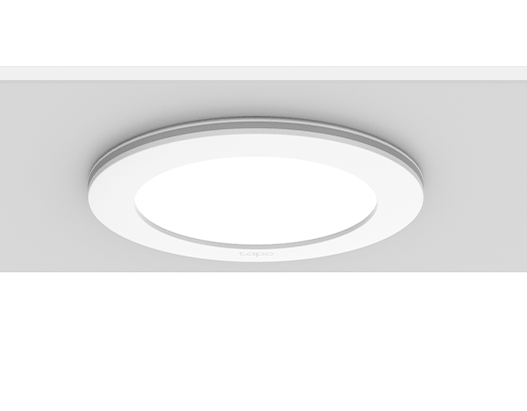
After completing the above steps, turn on the circuit breaker and enjoy the light.
Step 5
We recommend consulting an electrician for
installation.
installation.
Trace the mounting template on the ceiling
and cut along the outline to create an
opening for the light.
and cut along the outline to create an
opening for the light.
Step 1
Line wire (Black)
Neutral wire (White)
Ground wire
(Green-Yellow)
(Green-Yellow)
Using wire nuts, connect wires with
the same color on the box.
the same color on the box.
Step 2
Align the arrow symbols on the hardwire box connector and the downlight connector to
connect them, then screw the nut to tighten.
connect them, then screw the nut to tighten.
Step 3
Push spring-loaded clips on the light upwards
and insert the fixture base into the mounting
hole.
and insert the fixture base into the mounting
hole.
Step 4
After completing the above steps, turn on the
circuit breaker and enjoy the light.
circuit breaker and enjoy the light.
Step 5
We recommend consulting an electrician for installation.
Product Dimensions
D6.89 × 0.83 in (D175 × 21 mm)
0.83 in
6.89 in
6 in
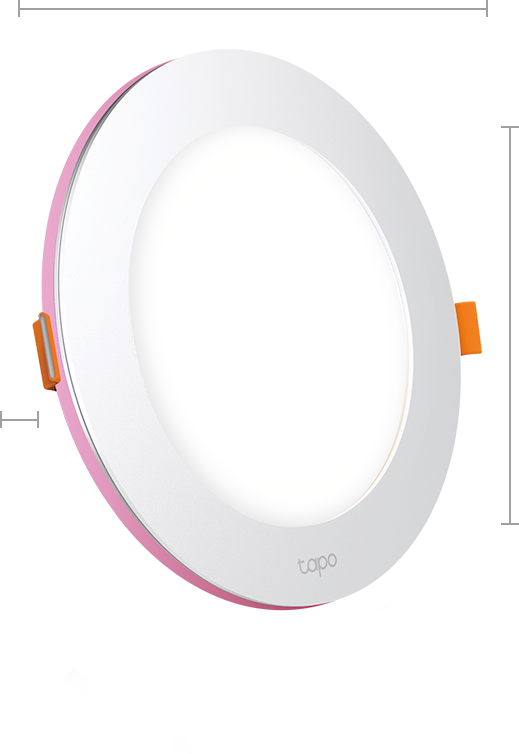
0.83 in
6.89 in
6 in
Tapo App Support
Easy Setup at Your Fingers
- 1 Download the free app
- 2 Plug in and connect
- 3 Control from anywhere




* Compatible with iOS 9.0 or higher and Android 4.3 or higher
Walk You Through Setup Step by Step
-
1
 Download and open Tapo App
 -
2
 Tap Plus (+) to add your smart device
 -
3
 Look for your device and connect
 -
4
 Name the device and choose the room it’s in
 -
5
 Congratulations! You’ve now completed the configuration
Downloads
App
Tapo App
* Compatible with iOS 9.0 or higher and Android 4.3 or higher