SSS
How to remove existing wireless network profile on Mac
12-07-2010
470,880
Step 1
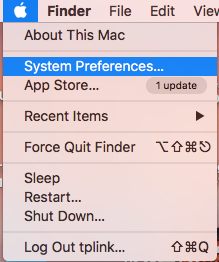
Click the Apple icon, from the Apple drop-down list, select System Preferences.
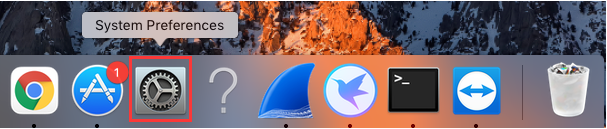
Or Click the System Preferences button on the bottom.
Step 2
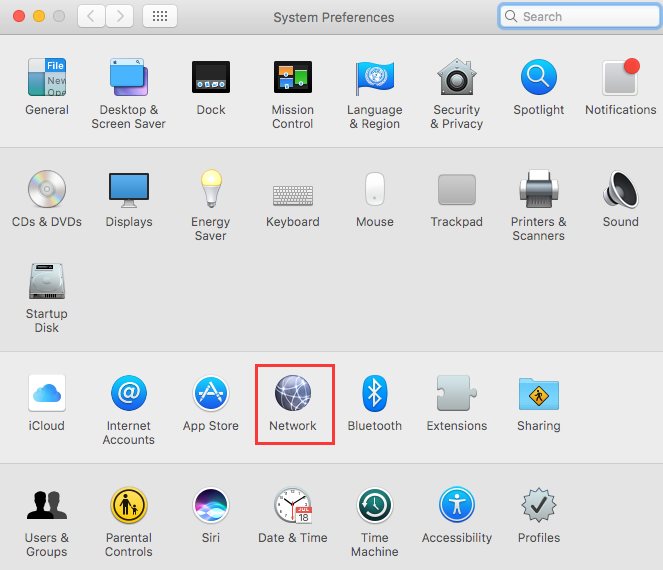
Click the Network icon.
Step 3
In the left column, select Wi-Fi, then click on “Advanced”.
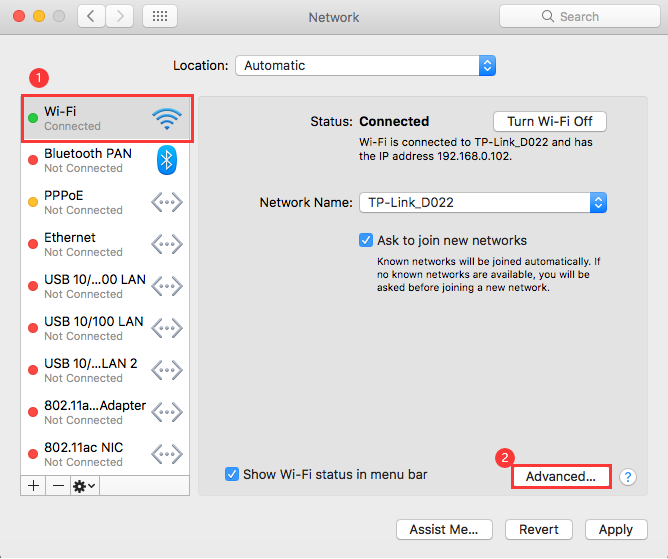
Step 4
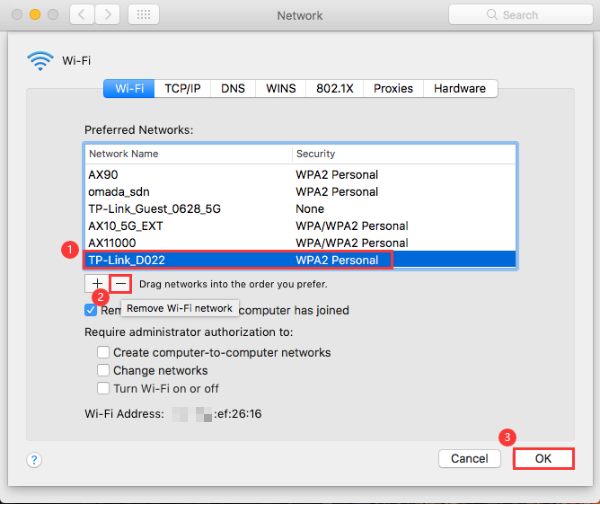
Under the Wi-Fi tab, select the network which you want to remove and click on button “-”. Then click OK.