Mini Smart Wi-Fi Plug, Energy Monitoring
| Tapo P116M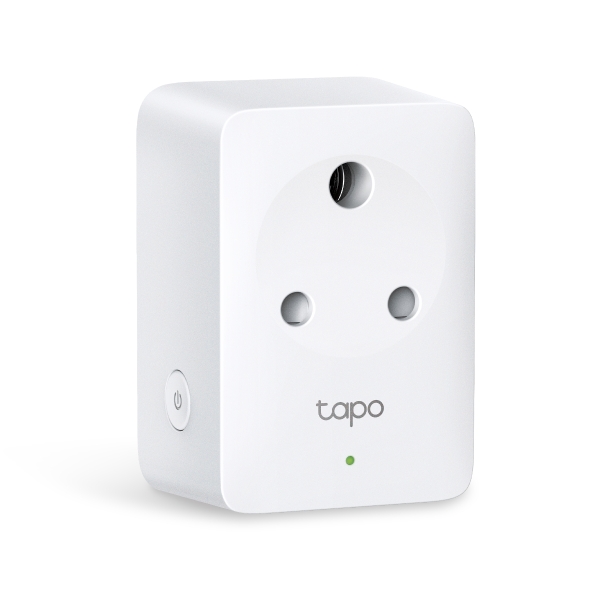
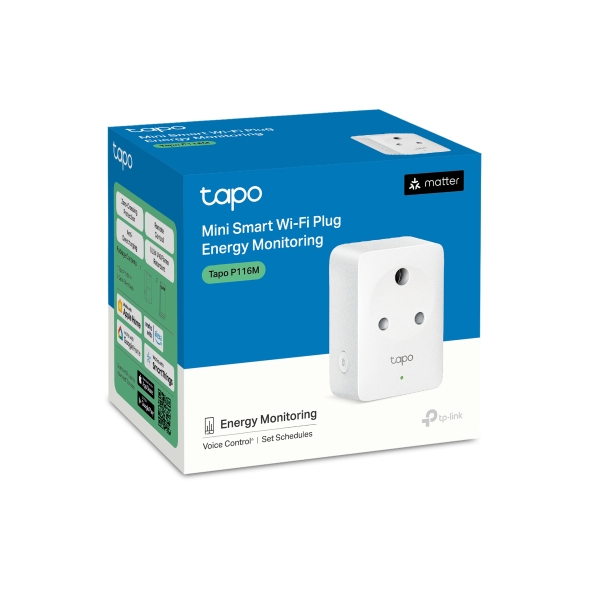
Mini Smart Wi-Fi Plug, Energy Monitoring
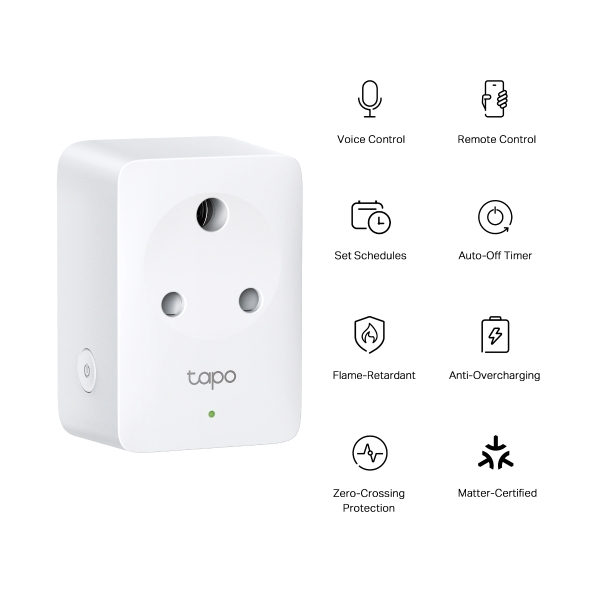
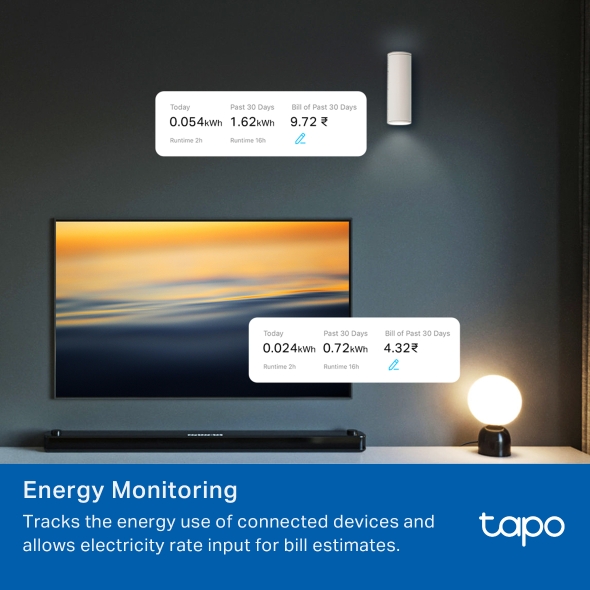
Tapo P116M- Energy Monitoring - Tracks the energy use of connected devices and allows electricity rate input for bill estimates.
- Compact Design - Mini-sized to avoid blocking adjacent outlets.
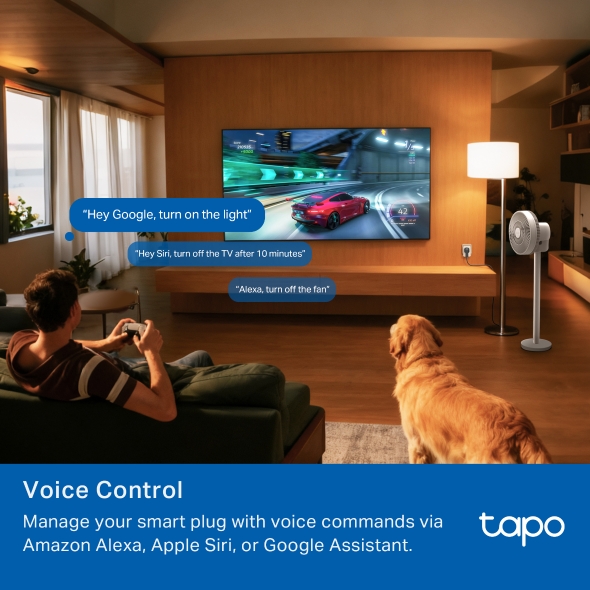
- Voice Control – Manage your smart plug with voice commands via Amazon Alexa or Google Assistant.
- Remote Control: Manage your connected devices from anywhere with the Tapo app. It's designed to support your lifestyle and keep your family safe.
- Schedule: Preset a schedule to automatically manage devices.
- Timer: Create a countdown timer for connected appliances.
- Away Mode: Automatically turns devices on and off at different times to give the appearance that someone is home.
- Auto-Off: Automatically turns off a connected device after the device is left on for a set time.
- Device Sharing: Easily share management permissions with each member of your family.
Keep Track of Your
Energy Use
Mini Smart Wi-Fi Plug, Energy Monitoring



Consumption Energy Bills
Estimation
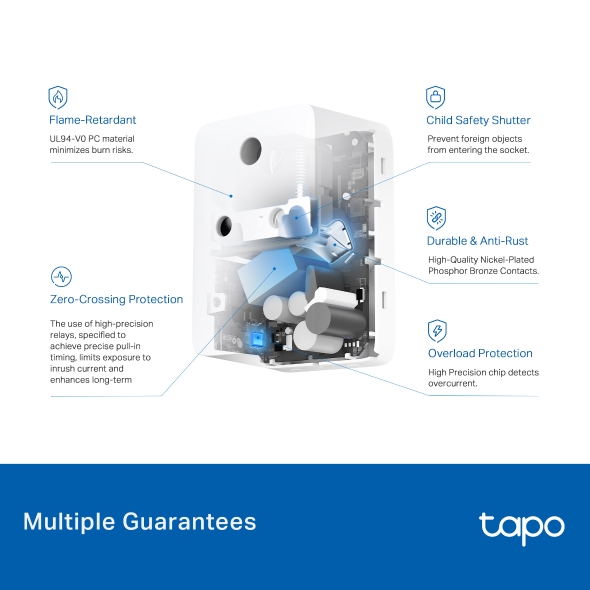
Protection Zero-Crossing Protection Flame-Retardant Child Safety Shutter Durable
& Anti-Rust Power Protection
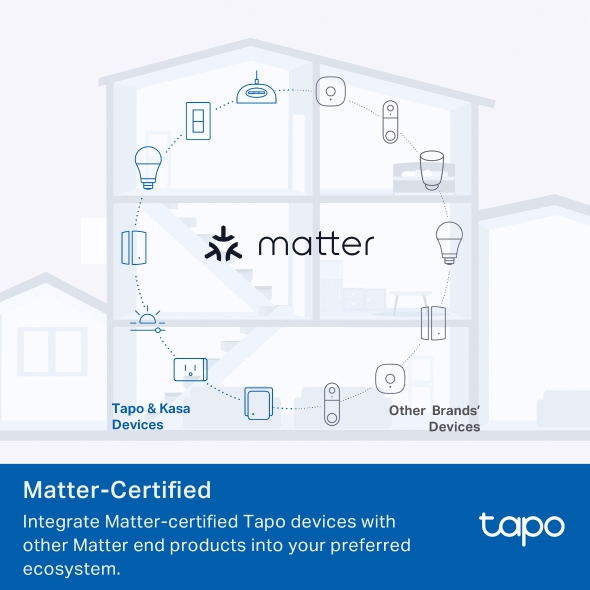
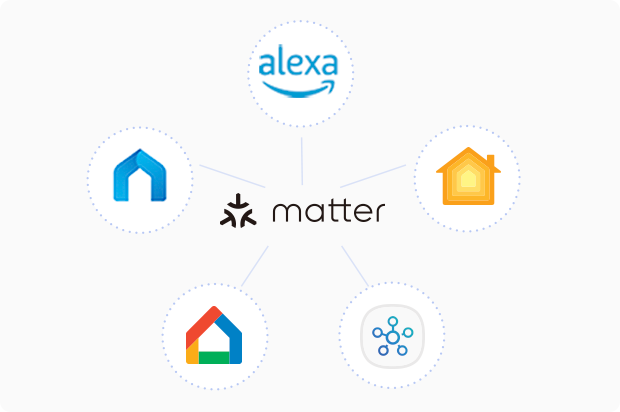
Meet Matter
Matter is an industry-unifying connectivity standard that promises seamless communication among IoT devices
across smart home platforms. Unleash the full potential of your smart home with Tapo Matter products.
*Requires a hub of your chosen third-party platform.
More Insightful Energy Tracking
Offers more comprehensive insights into home appliances' power consumption with more intuitive and straightforward data visualisations.


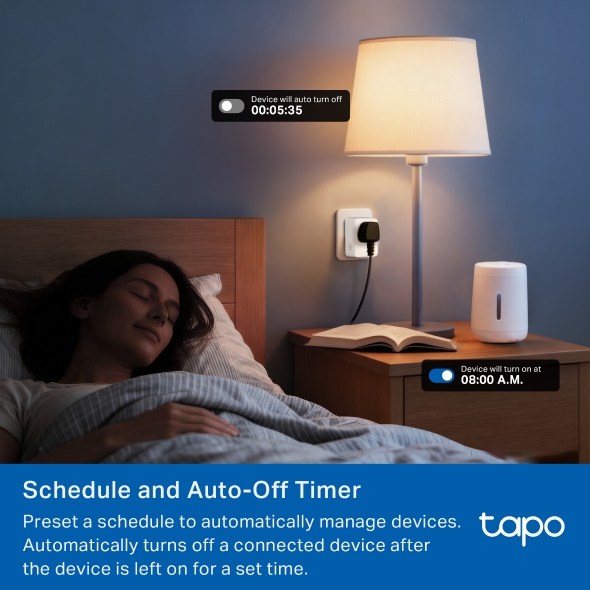
Schedule and Auto-Off Timer
Let your smart plugs handle the timing. Schedule on/off times to save energy and keep your day running smoothly.

00:05:35
08:00 A.M.
Safety First
Has undergone rigorous quality inspections to receive CE certification. It uses premium UL94-V0 flame-retardant materials to minimize burn risks.

high-precision relays, specified to achieve precise pull-in timing, limits exposure to inrush current and enhances long-term durability. Durable & Anti-Rust High-Quality Nickel-Plated Phosphor Bronze Contacts. Overload Protection High Precision chip detects overcurrent.

Away Mode
Intelligently simulates someone being home by turning the plugged-in device (like a lamp) on and off, making it appear like someone’s home.
Even Smarter with Tapo Smart Actions
Maximize your smart home experience with Tapo Smart Actions. Set your outlet to automatically turn on or off based on custom triggers, allowing your devices to seamlessly adapt to your lifestyle—all through the Tapo App.

When
Humidity is below 30%
If
Window is closed
Then
Turn on the humidifier plug

Compact Size
Tapo P116M is built smaller to avoid
blocking adjacent sockets, making it convenient for daily use.

Instant Control via Bluetooth
Bluetooth enables instant setup and secure control via the Tapo app, even when Tapo P116M isn’t connected to Wi-Fi.

Share to Family
Easily share device management permissions with your family member, allowing everyone to access and control your smart home.
Enjoy Easy, Friendly Setup
Tapo offers users multiple options to simplify configuration experiences.
Tapo app: Bluetooth Onboarding
Use Bluetooth to easily onboard the smart plug with the Tapo app.
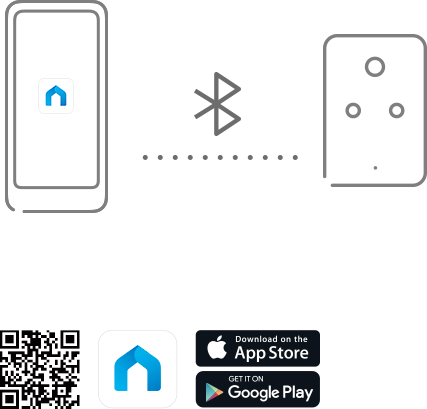
Scan the QR code to
download Tapo app:
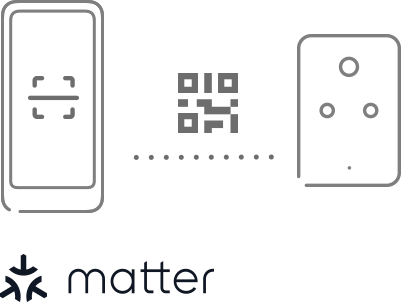
Matter-Compatible app: Scan the Matter code
Scan the included Matter code with a compatible app like Alexa, Google Home, or Apple Home.
Tapo app: TP-Link Simple Setup
If you already have a TP-Link device that supports TSS, new devices are detected automatically as soon as you power them on*
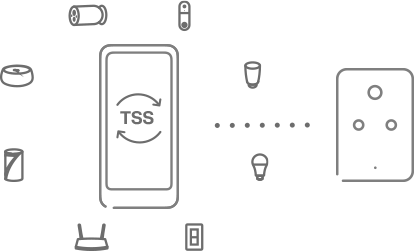
* With just one device that supports TSS, you can quickly discover and configure any new TP-Link device that supports TSS.
Tapo App Support
- 1 Download the free app
- 2 Plug in and connect
- 3 Control from anywhere



Walk You Through Setup Step by Step
-
1
 Download and open Tapo App
 -
2
 Tap Plus (+) to add your smart device
 -
3
 Look for your device and connect
 -
4
 Name the device and choose the room it’s in
 -
5
 Congratulations! You’ve now completed the configuration
Downloads