Smart Human Presence Sensor
| Tapo T150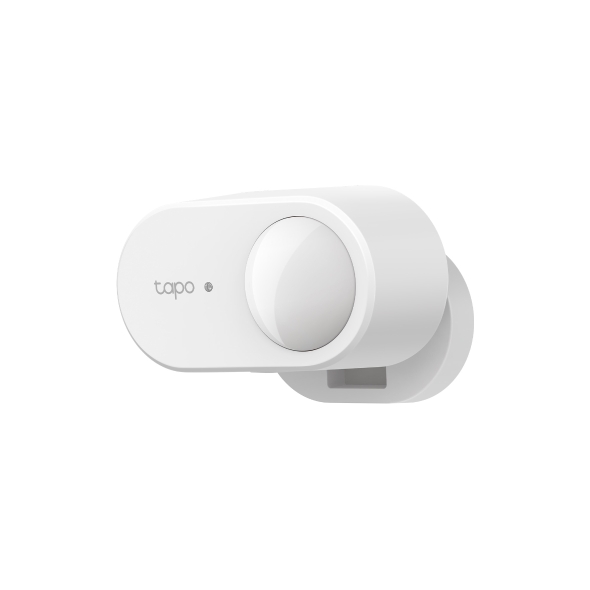
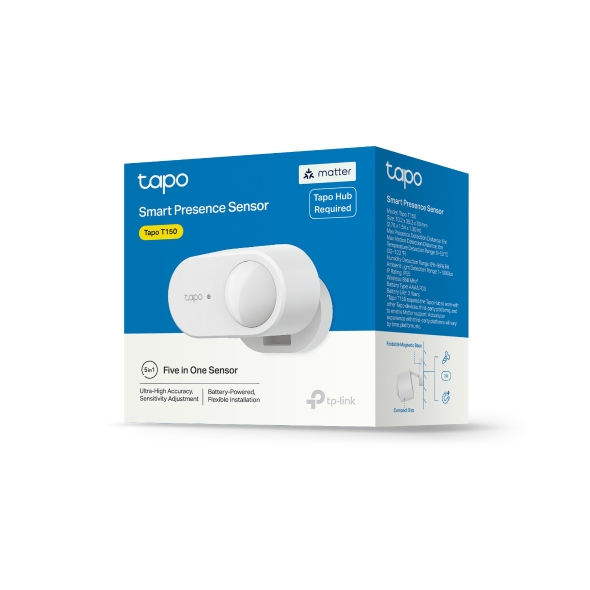
Smart Human Presence Sensor
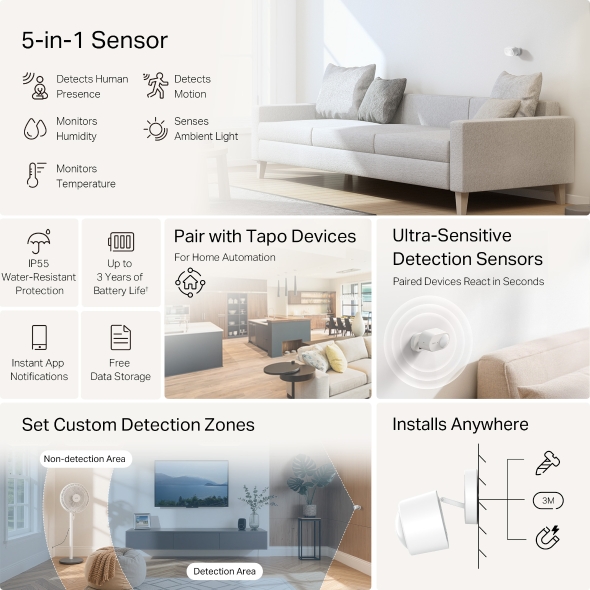
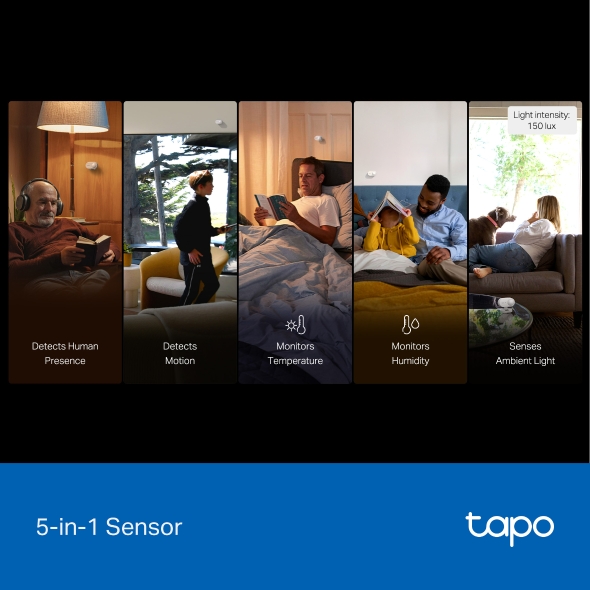
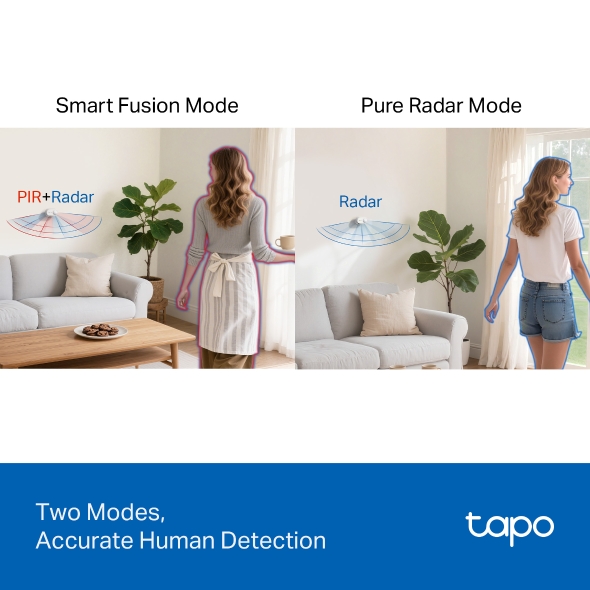
Tapo T150- 5-in-1 Sensor - Tapo T150 combines five detection functions: human presence detection, motion detection, temperature monitoring, humidity monitoring, and ambient light sensing. Place it anywhere at home to automate your space effortlessly, replacing multiple single-purpose sensors.
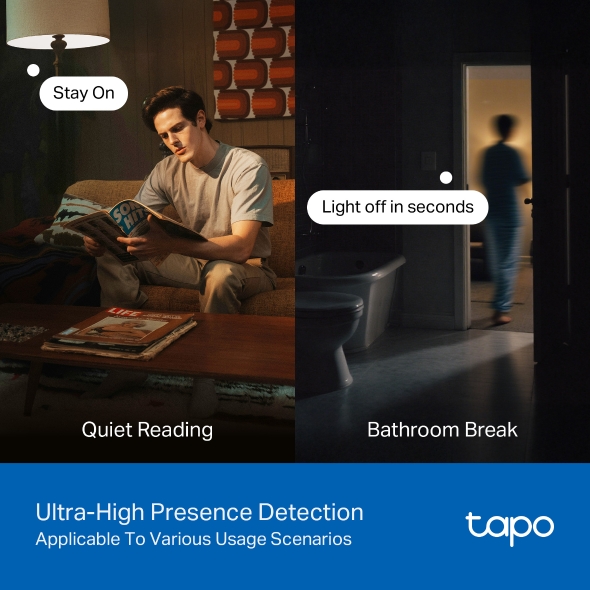
- Ultra-High Presence Detection - Tapo T150 actively senses even the most subtle micro-movements, such as slight head turns. Lights or other paired devices will not power off even if you are sitting completely still.
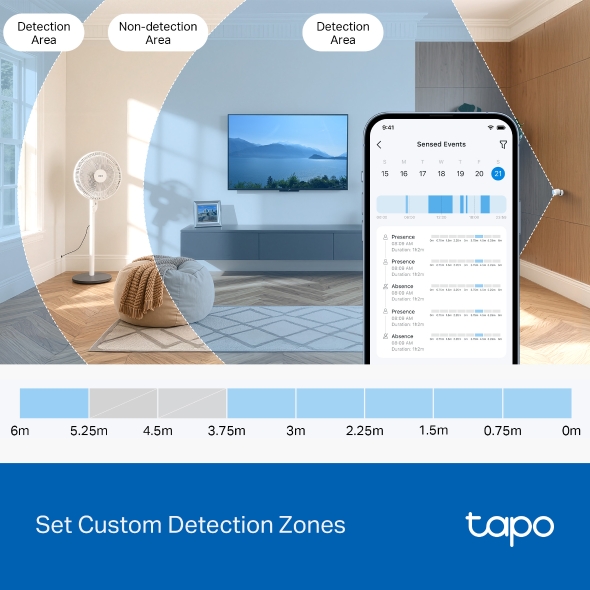
- Set Custom Detection Zones - Block out specific distance zones and adjust the sensitivity to focus on what matters. No false triggers from pets, a robot vacuum, or a running fan—only real human presence.
- Automatic Sensitivity Adjustment - Uses smart radar technology to learn and adapt to its environment, automatically ignoring static objects like furniture.
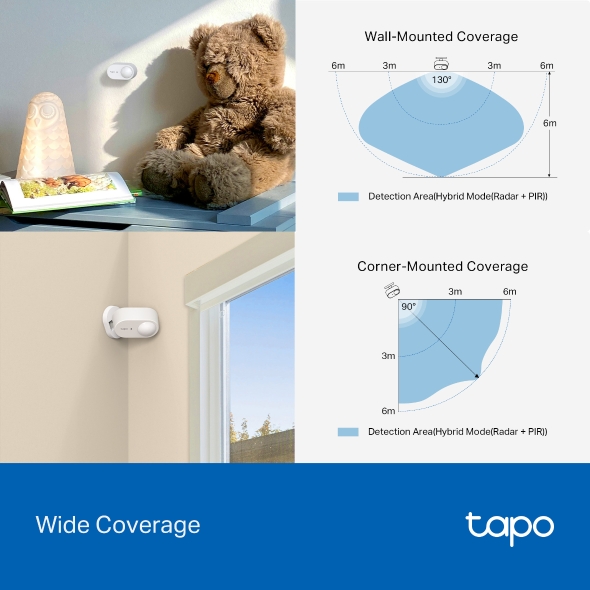
- Wide Coverage - Provides ultra-wide coverage, detecting motion and presence up to 19.7ft (6m) away.
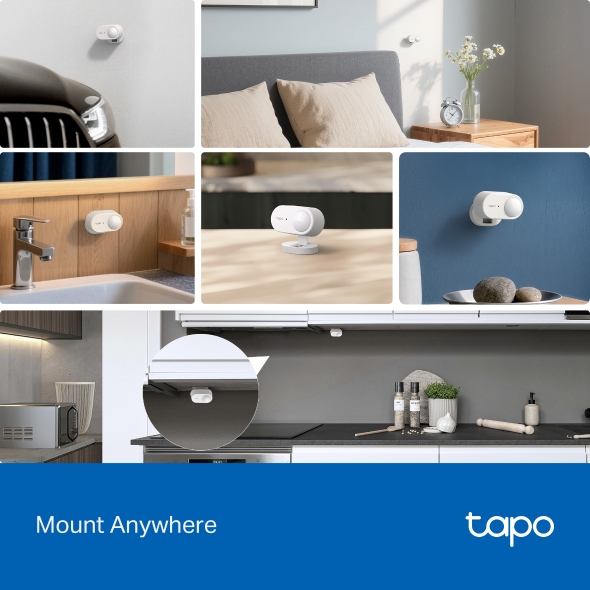
- Mount Anywhere - Install your sensor effortlessly with multiple mounting options: screw, adhesive, or magnetic base. Perfect for walls, corners, and ceilings - it adapts to any space in your home or office.
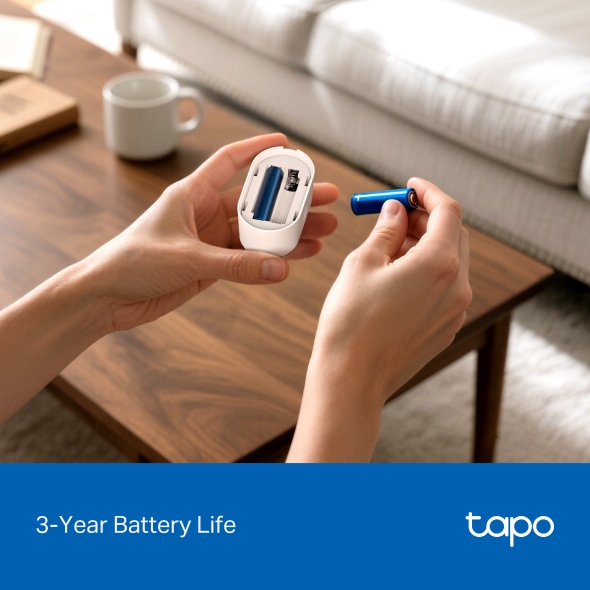
- 3-Year Battery Life - 2 AAA/LR03 batteries keep Tapo T150 powered for up to 3 years. No need to install near power outlets.
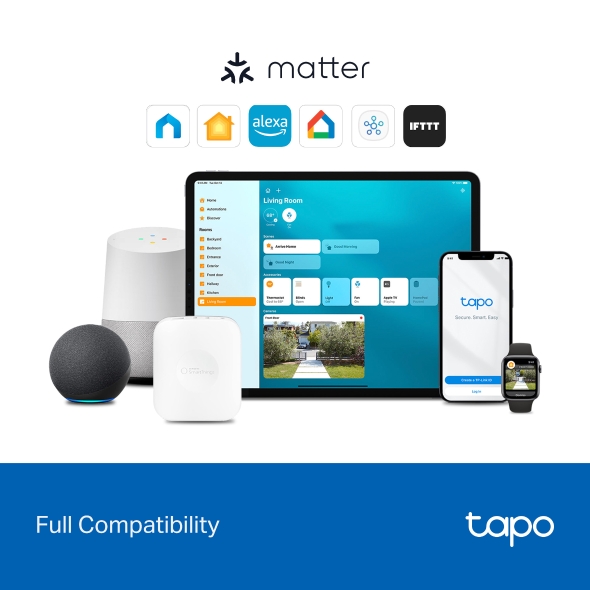
- Full Compatibility -Tapo T150 supports Matter. It is compatible with various platforms, including Apple Home, Alexa, Google Home, Samsung SmartThings, and IFTTT.
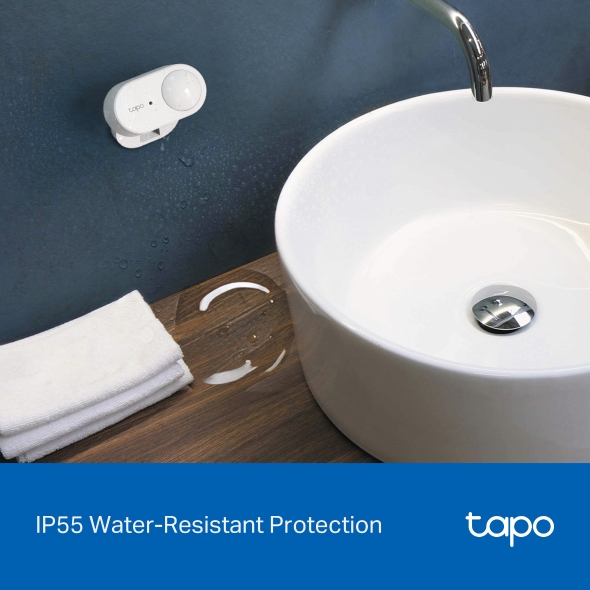
- Splash-Resistant Durability - Featuring an IP55-rated water resistance, the sensor can be safely installed in humid environments like bathrooms.
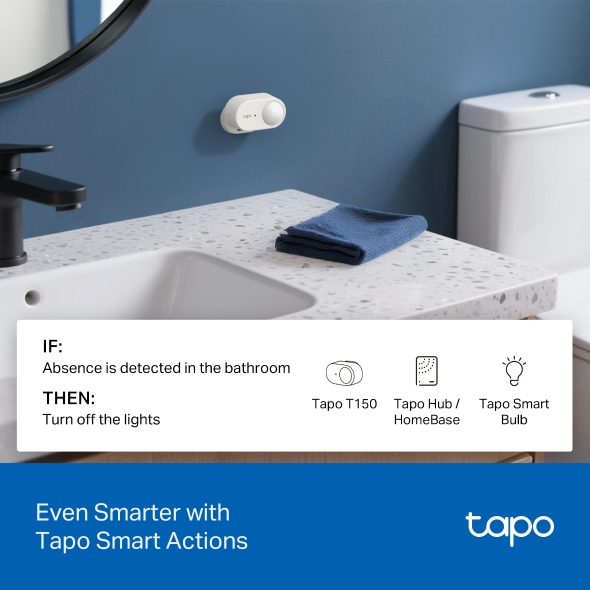
- Even Smarter with Tapo Smart Actions - Pair with other Tapo smart devices to create versatile smart living scenarios, enhancing convenience and seamlessly adapting to your lifestyle—all with Tapo Smart Actions.

†Battery life of up to 3 years is based on TP-Link's laboratory results. Actual battery life may vary depending on working conditions and environments.
‡6m is the maximum triggering distance when directly facing the Tapo T150.
Tapo App Support
Easy Setup at Your Fingers
- 1 Download the free app
- 2 Plug in and connect
- 3 Control from anywhere




* Compatible with iOS 9.0 or higher and Android 4.3 or higher
Walk You Through Setup Step by Step
-
1
 Download and open Tapo App
 -
2
 Tap Plus (+) to add your smart device
 -
3
 Look for your device and connect
 -
4
 Name the device and choose the room it’s in
 -
5
 Congratulations! You’ve now completed the configuration
Downloads
App
Tapo App
* Compatible with iOS 9.0 or higher and Android 4.3 or higher
Copyright © 2026 TP-Link System Inc. All rights reserved.