Smart Recessed Downlight
| Tapo L730-6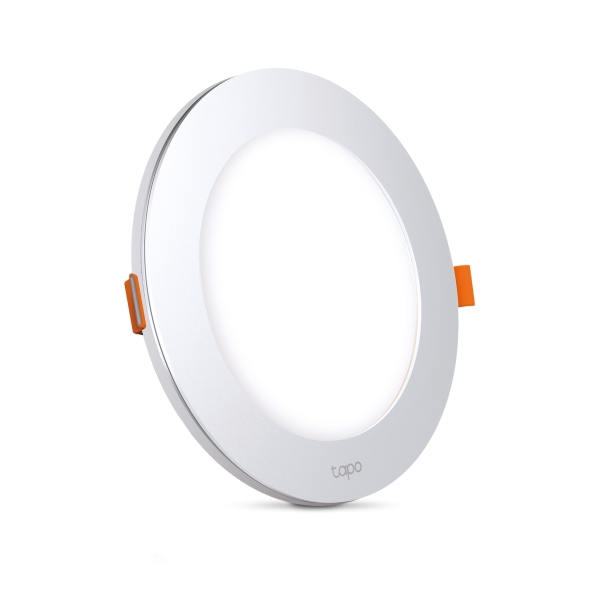
Smart Recessed Downlight
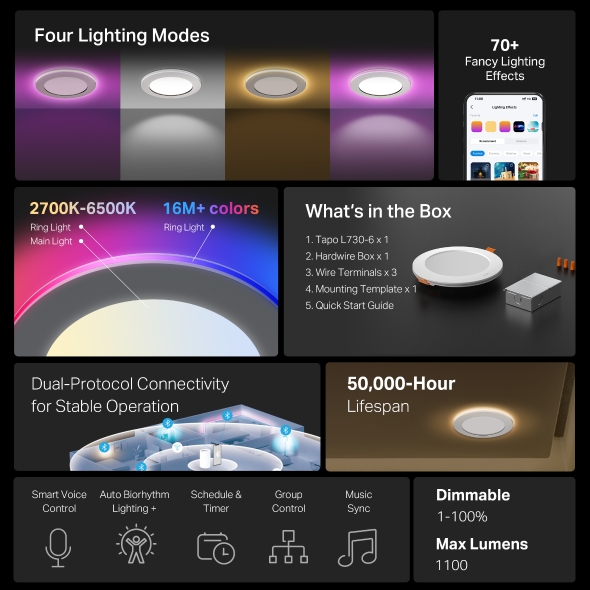
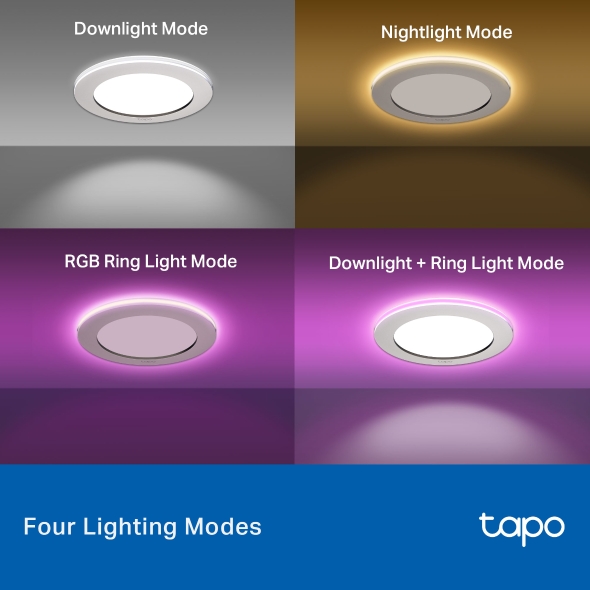
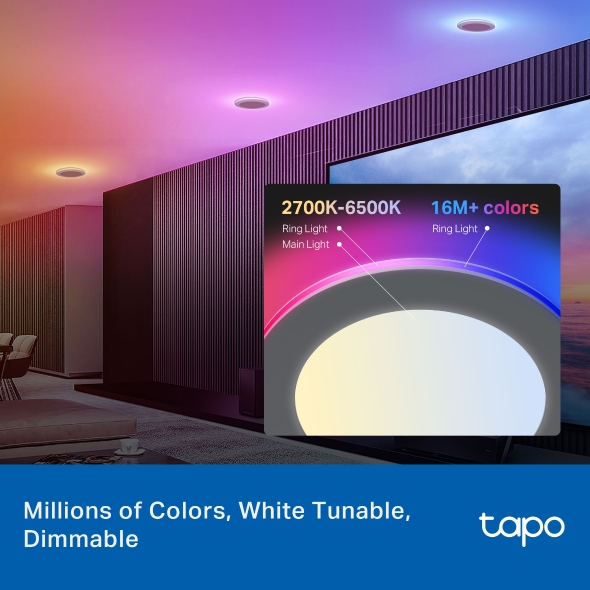
Tapo L730-6- 4 Lighting Modes - Tapo Smart Recessed Downlight features 4 lighting modes that meet different life scenes and needs.
- 16 Million Colors - Shape the amazing vibe by picking the lights from a wide array of colors, even dim to any brightness you desire for the perfect atmosphere.
- White Tunable - Adjust the color temperature from 2,700 K to 6,500 K based on your changing needs.
- Ultra-dim 1% brightness - With an ultra-dim 1% brightness (<6 lm), ensuring soothing, non-intrusive illumination, ideal for sleeping at night.
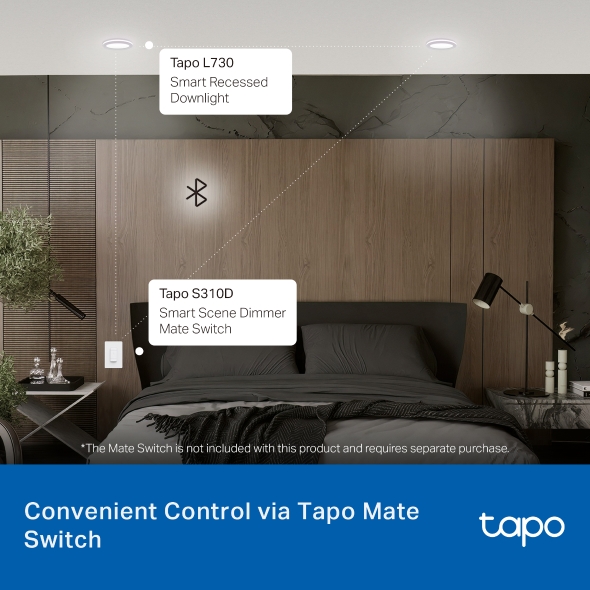
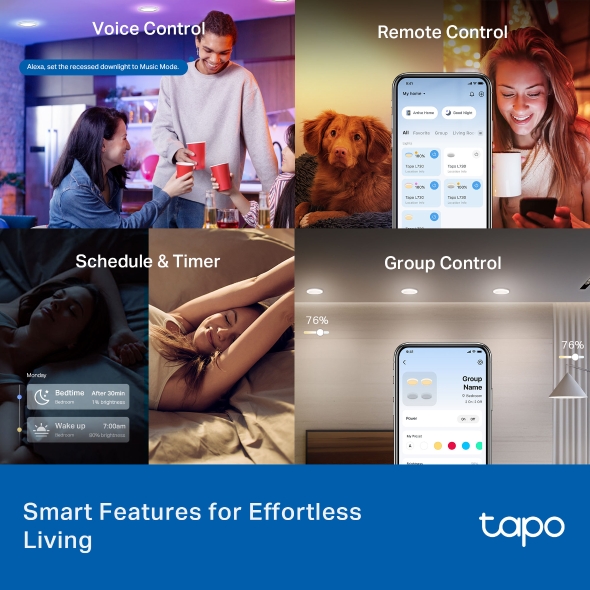
- Multiple Convenient Control Methods - Adjust lights with your smartphone, voice, or the Tapo Mate Switch, ensuring convenience for all ages.
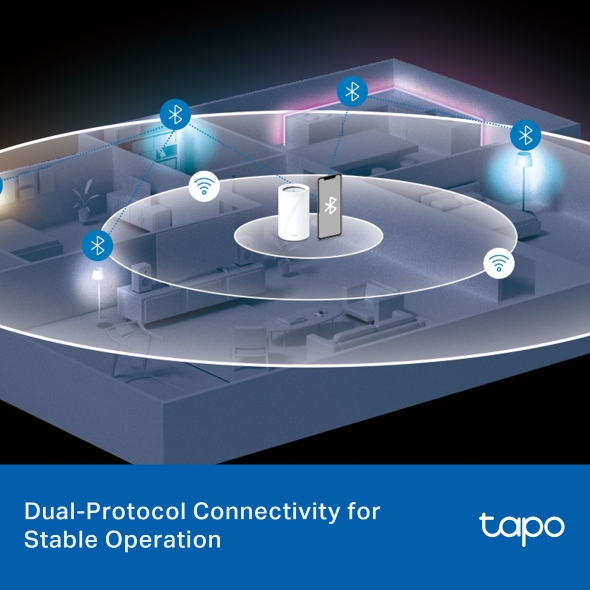
- Dual-Protocol Connectivity for Stable Operation - Combines Wi-Fi and Bluetooth Mesh 1.1 technology to ensure smart lights remain responsive and connected even in areas with weak or no Wi-Fi signal.
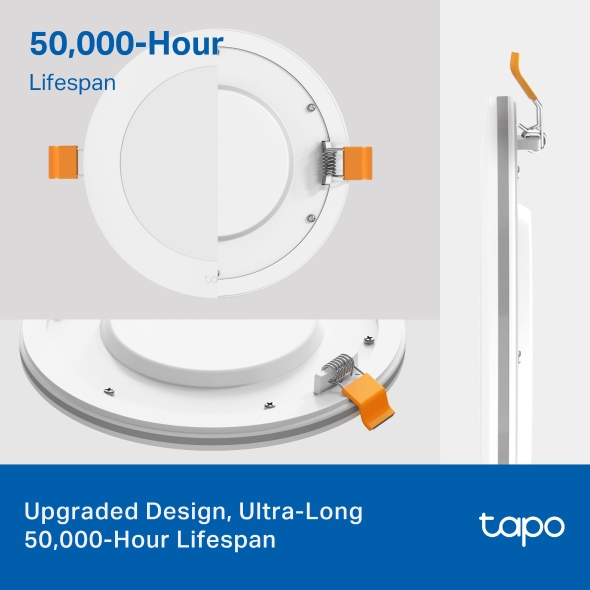
- Ultra-Long 50,000-Hour Lifespan - The downlights boast a sophisticated pure white finish with gently curved edges. The luminaire features a high-quality aluminum alloy backplate for superior heat dissipation and a long service life of over 50,000 hours.
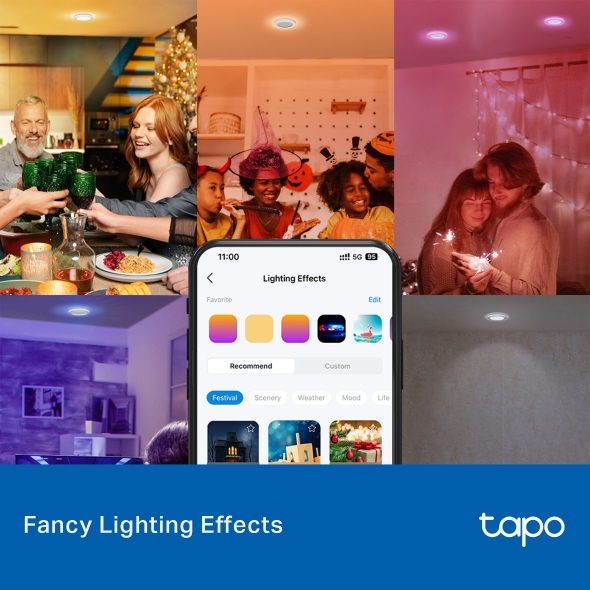
- Fancy Lighting Effects - Amuse yourself with well-designed animated lighting effects, available on the Tapo App.
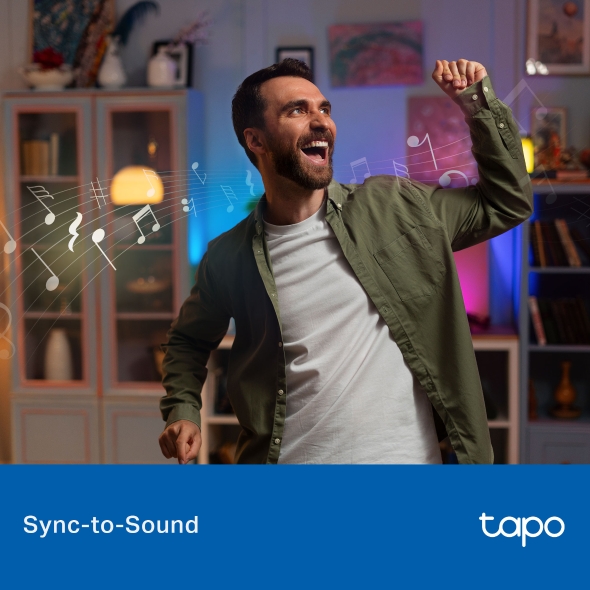
- Sync-to-Sound - Use the Tapo App to sync the lights to your music and create a synchronized lighting experience.
- Auto Biorhythm Lighting+ - Automatically adjusts daily brightness and color temperature based on the natural sunlight pattern of your positioning area, ensuring the most suitable lighting every time you turn it on.
- Schedule & Timer - Create a regular schedule to turn on/off the light with your chosen light effects.
- No Hub Required – Connect the Tapo L730 to your home Wi-Fi, then you are all set.
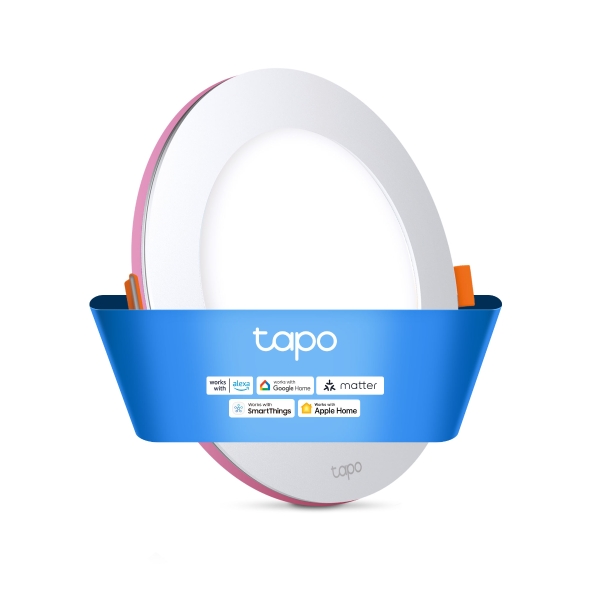
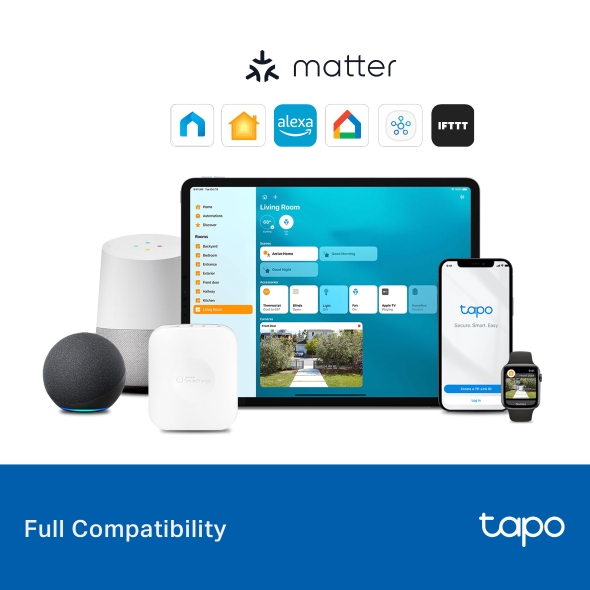
- Voice Control - Manage your smart lights with voice commands via Siri, Alexa, Google Assistant, or Samsung SmartThings.
- Remote Control and Away Mode - Instantly turn connected devices on/off wherever you are via the Tapo App. Turn on away mode to simulate someone being at home.

Tapo App Support
Easy Setup at Your Fingers
- 1 Download the free app
- 2 Plug in and connect
- 3 Control from anywhere




* Compatible with iOS 9.0 or higher and Android 4.3 or higher
Walk You Through Setup Step by Step
-
1
 Download and open Tapo App
 -
2
 Tap Plus (+) to add your smart device
 -
3
 Look for your device and connect
 -
4
 Name the device and choose the room it’s in
 -
5
 Congratulations! You’ve now completed the configuration
Downloads
App
Tapo App
* Compatible with iOS 9.0 or higher and Android 4.3 or higher
Copyright © 2026 TP-Link System Inc. All rights reserved.