Pan/Tilt AI Home Security Wi-Fi Camera
| Tapo C250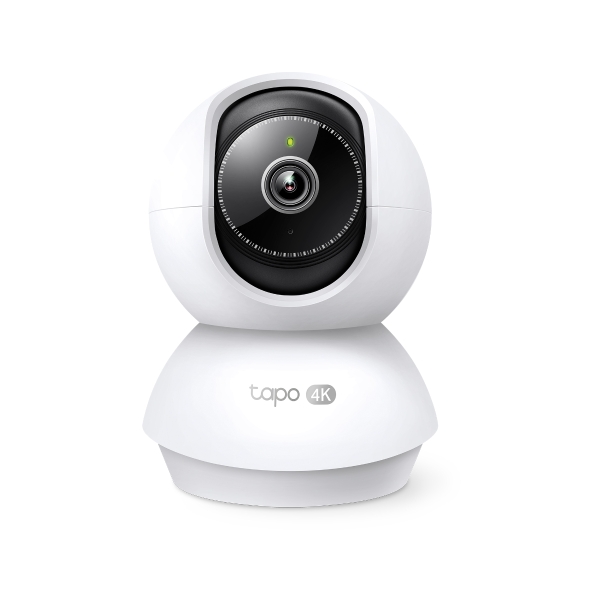
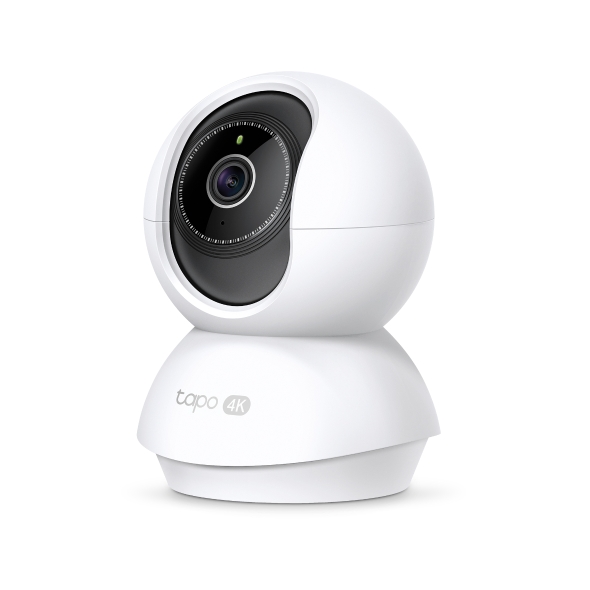
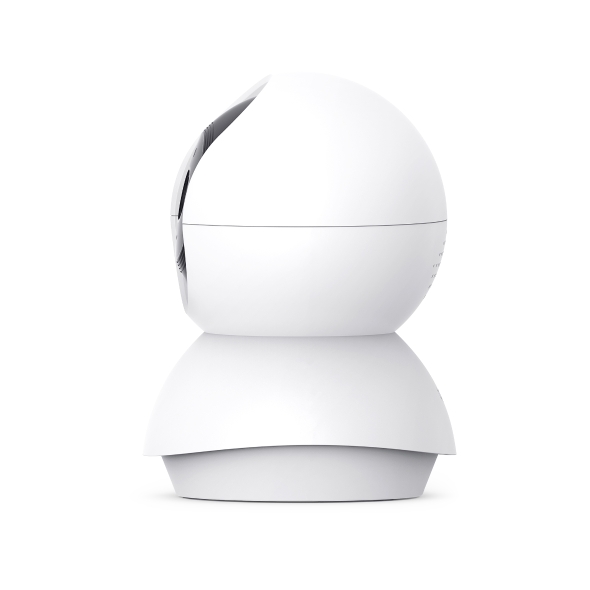

Pan/Tilt AI Home Security Wi-Fi Camera
Tapo C250- High-Quality Video Recording: Capture every detail with ultra clarity in 4K 8MP resolution.
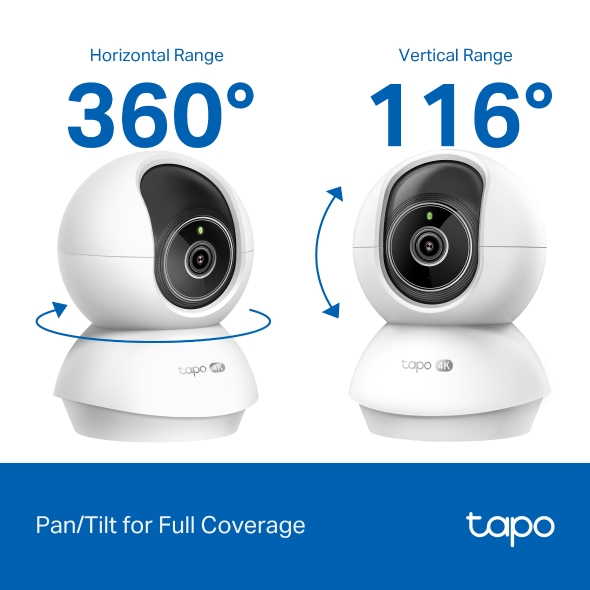
- Wide Range of Visual Coverage: Enjoy a full 360º horizontal and 116º vertical range for pan and tilt, allowing you to cover more area.
- Night Vision up to 40 ft: See clearly even in low-light conditions with night vision that provides visibility up to 40 ft.
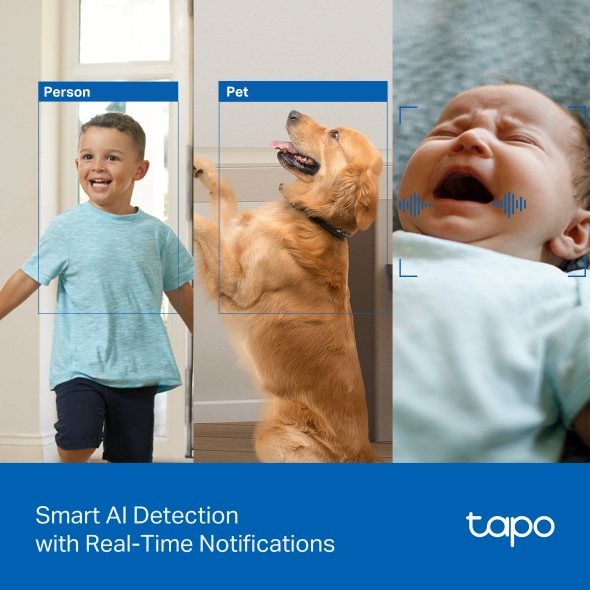
- Free Smart AI Detection: Benefit from smart AI technology that detects human, pets and even baby cry while sending you instant notifications.
- AI Auto-Zoom Tracking: The camera automatically zooms in and follows moving people and pets, even from a distance.
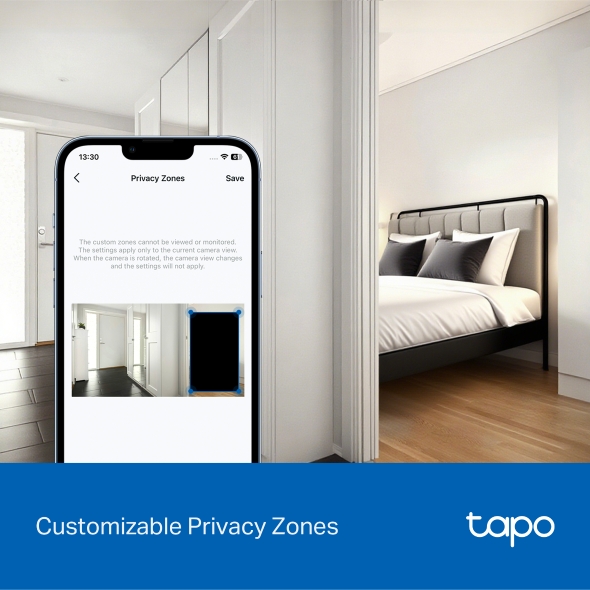
- Custimizable Block Zones: Set customizable block zones to keep private areas from being monitored.
- Sound and Light Alarm: Scare away unwanted visitors using a sound and light alarm that triggers attention-grabbing effects.
- Two-Way Audio: Enables communication through a built-in microphone and speaker.
- Safe Storage: Store footage directly on a microSD card with a capacity of up to 512 GB, ensuring safe and convenient storage (microSD card purchased separately).
- Hands-Free Operation: Control the device using your voice with compatibility for Google Assistant, Amazon Alexa and Samsung SmartThings, freeing up your hands for other tasks (availability may vary based on language and country).
Details in 4K.
Automatic Smart Motion Tracking.
Complete Peace of Mind.




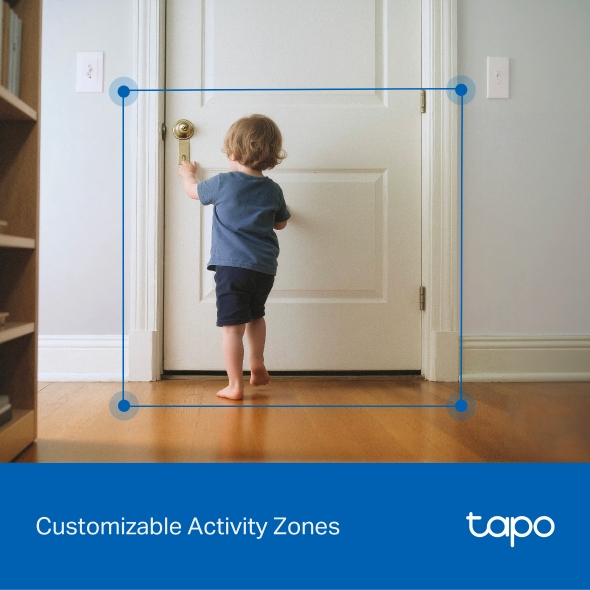
Customizable Activity Zones
Privacy Zones
Audio
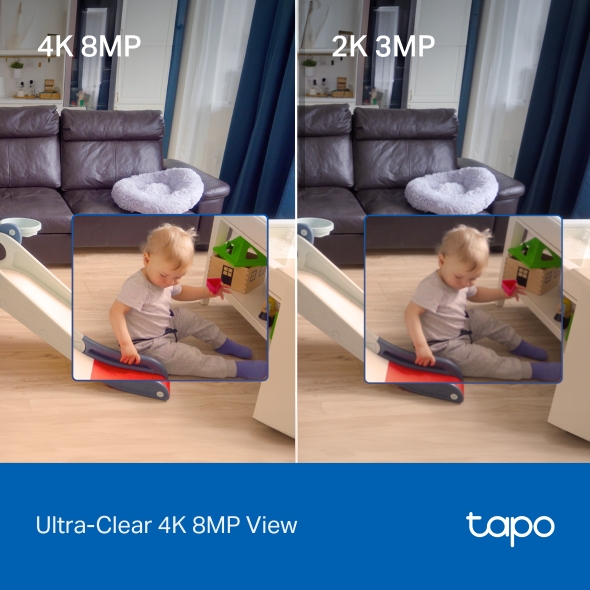
Ultra-Clear 4K 8MP View
4K resolution has 4× more pixels than the standard 1080p, making it perfect for capturing finer details like moving people and pets.
Smart AI Detection with Real-Time Notifications
Advanced AI instantly recognizes people and pets, and even detects the sound of a baby crying, providing you with relevant, immediate alerts.
Auto-Zoom That Follows the Action
Never miss a detail with AI-powered auto-tracking. The camera automatically zooms in and follows moving people and pets, even from a distance.
Pan/Tilt for Full Coverage
Capture a wide range of coverage,
giving you a complete look at every corner of your room.
Private Spaces & Tailored Alerts
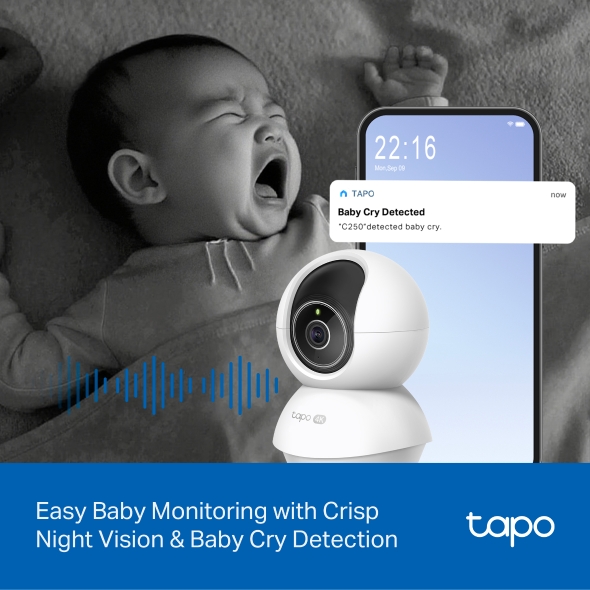
Easy Baby Monitoring, Around the Clock
Keep a watchful eye on your sleeping baby with advanced IR night vision that sees up to 40 feet in the dark and smart baby cry detection that instantly alerts you.

Crisp Night Vision
(up to 40 ft)
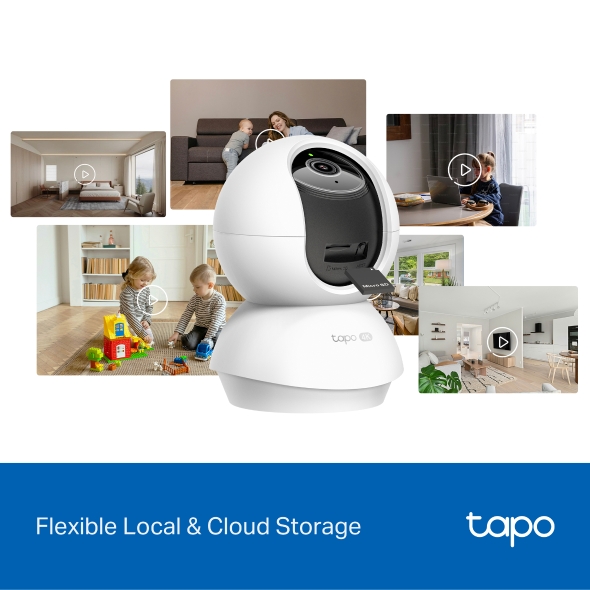
Flexible Storage Choices
Save recorded videos on the microSD Card† (up to 512 GB) or by using Tapo Care‡ cloud storage services.
-
 168 hours
128GB
-
 336 hours
256GB
-
 672 hours
512GB
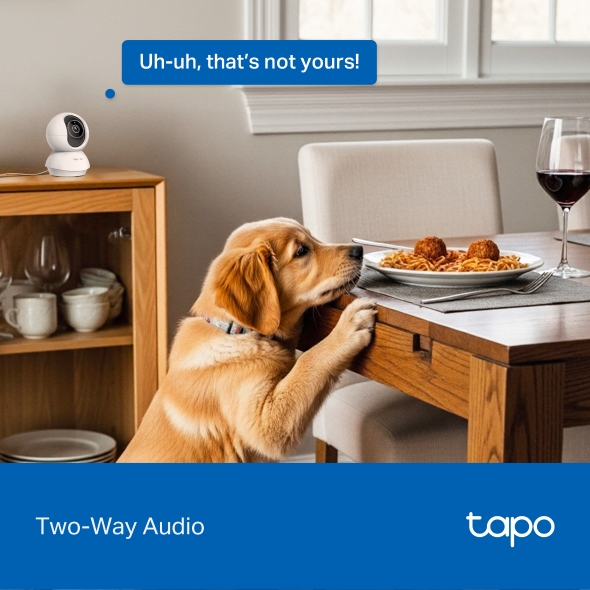
Two-Way Audio
Speak directly to anyone on the other side of the camera with clear two-way audio.
†microSD card needs to be purchased separately. Actual storage capacity depends on the size of the microSD card used.
‡Subscribe for cloud storage at https://www.tapo.com/tapocare/
Tapo App Support
- 1 Download the free app
- 2 Plug in and connect
- 3 Control from anywhere




Walk You Through Setup Step by Step
-
1
 Download and open Tapo App
 -
2
 Tap Plus (+) to add your smart device
 -
3
 Look for your device and connect
 -
4
 Name the device and choose the room it’s in
 -
5
 Congratulations! You’ve now completed the configuration
Downloads