Smart Light Bulb, Multicolor
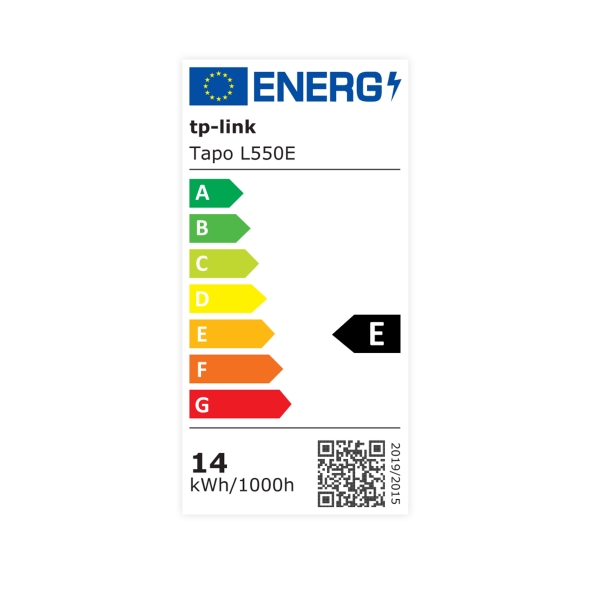
| Tapo L550E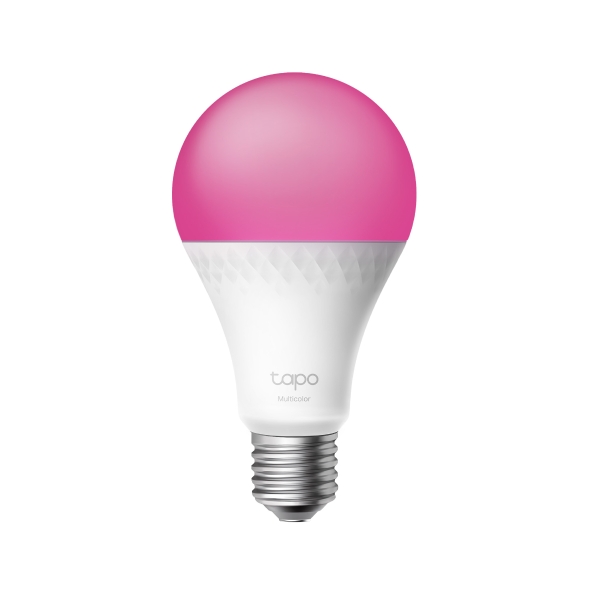


Smart Light Bulb, Multicolor
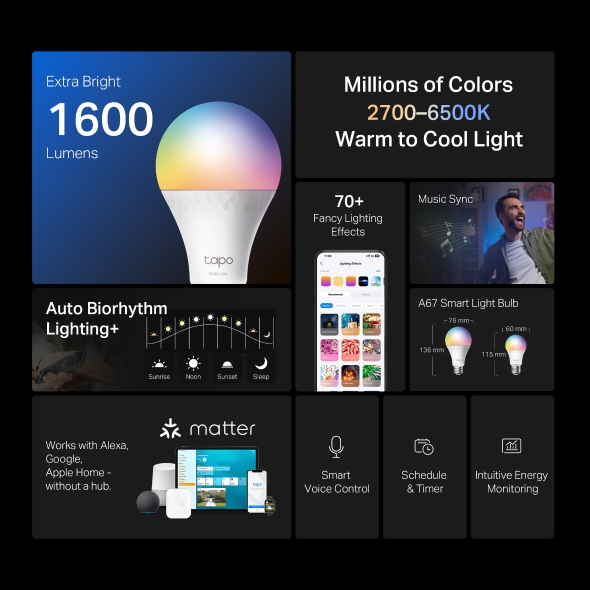
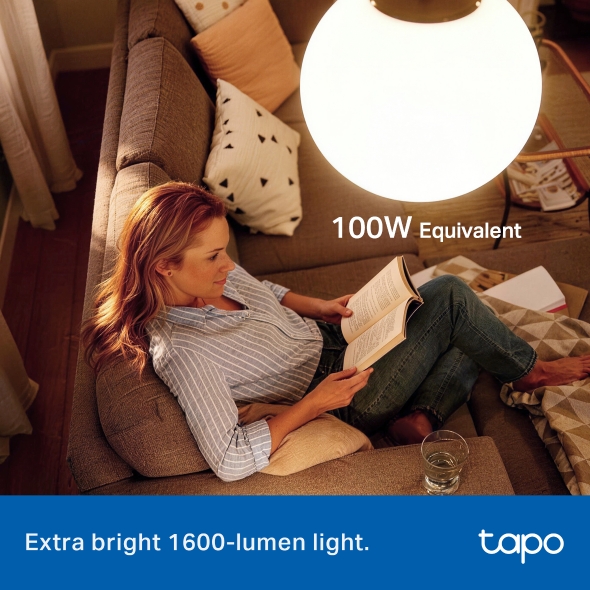
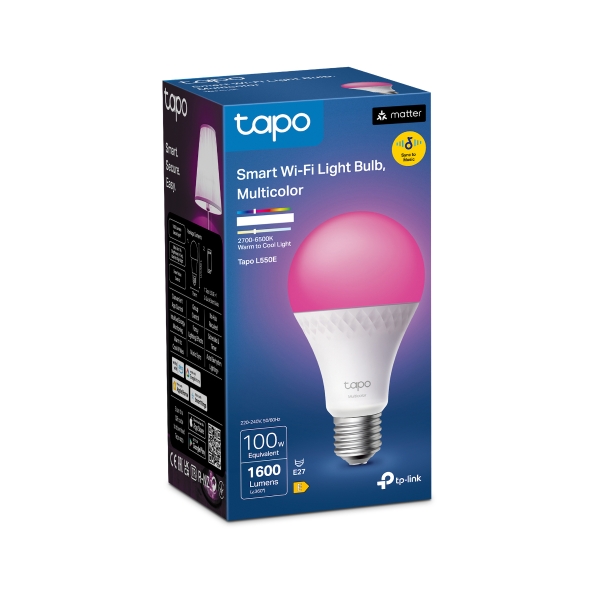
Tapo L550E- Extra Bright 1600-Lumen Light - With 1600 lumens (100W Equivalent) of crisp, high-quality lighting, Tapo L550E is ideal for any home space requiring brighter lighting.
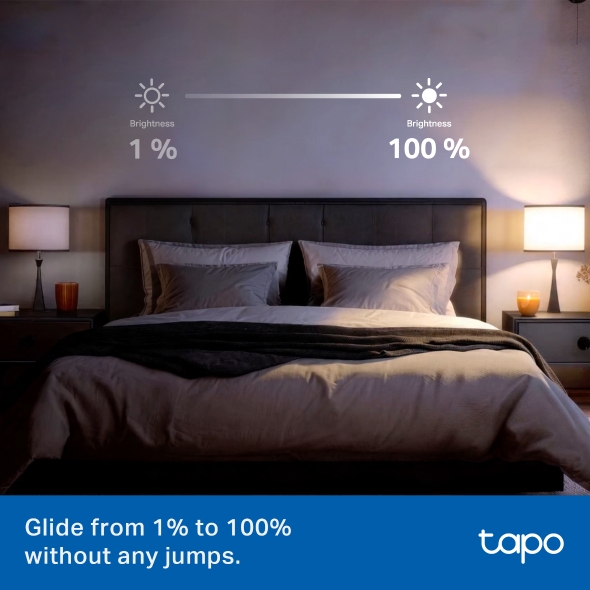
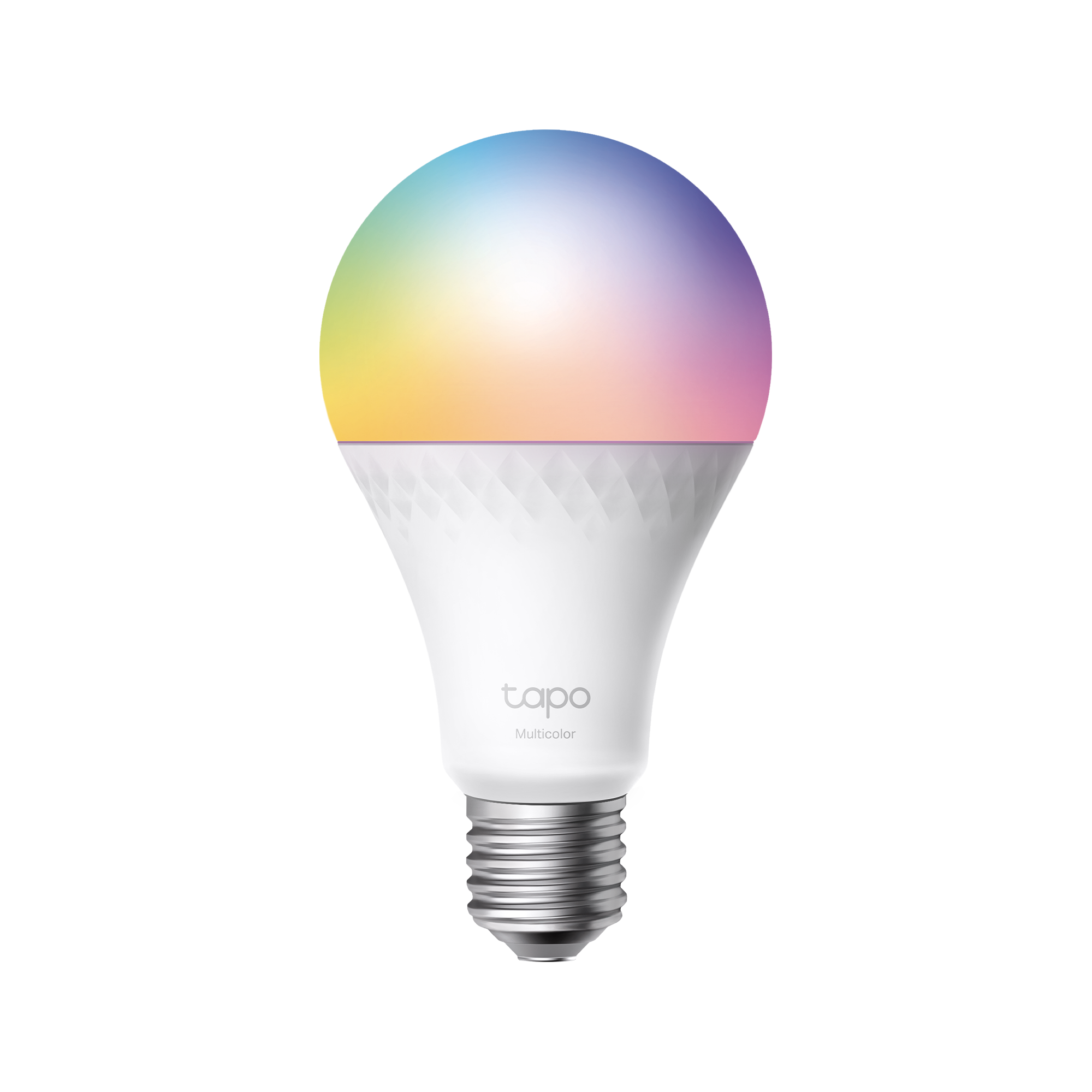
- 16 Million Colors - Shape the amazing vibe by picking the lights from a wide array of colors, even dim to any brightness you desire for the perfect atmosphere.
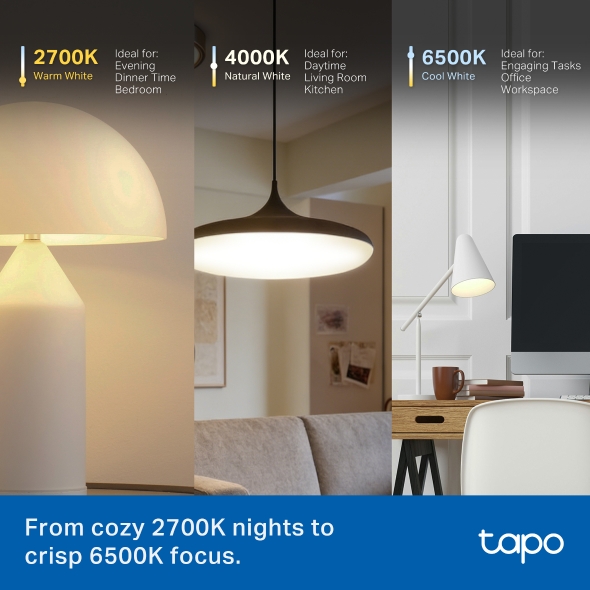
- White Tunable - Adjust the color temperature from 2,700 K to 6,500 K based on your changing needs.
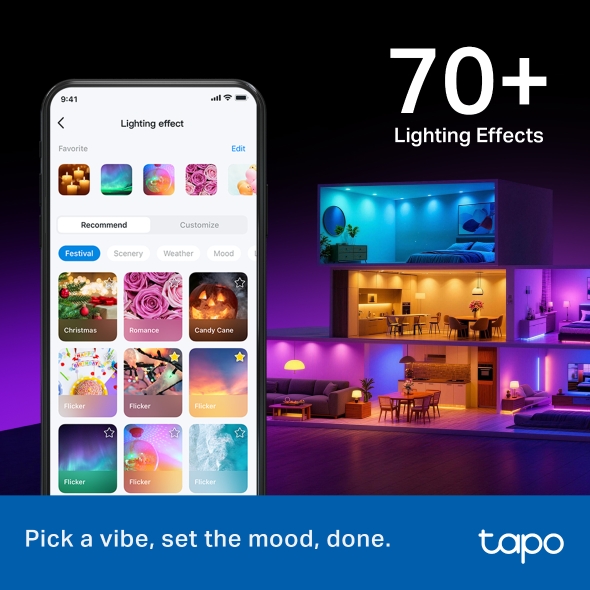
- 70+ Lighting Effects - Amuse yourself with well-designed animated lighting effects, available on Tapo App.
- Sync-to-Sound - Use the Tapo App to sync the candle light bulb to your music and create a synchronized lighting experience.
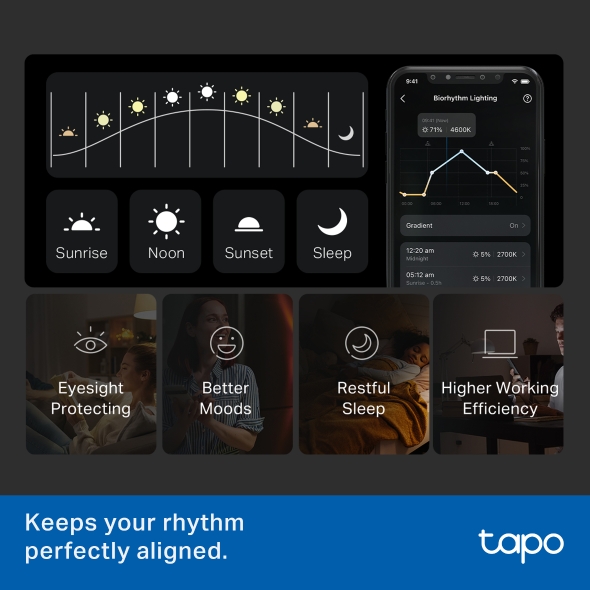
- Auto Biorhythm Lighting+ - Automatically adjusts daily brightness and color temperature based on the natural sunlight pattern of your positioning area, ensuring the most suitable lighting every time you turn it on.
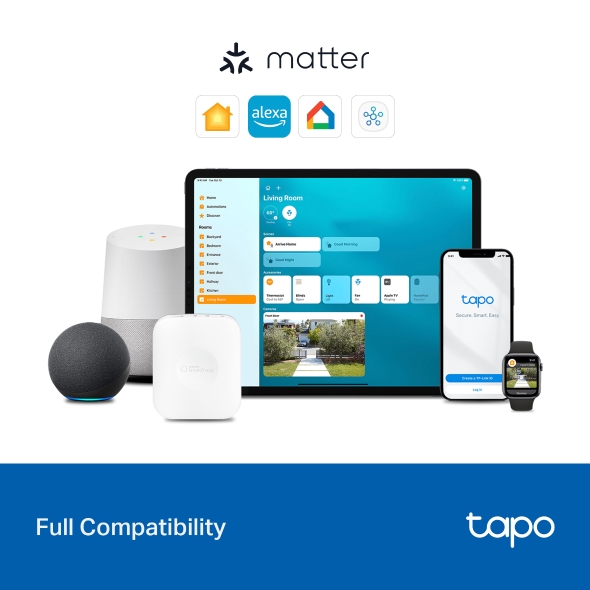
- Matter-Certified - With support for the Matter protocol, Tapo L550E can seamlessly interoperate with other certified products across platforms.
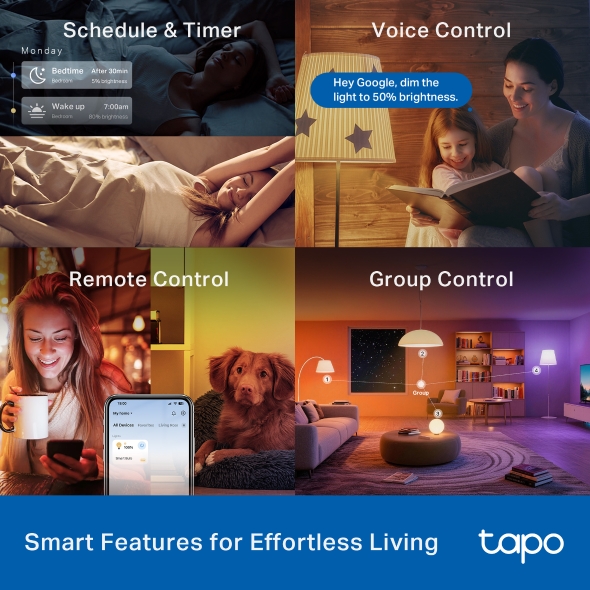
- Schedule & Timer - Create a regular schedule to turn on/off the outdoor porch light with your chosen light effects.
- No Hub Required - Connect the L430C light to your home Wi-Fi, then you are all set.
- Voice Control - Manage your smart lights with voice commands via Alexa, Google Assistant, or Samsung SmartThings.
- Remote Control - Instantly turn connected devices on/off wherever you are via the Tapo App.
- Away Mode - Turn on away mode to simulate someone being at home.
- Group Control - Group your smart lights for control of brightness, color, and more, and simultaneously turn your lights and other devices on and off.
Incredibly Bright, Illuminates Every Detail
Smart Wi-Fi Light Bulb, Multicolor
Tapo L550E





-

Extra-Bright 1600-Lumen Light
-
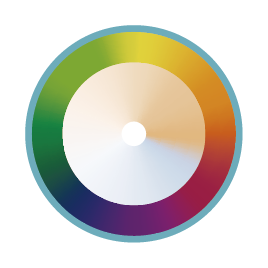
16 Million Colors, Dimmable
-

Auto Biorhythm Lighting +
-

70+ Lighting Effects
-

Sync-to-Sound
*Photo enhanced to amplify feature.
Tapo App Support
Easy Setup at Your Fingers
- 1 Download the free app
- 2 Plug in and connect
- 3 Control from anywhere



* Compatible with iOS 9.0 or higher and Android 4.3 or higher
Walk You Through Setup Step by Step
-
1
 Download and open Tapo App
 -
2
 Tap Plus (+) to add your smart device
 -
3
 Look for your device and connect
 -
4
 Name the device and choose the room it’s in
 -
5
 Congratulations! You’ve now completed the configuration
Downloads
App
Tapo App