Smart Video Doorbell Mini
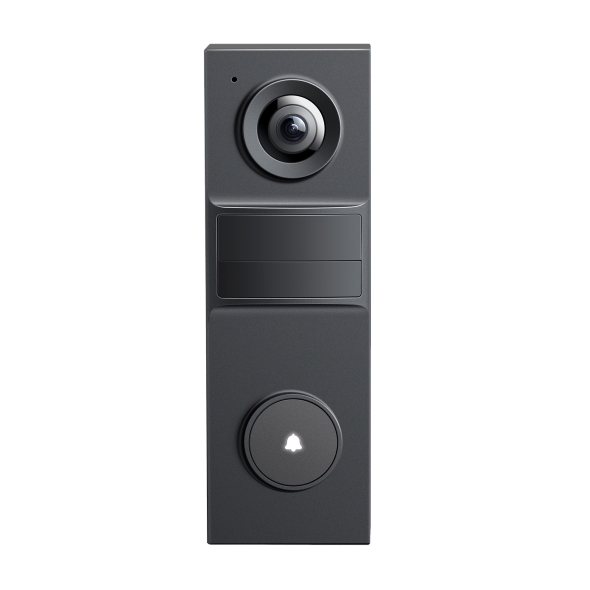
| Tapo D205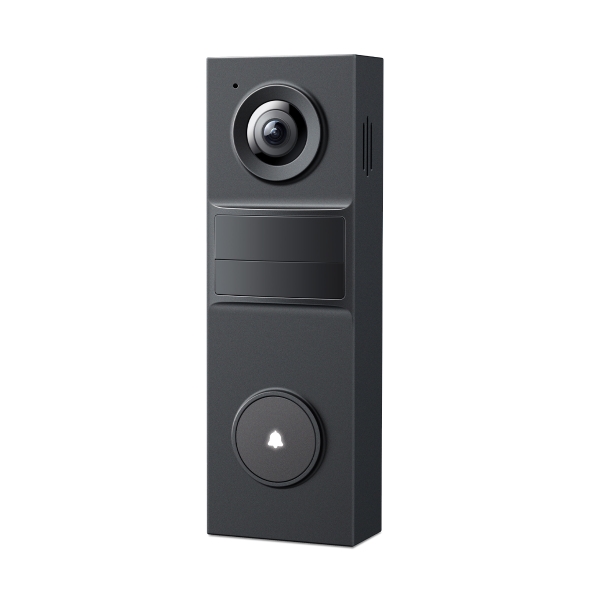
Smart Video Doorbell Mini
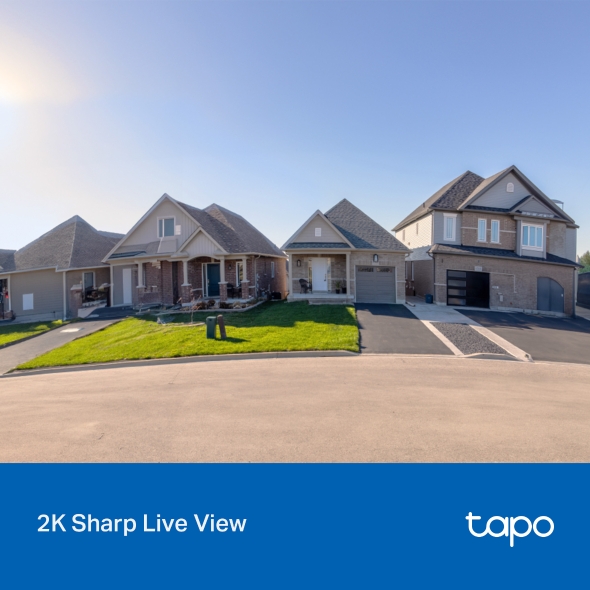
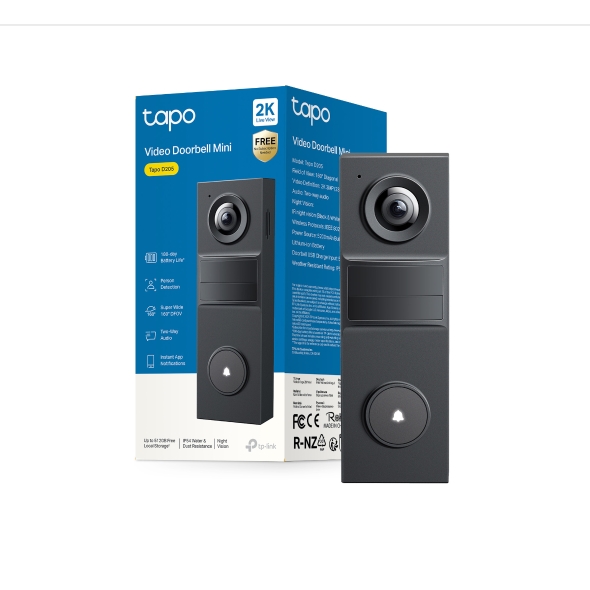
Tapo D205- Sharp 2K Live View: When it comes to protecting your home, every detail matters. With clear 2K video, nothing will go unnoticed.
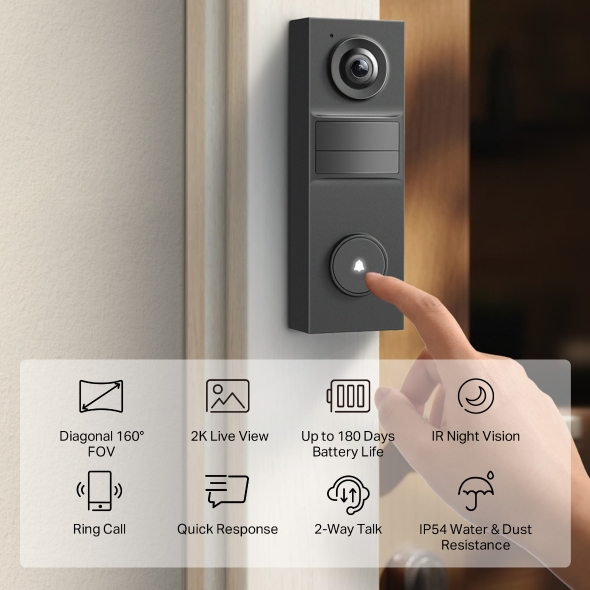
- Ultra-Wide 160° FOV: Offers exceptional coverage, ensuring you see everything from head to toe in a single, uninterrupted frame.
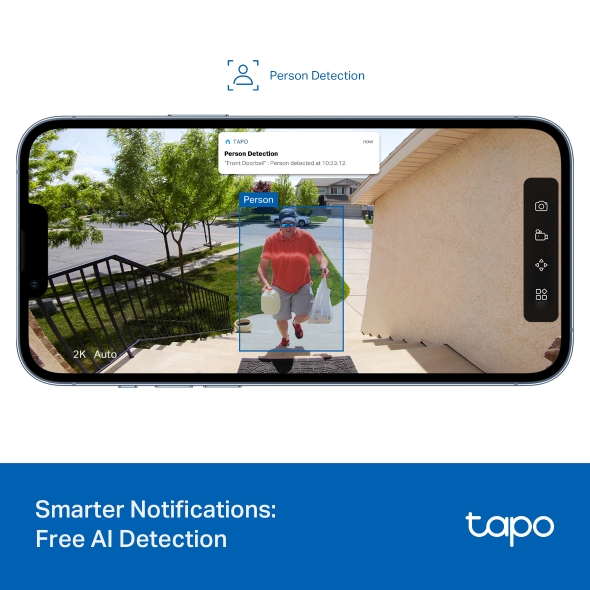
- Accurate Alerts: AI Detection with No Fees: Receive smart, real-time notifications when people are at your doorstep – no subscription required.
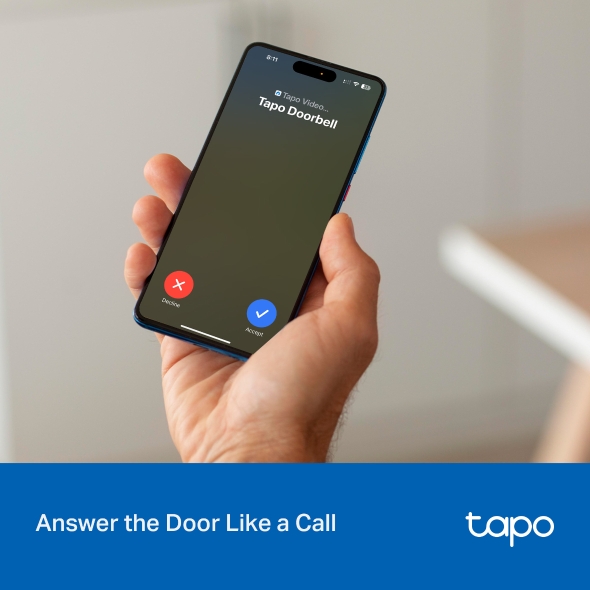
- Answer the Door Like a Phone Call: Get a phone call when a visitor presses your doorbell, and talk to them instantly.
- Quick Response: When you're busy, send a prerecorded Quick Response to reply to your visitor without missing a beat.
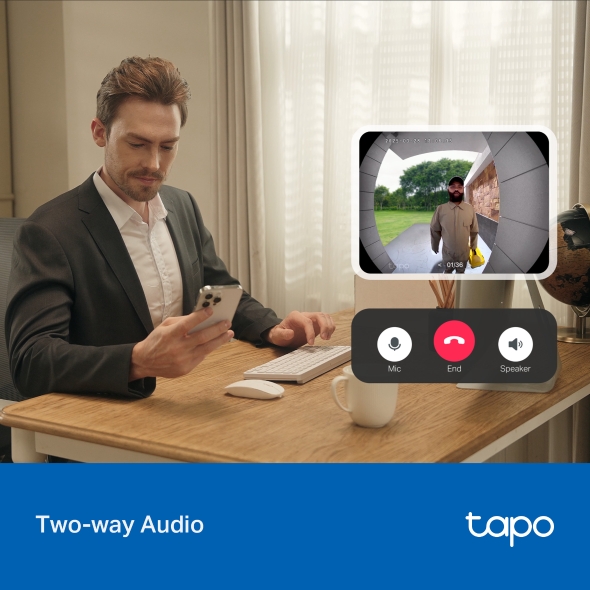
- Two-Way Audio: Have a real-time conversation with visitors at your door with clear video.
- Custom Activity Zones: Receive alerts only when people are detected inside your custom activity zones.
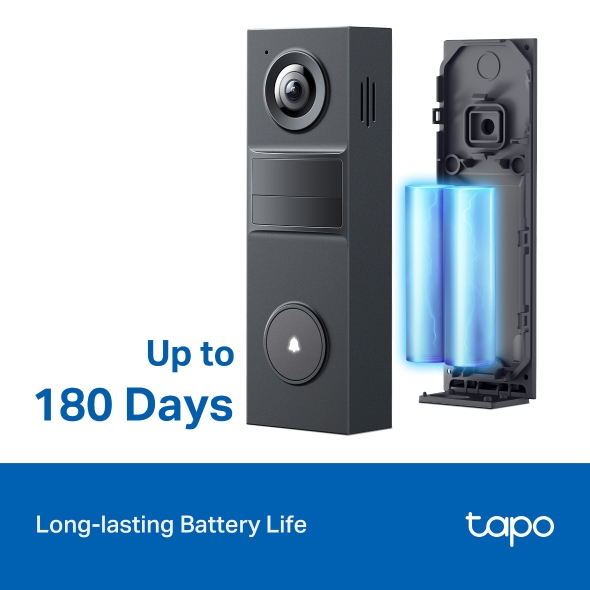
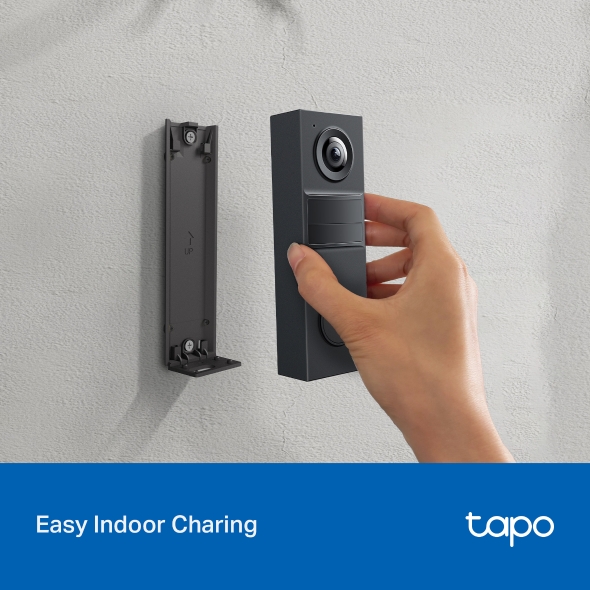
- Built-in Battery: A rechargeable lithium-ion battery provides up to 180 days of battery life.
- Tapo Solar Panel Supported: Enjoy maintenance-free security when used with a Tapo Solar Panel model for uninterrupted power.
- IP54 Weatherproof: Built to handle rain, dust, and changing seasons - your doorbell stands guard, whatever the weather.
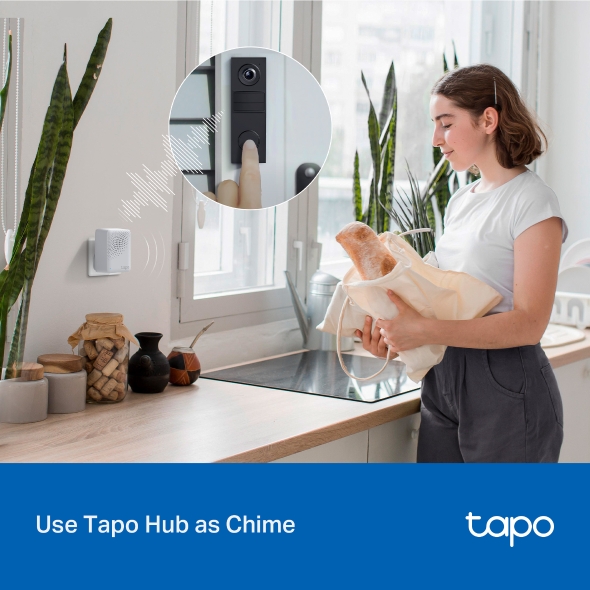
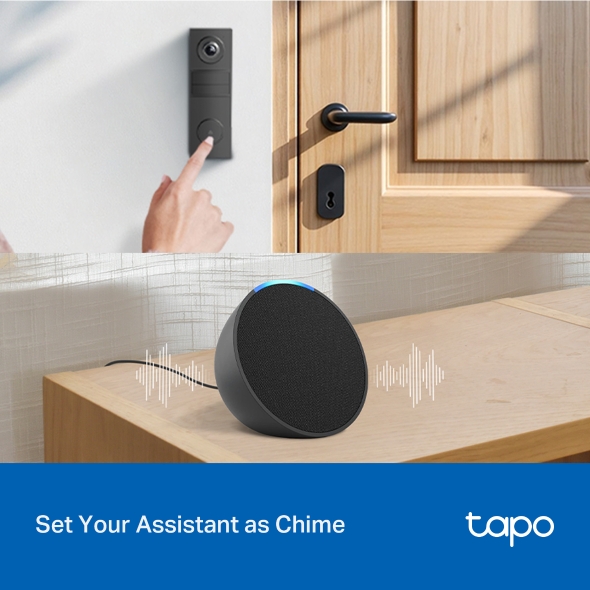
- Seamless Integration: Get instant chime alerts with your existing Tapo Hub or smart assistant like Echo Dot.
- Local and Cloud Storage: Supports microSD card (up to 512GB) and Tapo Care cloud services.
Tapo App Support
Easy Setup at Your Fingers
- 1 Download the free app
- 2 Plug in and connect
- 3 Control from anywhere




* Compatible with iOS 9.0 or higher and Android 4.3 or higher
Walk You Through Setup Step by Step
-
1
 Download and open Tapo App
 -
2
 Tap Plus (+) to add your smart device
 -
3
 Look for your device and connect
 -
4
 Name the device and choose the room it’s in
 -
5
 Congratulations! You’ve now completed the configuration
Downloads
App
Tapo App
* Compatible with iOS 9.0 or higher and Android 4.3 or higher