Cámara de Vigilancia Wi-Fi con Batería
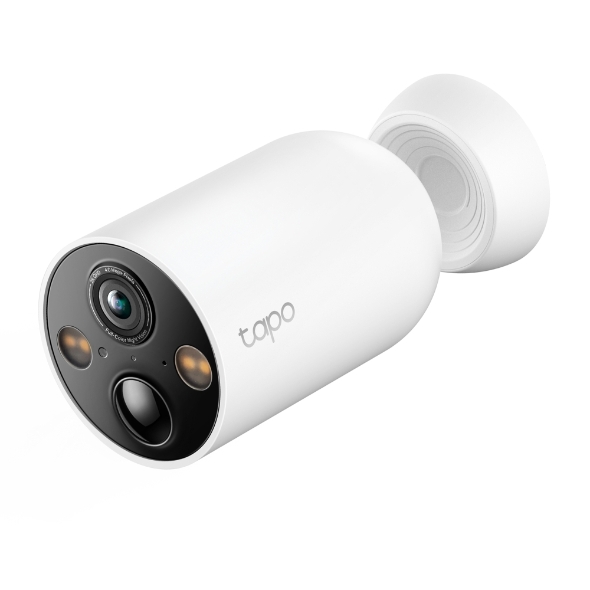
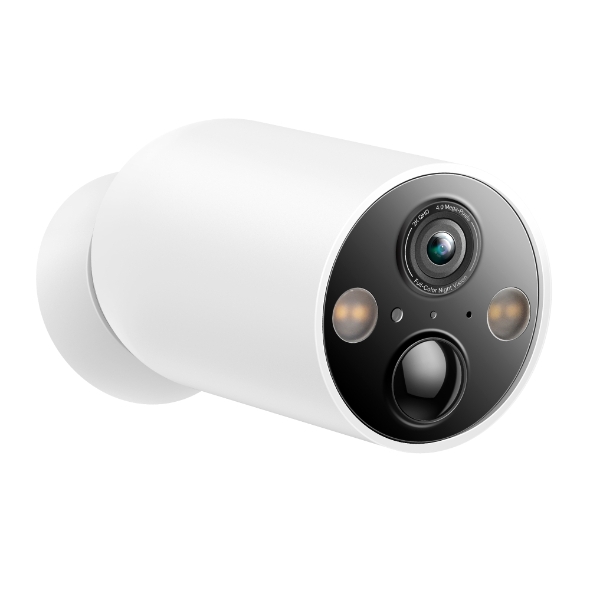
| Tapo C425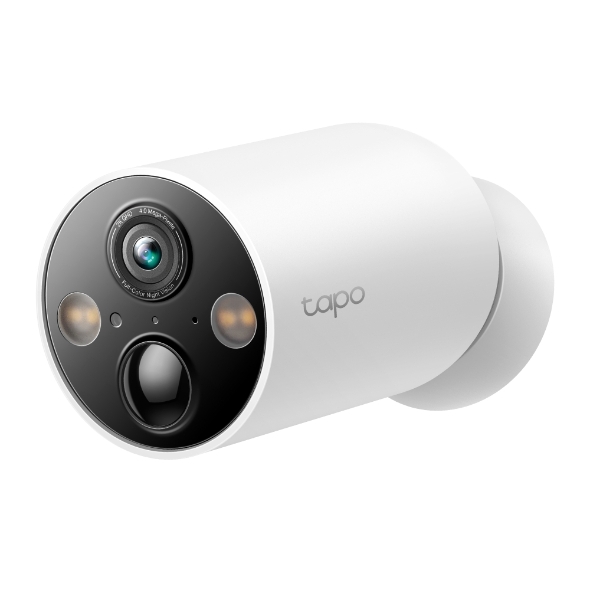

_1.0-180x150x84.5mm-7022510299_large_20240328055558w_normal_20251119181141o.png)
Cámara de Vigilancia Wi-Fi con Batería
Tapo C425- Instalación Sin Cables. Gracias a la batería integrada podrás colocar las cámaras en cualquier lugar sin depender de enchufes.
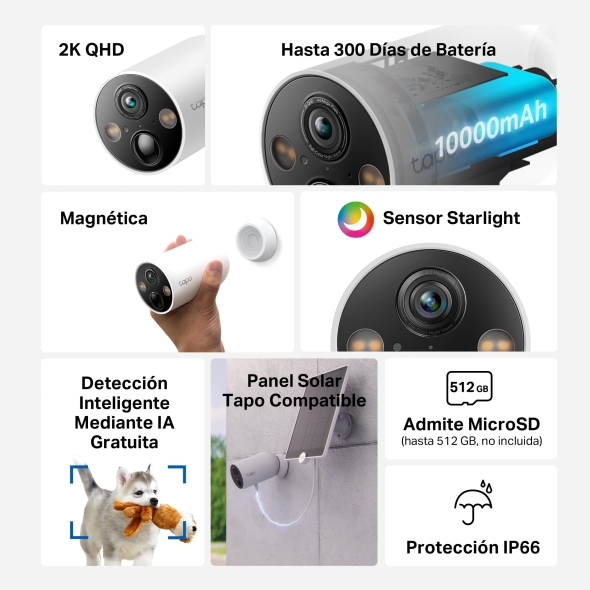
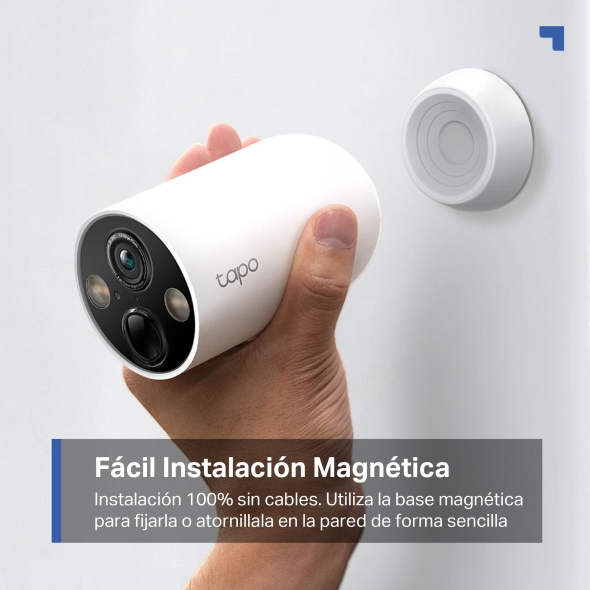
- Se Ajusta Fácilmente al Mejor Ángulo. Controla cualquier ángulo con la base magnética ajustable.
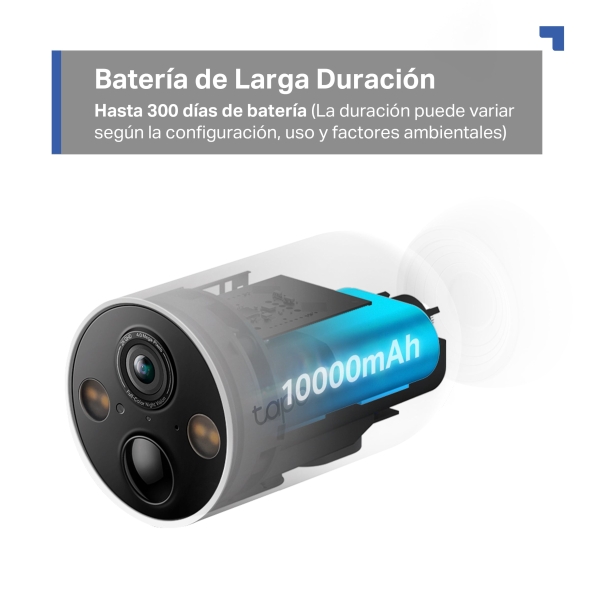
- Batería de larga duración 300 días(1). Gracias a su reducido consumo solo tendrás que recargarla una vez al año.△
- Grabación de Vídeo 2K QHD. Videos y fotos más nítidos con alta resolución 2560 × 1440 px.
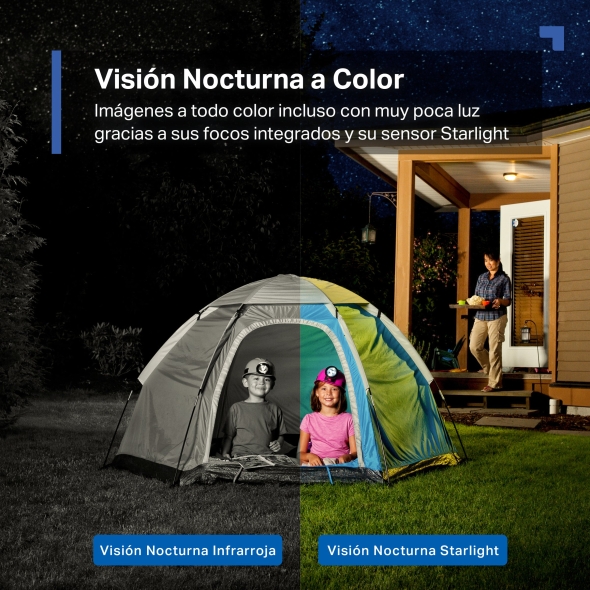
- Visión nocturna a todo color. Graba videos con alta calidad de imagen y colores nítidos incluso de noche.
- Mayor Nivel de Detalle. Mejora la cobertura visual con un FOV superamplio de 150°.
- Zona de Actividad Personalizable: Configura zonas de detección específicas.
- Detección Mediante IA Gratuita: Gracias a la tecnología de IA, la cámara emite alertas a medida que identifica personas, mascotas y vehículos, lo que reduce las falsas alertas y las notificaciones innecesarias.
- Resistente al Agua y al Polvo IP66: La cámara está herméticamente sellada frente al agua y el polvo.
- Panel Solar Tapo Compatible: Mantén tu cámara en funcionamiento las 24 horas del día con el panel solar Tapo A200.*
Obtenga más información sobre la compatibilidad de la tarjeta microSD
Go Magnetic,
Snap Anywhere!
Use the magnetic base to lock on to any metal surface or mount it on the wall with wire-free versatility.

Mount to
metallic surfaces
Stick to
a clean wall
Mount
to a wall
Easily Adjust to
the Best Angle
Adjusting the camera angle is just as easy to get the picture you need.
Reduce the hassle of recharging the batteries with its remarkable 10000mAh battery ensuring up to 300 days of uninterrupted performance on a single charge.△
Wire-Free, Installs Almost “Entryway““Garage““Garden““Backyard“ !
This battery-powered Wi-Fi camera provides 100% wire-free installation. From heavy rain to
fine dust, it is ready for the outdoors with its robust IP66 weatherproofing.


Power that Lasts
The Tapo A200 solar panel adds a non-stop power supply option doing away with the need charge the battery altogether.§
See Wider, See More Details
Tapo C425 expands your visual coverage with a 150° super-wide FOV, ensuring you cankeep an eye on more vital areas.
Customizable Activity Zone
Set up customized detection zones to be alerted only in areas where you wish to monitor and block out zones you want hidden.
2K QHD Crystal Clear View
Now with 1.7 x more pixels than 1080p, providing clearer videos and more crisp photos.
Third-Party Adaptation
It can be used with Alexa Echo Show and Google Assistant, and you can view the camera's live broadcast on it.
Vivid Colors, Even in Low Light
Enhances your security by revealing brighter, full-color images and vivid details even in low-light conditions with built-in spotlights and the starlight sensor.
Multiple Al Detection, All for Free
Smart Al accurately identifies people, pets, and vehicles, reducing false alerts and unnecessary notifications.
- People
- Vehicles
- Pets
Built-in Siren & Light Alarms
Record your own audio as an alarm and adjust the brightness of dual spotlights for customized use.
Secure Local & Cloud Storage
Save recorded videos to a microSD card (up to 512 GB)† or by using Tapo Care cloud services.‡
Water & Dust Resistant IP66 Weatherproof
Offers excellent waterproof and dustproof performance for outdoor scenarios.
No Hub Required
Connect the camera to your network wirelessly with Wi-Fi for more flexible installation.
-
 Could you leave it at the door, please? Hi, I have a delivery here.
 Two-Way Audio
Communicate directly with subject in frame. Be there without being there.
-
 Download the Tapo app Turn on your camera Follow the in-app guide
 Dedicated Tapo App
Live view, playback, save clips and set up-all in one app.

△La duración de la batería de 300 días se basa en pruebas de laboratorio de TP-Link con 230s de uso al día. Un mayor uso de 360 s al día reduce la duración de la batería a 180 días. La duración real de la batería puede variar en función de la configuración del dispositivo, las especificaciones del router, el uso y los factores ambientales.
*"Las cámaras que funcionan con batería no están diseñadas para grabar de forma continua. Están diseñadas para grabar solo clips de movimiento cuando se detecta actividad. La grabación continua reducirá considerablemente la duración de la batería."
†Tarjeta microSD adquirida por separado. La capacidad de almacenamiento real depende del tamaño de la tarjeta microSD utilizada.
‡Suscríbete al almacenamiento en la nube en https://www.tapo.com/tapocare/
§La resistencia IP66 sólo se aplica a la cámara Tapo C425.
*El panel solar apo se adquiere por separado. La experiencia real puede variar debido al ángulo de colocación, las condiciones meteorológicas y el uso de la cámara.
**Compatible con pantallas compatibles con Alexa y Google Assistant. La experiencia del usuario depende de las especificaciones del dispositivo conectado.
Tapo App Support
- 1 Download the free app
- 2 Plug in and connect
- 3 Control from anywhere




Walk You Through Setup Step by Step
-
1
 Download and open Tapo App
 -
2
 Tap Plus (+) to add your smart device
 -
3
 Look for your device and connect
 -
4
 Name the device and choose the room it’s in
 -
5
 Congratulations! You’ve now completed the configuration
Downloads