Smart Wi-Fi Door Lock
| Tapo DL100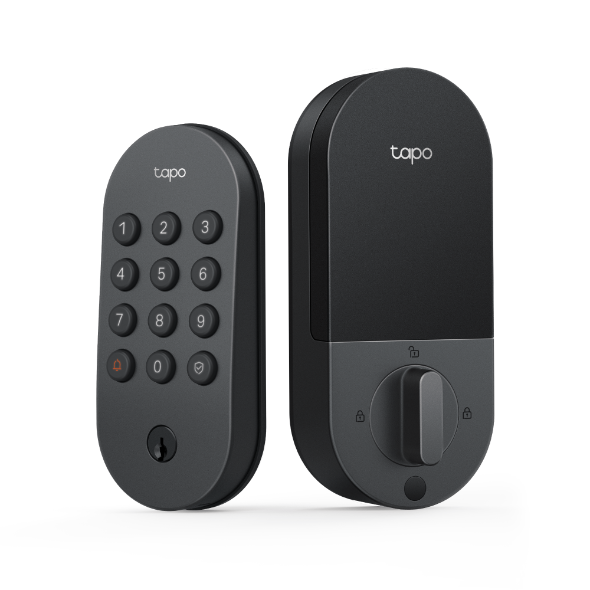
Smart Wi-Fi Door Lock
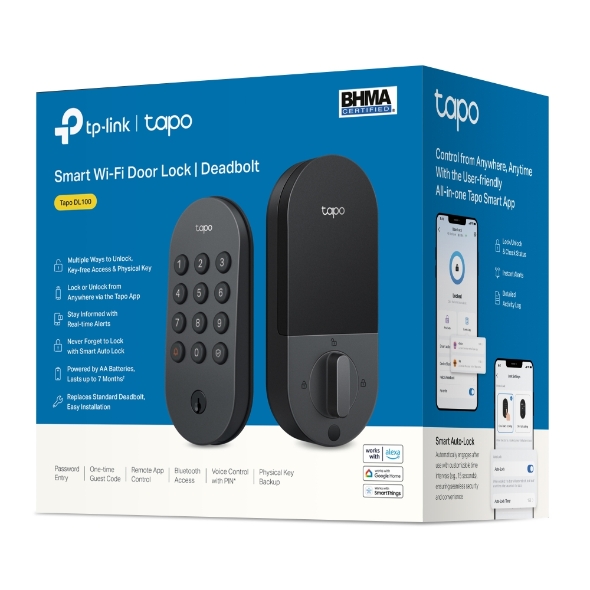
Tapo DL100- Easy access, no matter the hour: A backlit keypad lets you unlock in the dark with your own PIN, so you’re never fumbling for the keys.
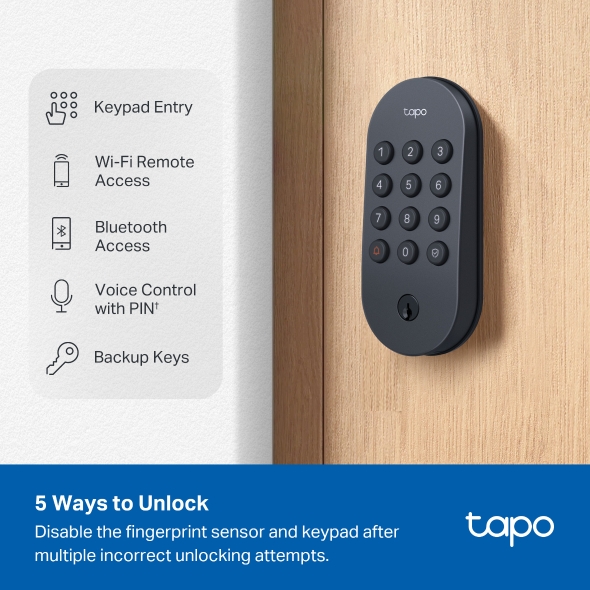
- More than one way in: Unlock by keypad, Bluetooth when you're close, the Tapo app when you’re away, a PIN-confirmed voice command, or either of the 2 backup keys.
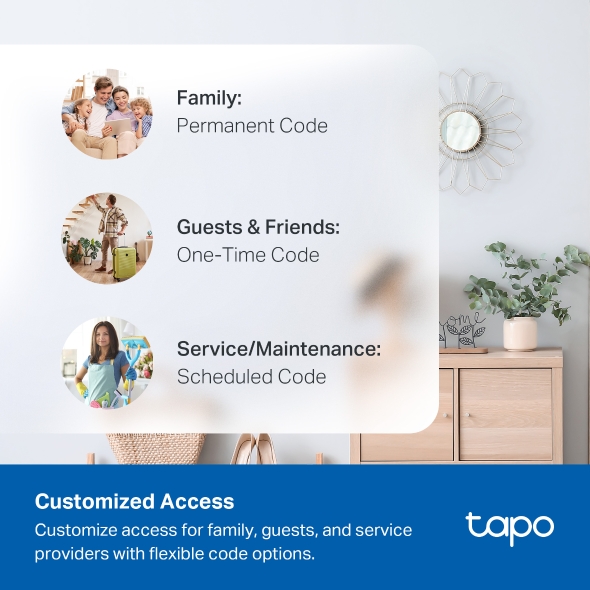
- 200 codes for everyone who needs one: Give family, guests, and visitors their own PIN in the app, with no physical keys to hand out or copy.
- Keep your code private, even in a crowd: Add random decoy digits before and after your real passcode so no one can watch you enter it.
- Locks itself once the door’s shut: Turn on auto-lock and the door secures itself after a set time, so there's nothing to remember.
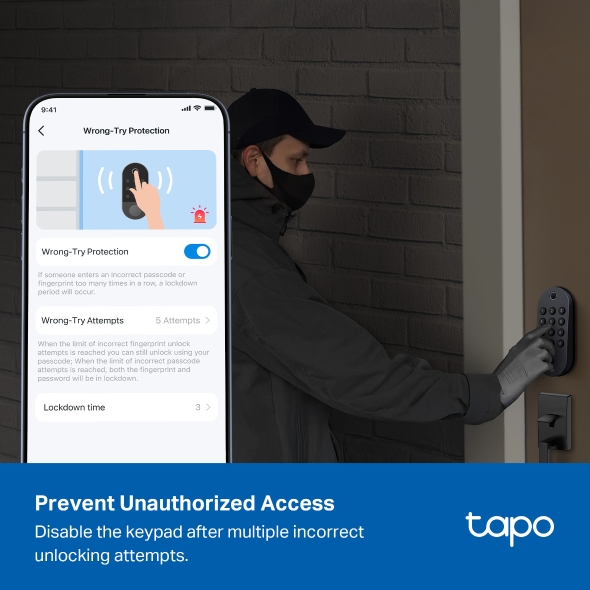
- Shuts down after too many wrong tries: If someone keeps entering the wrong code, the lock disables itself and sends an alert to your phone.
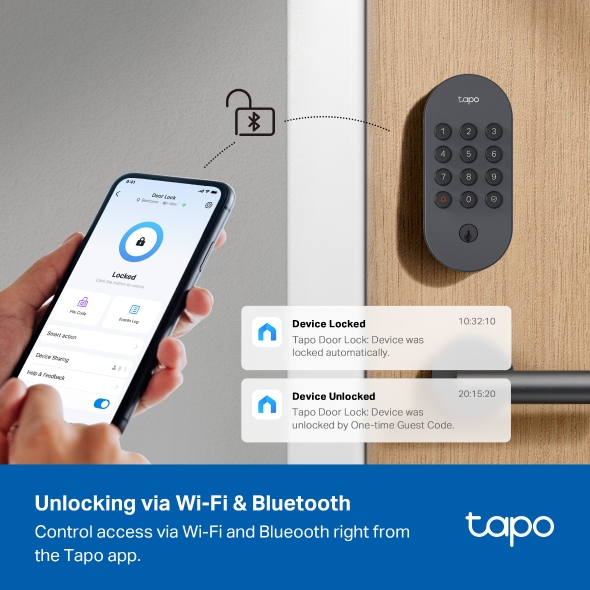
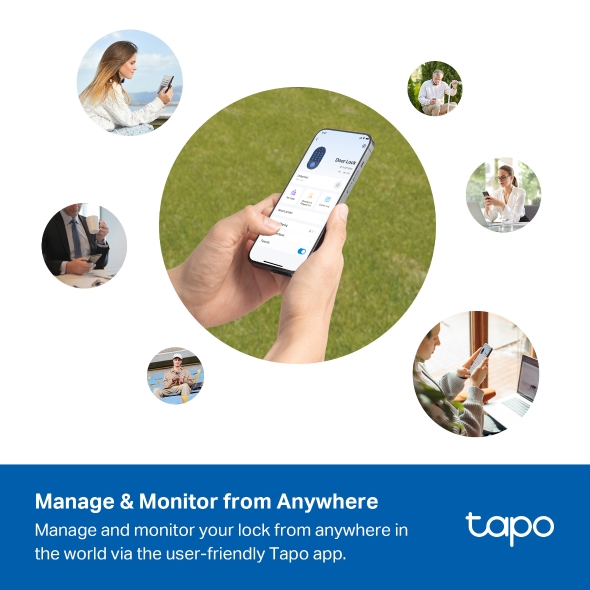
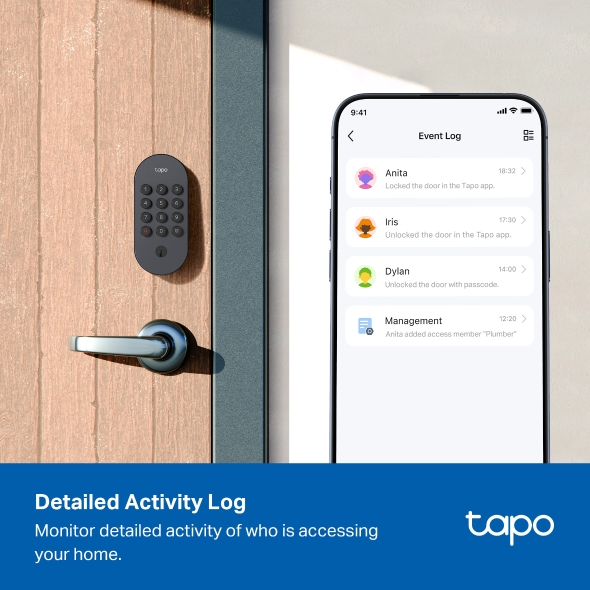
- Check and control it from anywhere: Use the Tapo app to lock, unlock, see whether the door is closed, and read a timestamped log of who came and went.
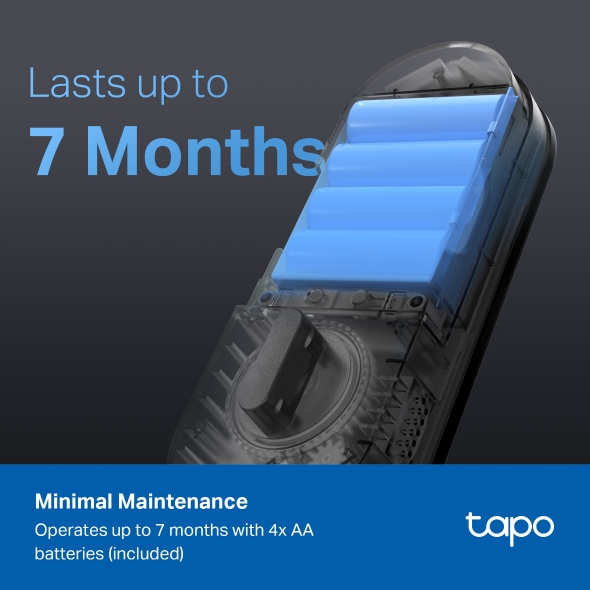
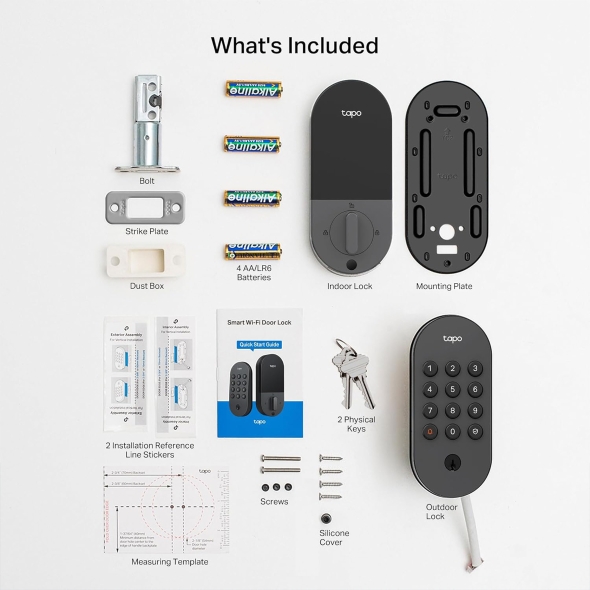
- Runs for months on AA batteries: Get up to 7 months over Wi-Fi or 10 months over Bluetooth, with a USB-C port for instant backup power. 4× AA batteries included.
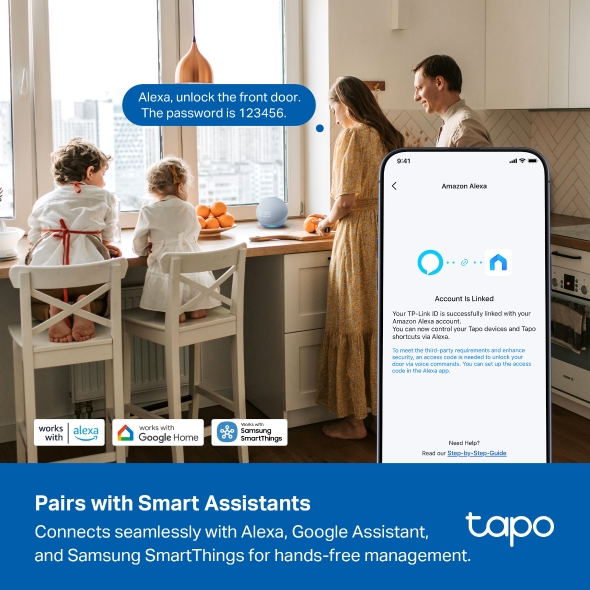
- Works with your favorite voice assistant: Compatible with Amazon Alexa, Google Assistant, and Samsung SmartThings for single-app control.
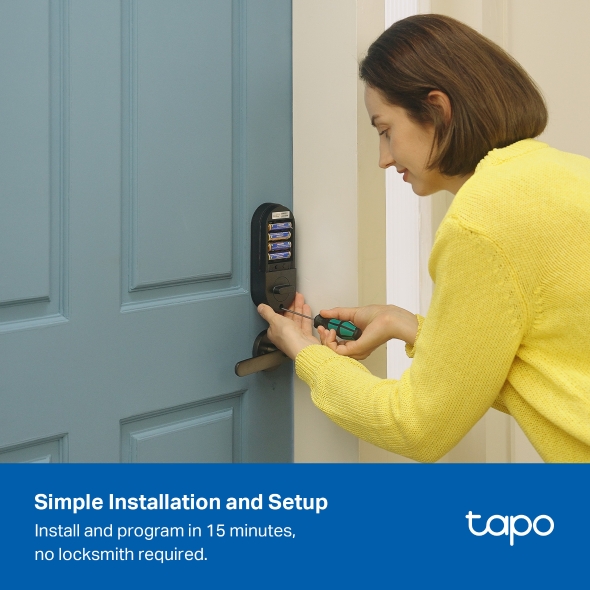
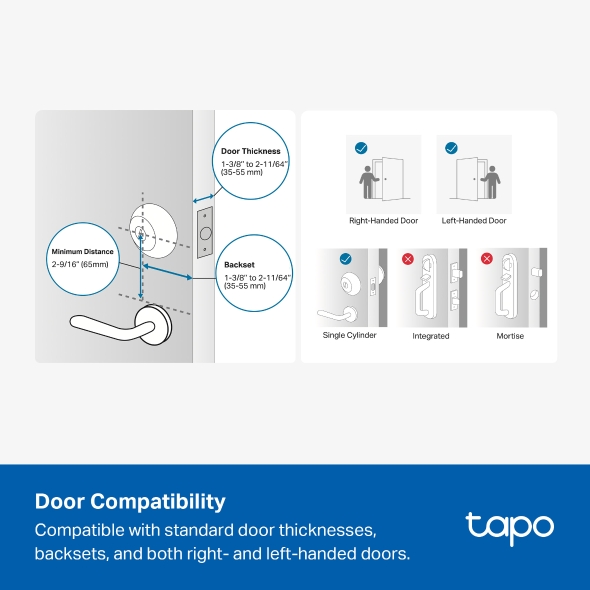
- No drills needed: Installs on a standard deadbolt with no extra holes, so setup is quick and clean.
Your Key to Convenience and Smart Security
Smart Wi-Fi Deadbolt Door Lock

to Unlock
Entry
Access
Access
with PIN†
Anywhere Control
Keyless Tactile Buttons
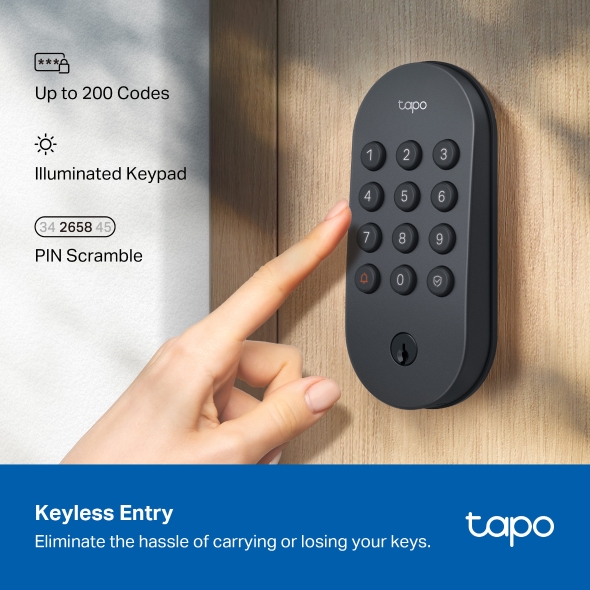
Eliminate the hassle of carrying or misplacing keys. Our smart lock offers up to 200 customizable codes, a press-activated light for nighttime use, and the option to enter your passcode in between random digits for added security.

Up to 200 Codes

Illuminated Keypad

Optional PIN Masking Mode
Convenient & Secure Access for Everyone
Set different types of passwords for different groups, such as family, guests, or visitors, directly in the app—no need to distribute physical keys.
-
Permanent Code
for Families -
One-time Code
for Guest & Friends -

Pass Code 258025

Every Mon.
9:30–11:30 AM.
Scheduled Code
for Service / Maintenance
Battery Powered for Convenience and Peace of Mind.
Enjoy minimal maintenance and up to 7 months of continuous power. Quick and easy battery replacement.‡
If your battery runs out, just use your phone or a power bank to power the lock with the USB-C port. Never worry about being locked out.§
Extend battery life to last up to 10 months in Bluetooth-only mode.
Powered by 4x AA Batteries (Included)
Enjoy minimal maintenance and up to 7 months of continuous power. Quick and easy battery replacement.‡
Emergency Power, Never Run Out of Charge
If your battery runs out, just use your phone or a power bank to power it with the USB-C port. Never worry about being locked out.§
Extended Battery Life While in Bluetooth-only Mode
Extend battery life to last up to 10 months in Bluetooth-only mode.
Stay informed. Control anywhere, anytime.
Receive real-time alerts and stay informed. Check the status via the app at any time and unlock the door remotely if necessary.
Auto-Lock
Automatically locks after use with customizable time intervals (e.g., 15 seconds), ensuring seamless security and convenience.
Certified & Reliable
-
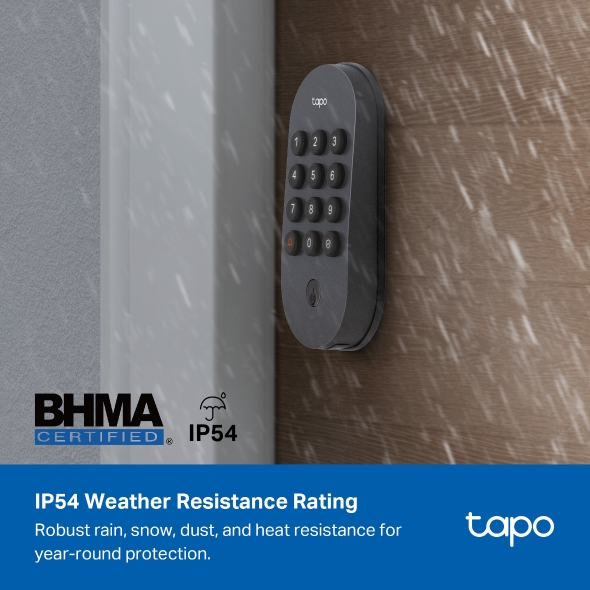
BHMA Certified
Ensures long-lasting reliability and can withstand daily use for years. Enjoy lasting security and peace of mind.
-
IP54 Weather Resistance
With an IP54 weatherproof rating, this product withstands rain and protects against harmful dust or dirt.

Smart Home Integration
Connects seamlessly with popular smart home ecosystems like Alexa, Google Home, and Samsung SmartThings for one-app management. Say a voice command and PIN to Alexa and Google Assistant to lock or unlock the door without having to use your hands or leave your place.†

The password is 123456.
Detailed Activity Log
Monitor lock and unlock activity with detailed timestamps, know who is accessing your home and when.
PIN Attempt Limiter
Prevents unauthorized access: Auto-lock activates after a set number of failed unlock attempts and remains active for a set duration.

Our Commitment to Cybersecurity and Privacy
Tapo is a signatory of the U.S. Cybersecurity and Infrastructure Security Agency’s (CISA) Secure-by-Design pledge.
-


Your Data,
Securely Protected -


Expertly Tested
for Your Safety
Check Compatibility
-

Door Size
-

Lock Size
-

Door Compatibility


†To ensure security, voice command unlocking requires a voice password as a second layer of authentication. Please note that requirements and procedures may vary across third-party platforms. Voice Control is only supported by select voice assistants.
‡Battery life is based on TP-Link laboratory tests, assuming 20 unlocks per day: up to 7 months in Wi-Fi mode and up to 10 months in Bluetooth mode. Actual performance may vary due to device settings, router specifications, usage, and environmental factors. Alkaline batteries may suffer reduced life and unlocking failures in cold environments due to poor low-temperature performance.
§Please ensure your phone supports power output when using it to power the lock in an emergency.
As the Tapo App is continuously updated, UI images are for reference only. This lock requires an internet connection.
This lock requires an internet connection.
Tapo App Support
- 1 Download the free app
- 2 Plug in and connect
- 3 Control from anywhere


Walk You Through Setup Step by Step
-
1
 Download and open Tapo App
 -
2
 Tap Plus (+) to add your smart device
 -
3
 Look for your device and connect
 -
4
 Name the device and choose the room it’s in
 -
5
 Congratulations! You’ve now completed the configuration
Downloads