


_normal_20260608034659y.jpg?2026-09-29T05%3A56%3A21.439Z)

Secure Access.
Right in Your Palm.
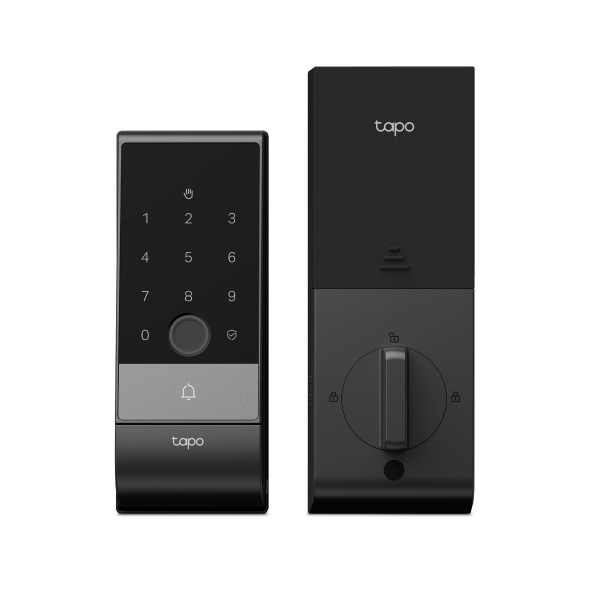
Palm Access Smart Lock




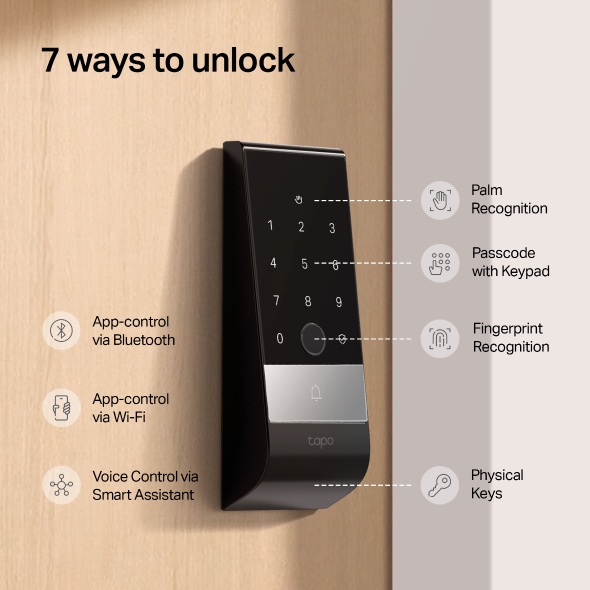
7 Ways to unlock

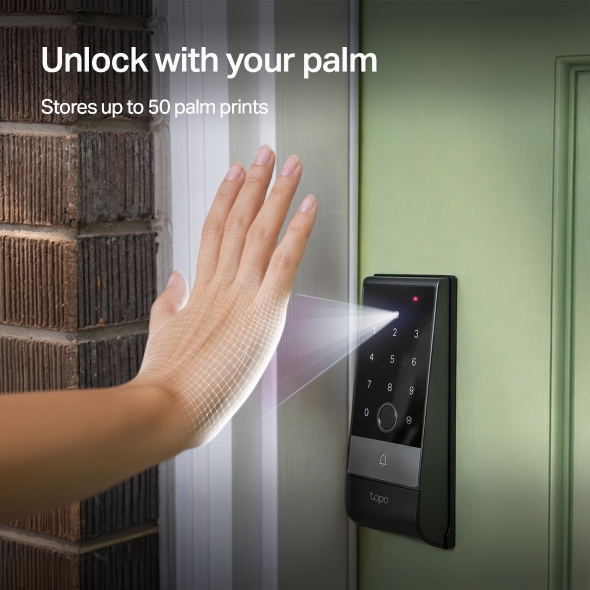
Palm Recognition

Fingerprint

Passcode

Wi-Fi Access

Voice Control

Bluetooth Access

Physical Key

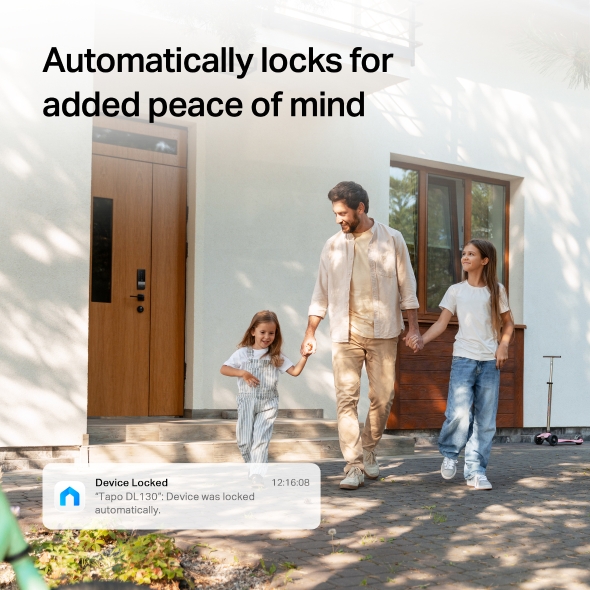
Timed Auto Lock
Once Closed

Door Left Open
Alarm & Alert

Real-Time
Notifications

See Who Comes
and Goes

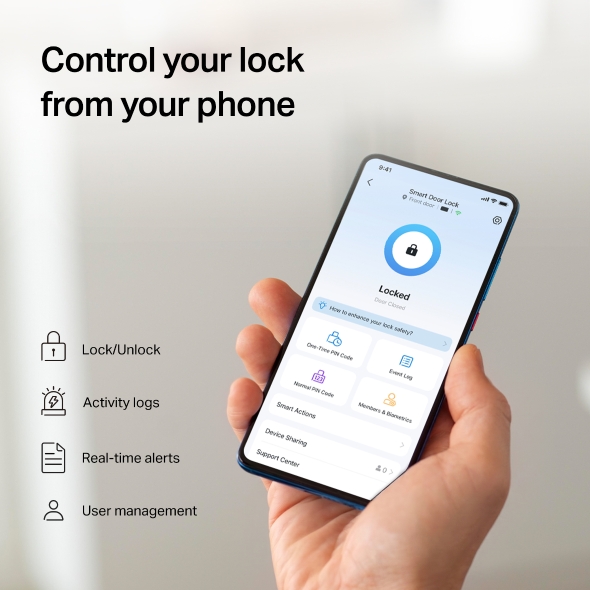
Control from
Anywhere

Manage Users
and Guests

Check Door
& Lock Status

Certified
& Reliable
Professional
BHMA Grade 2
Weatherproof
Resistance

DuoBiometrics™
Access
Palm
Fingerprint

Dual-Battery
Design
Rechargeable
Battery
Built-In
Backup Battery
Unmatched Security
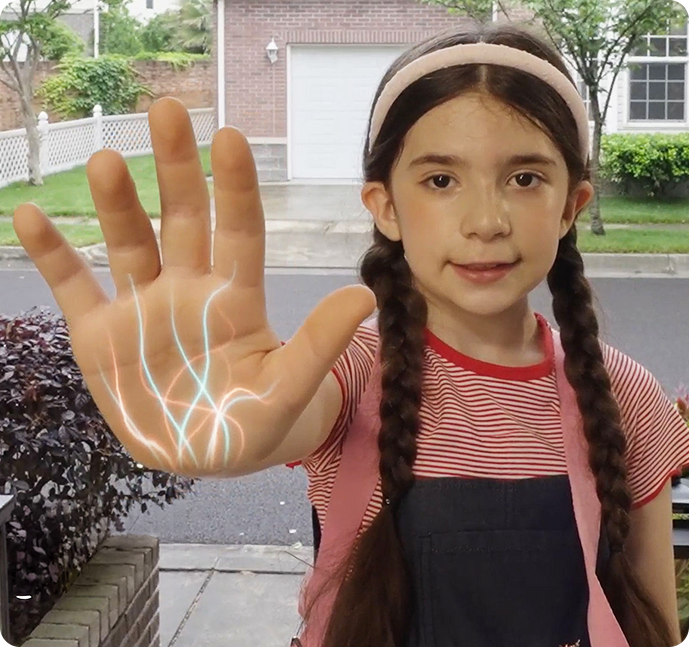
Your Palm. Your Key.
Impossible to Copy.
The Tapo Palm Access Smart Lock reads the unique vein pattern inside your hand, something no photo or 3D model can fake. Even identical twins have different vein patterns, making your palm a key that only you can use.

Contactless Access for Everyone, Everywhere
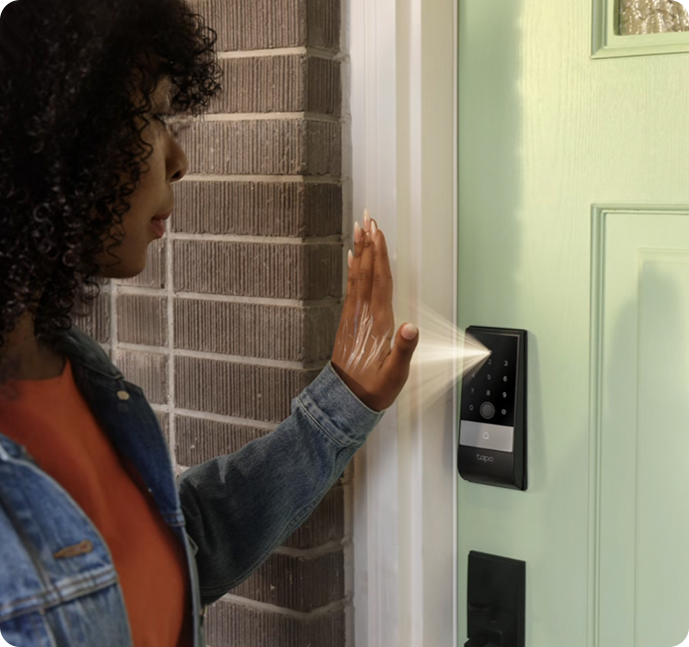
Made for Every Hand
From aging hands to kids' hands, even when wet, dirty, or sweaty, the lock recognizes any palm.

Elderly
Child
Dirty Hand
Sweaty Hand
Access, Anytime
From bright sunlight to night, advanced sensors read your palm clearly from any angle.

Your Privacy, Locked In.

Stored Safely Inside the Lock — never
sent online or left vulnerable to hackers.
Encrypted to keep your information
private with AES 128 encryption
Extra protection with two-step
authentication

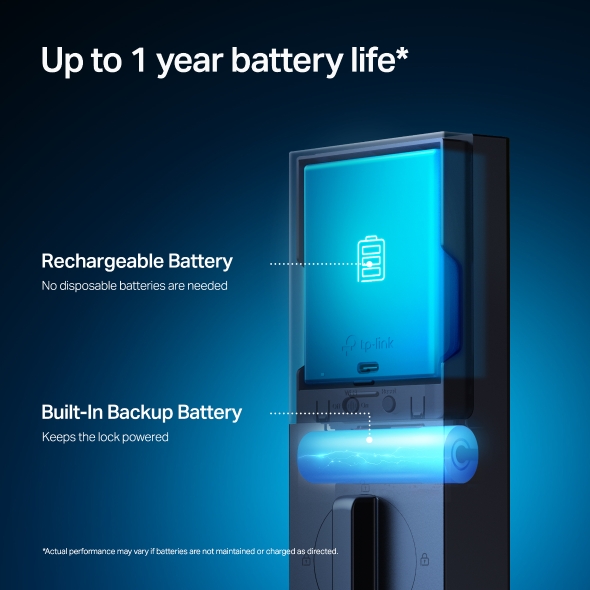
Always Powered. Never Locked Out.
Rechargeable
Battery
Built-in
Backup Battery

Built-in backup power keeps the lock
running even if the main battery runs low
Monitor battery levels
anytime in the app
Rechargeable design
means no
disposable
batteries are ever
needed
*'Always powered. Never locked out.' describes intended operation with regular battery charging and maintenance. Actual performance may vary if batteries are not maintained or charged as directed.
The dual-battery system is engineered for reliable, uninterrupted access. When the main battery is removed for charging, a built-in backup cell keeps the lock powered. Once reinstalled, the main battery can even recharge the backup cell, and the eco-friendly design means no disposable batteries. One charge lasts over a year.
Customized Passcode Access

Permanent
Code for
Families

One-time
Code for Guest
& Friends
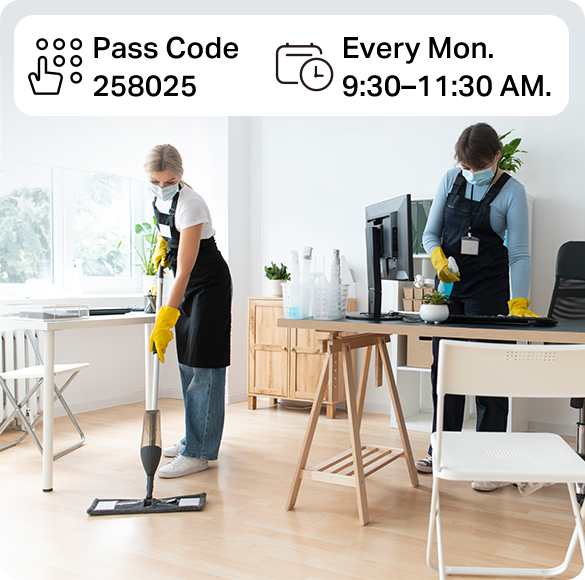
Scheduled
Code for Service/
Maintenance
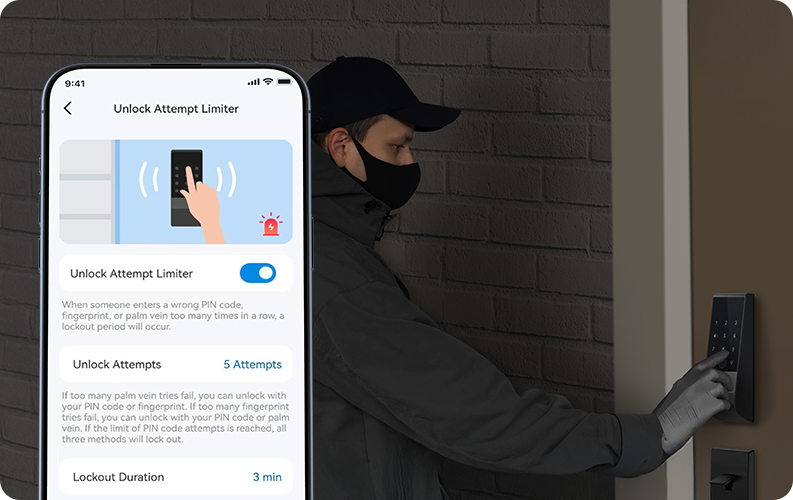
Prevent
Unauthorized
Access
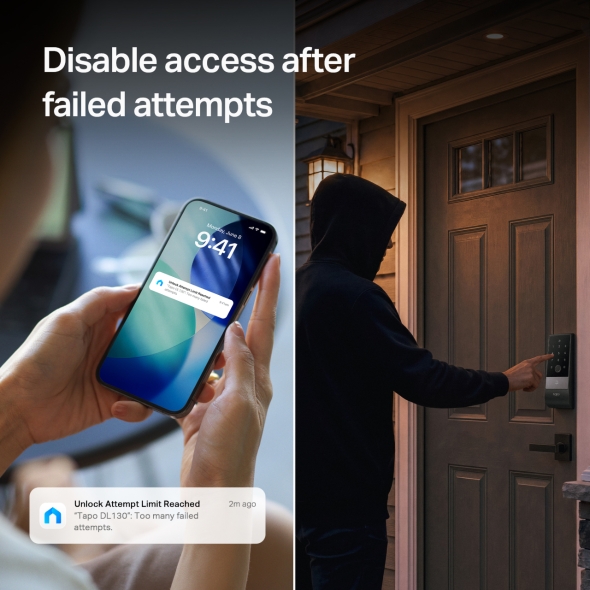
The keypad, fingerprint, and palm sensor lock automatically disables after multiple incorrect attempts, stopping intruders from trying again.
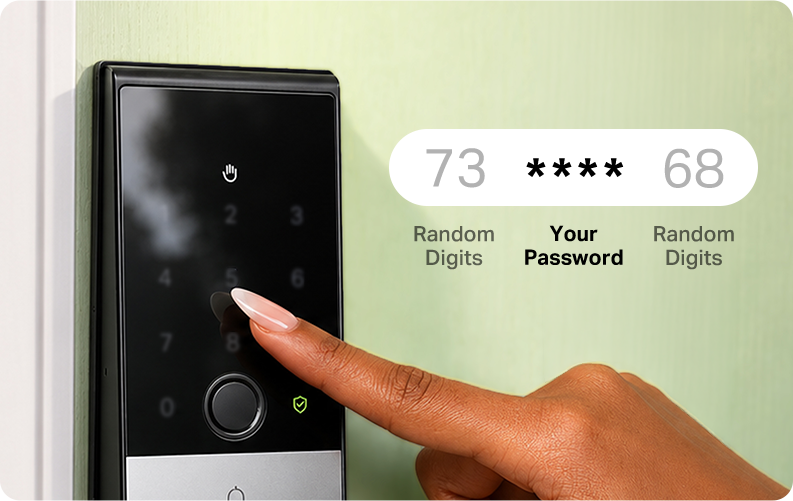
Secure PIN Entry
Add random numbers before or after your PIN so no one can guess your code by looking over your shoulder.
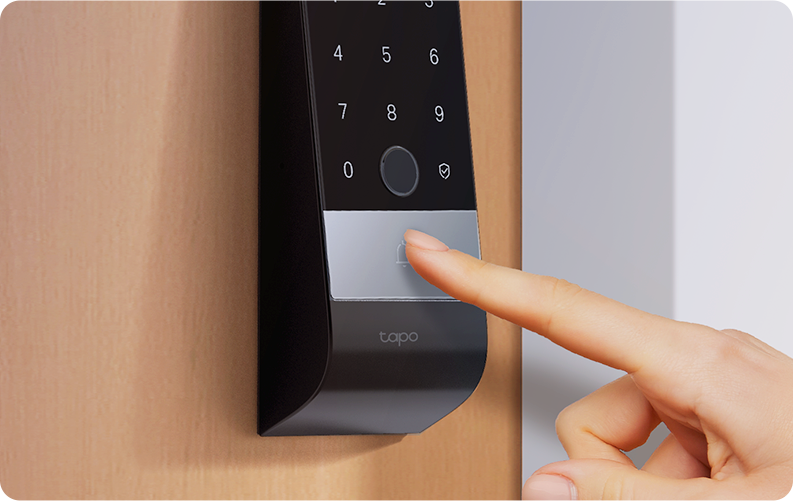
Built-In Doorbell
A seamless 2-in-1 smart lock and doorbell for easy access and reliable, complete protection.
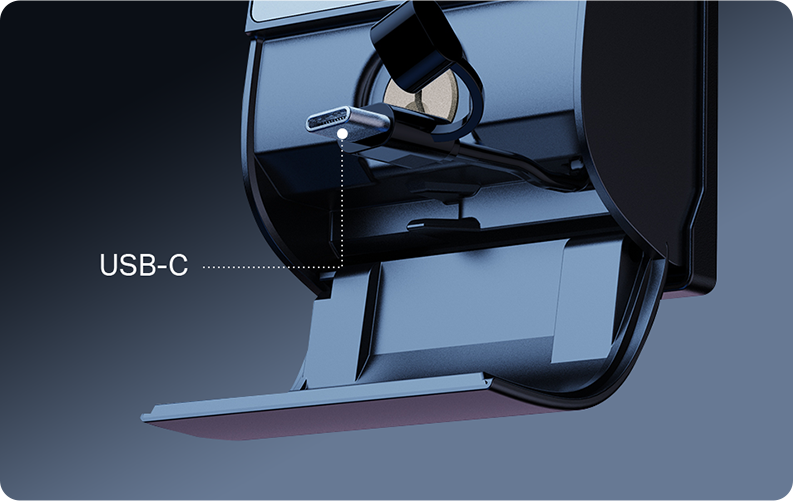
Emergency Power Supply
When your battery runs out you can use your phone for reverse charging or power bank for emergency power.
* Phone and power bank must support USB-C reverse charging functionelty.
Find Your Smart Lock
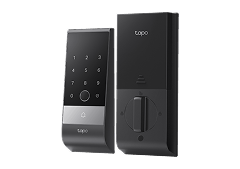
Tapo DL130 |
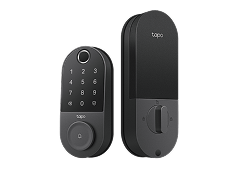
Tapo DL110 |
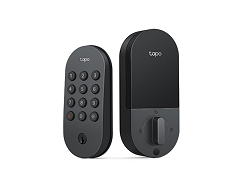
Tapo DL100 |
|
|---|---|---|---|
| Unlock Methods | |||
| Palm | ✓ | ||
| Fingerprint | ✓ | ✓ | |
| Keypad | ✓ | ✓ | |
| App (Wi-Fi/Bluetooth) | ✓ | ✓ | |
| Physical Key | ✓ | ✓ | |
| Third-Party Control | ✓ | ✓ | |
| Battery Life | up to 1 year | up to 1 year | up to 7 months |
| BHMA Grade | Grade 2 | Grade 2 | Grade 3 |
| Weatherproof (External unit only) |
IP65 | IP65 | IP54 |
| Auto Lock | Door Sensor | Timer | |
| Third-Party Compatibility |
Amazon, Google Assistant, SmartThings |
Amazon, Google Assistant, SmartThings |
|
| Buy Now → |
FAQ
What is palm vein recognition?
Palm vein recognition uses near-infrared light to scan the vein patterns beneath the skin of a person's palm. These patterns are unique to each individual, even among identical twins, and remain stable throughout a person's life.
Is palm vein recognition safe?
Palm vein recognition is inherently more secure because it uses liveness detection, ensuring only a real, living hand can be recognized, preventing spoofing attempts. The vein patterns are internal and hidden within the body, making them extremely difficult to copy or counterfeit. It also enables contactless authentication, reducing the risk of physical tampering or residue-based attacks.
How long do Tapo DL130 batteries last?
Tapo DL130 features a dual-battery system. When the main battery pack is removed for charging, it switches to the built-in backup battery for power. Once the main battery is reinstalled after charging, it will automatically recharge the backup battery. As long as the main battery is charged in time, it can achieve virtually uninterrupted operation, with each full charge lasting over one year. Actual battery life may vary depending on device settings, router specifications, usage patterns, and environmental factors. Battery performance is based on TP-Link laboratory testing.
Does Tapo DL130 work without Wi-Fi?
Yes, Tapo DL130 supports a Bluetooth-only mode, allowing you to setup and use the device without connecting to Wi-Fi. Even without Wi-Fi, you can still use palm vein, fingerprint, and passcode unlocking methods. You can also unlock the door via the app using Bluetooth when near the lock, making it suitable for no-network or weak-signal environments.
Can I share access with family?
The Tapo app's Device Sharing feature lets you share access to your Tapo Door Locks with family members and other users. Sharing works by sending an invitation to another TP-Link account. You can stop sharing at any time. You can also assign different permission levels, such as Basic or Advanced, to control what shared users can do.
How can I use Tapo DL130 together with my Tapo doorbell?
You need to link your Tapo doorbell with Tapo DL130 first. When a visitor arrives, you can directly lock or unlock the door from either the doorbell call interface or the doorbell live view page. If your doorbell is equipped with a chime, it will also ring when a visitor presses the doorbell button on the DL130.