Pan/Tilt AI Home Security Wi-Fi Camera
| Tapo C2251.0-F-package-new_normal_20220825023611z.png)
Pan/Tilt AI Home Security Wi-Fi Camera
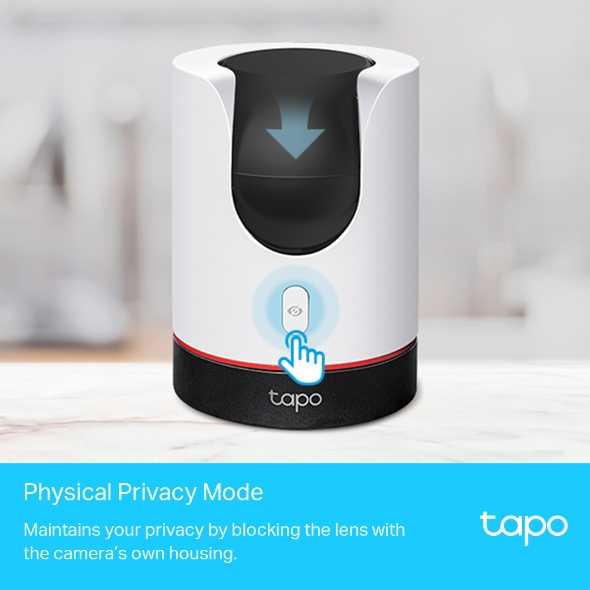
Tapo C225- Physical Privacy Mode-Maintain privacy with the lens blocked by the housing when physical privacy mode is enabled.
- Smart AI Detection and Notification-Smart AI indentifies people, pets and vehicles while also recognizing abnormal sounds, notifying users as needed.
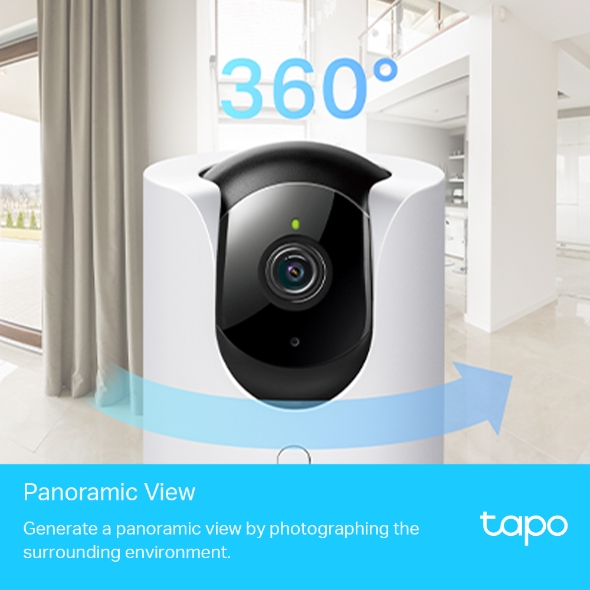
- Pan and Tilt-Provides 360° horizontal field of view.
- Smart Motion Tracking-Tracks and follows a subject, keeping it within the camera's field of view.
- Starlight Sensor-The high-sensitive starlight sensor captures higher-quality images even in low-light conditions.
- Sound and Light Alarm-Trigger light and sound effects to frighten away unwanted visitors.
- Two-Way Audio-Enables communication through a built-in microphone and speaker.
- Easy-Setup-Follow the in-app instructions to easily set up within minutes.

Smart. Secure. Easy.
Panoramic Recording & Privacy Protection
Pan/Tilt AI Home Security Wi-Fi Camera
Tapo C225



Physical Privacy Mode
Maintains your privacy by blocking the lens with the camera’s own housing.
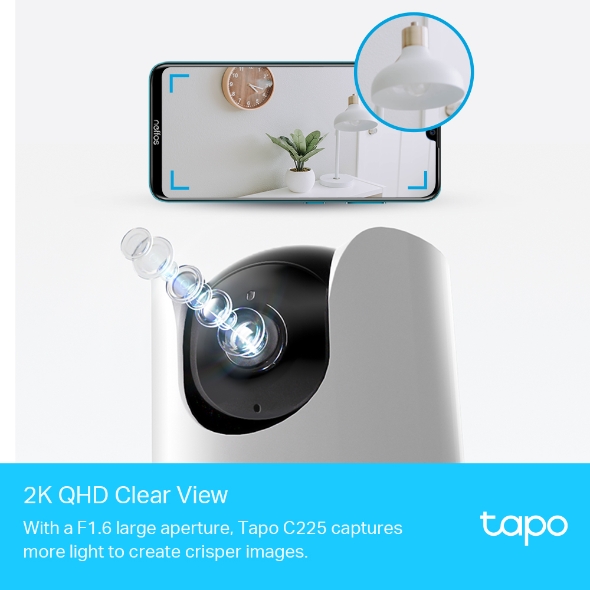
2K QHD Clear View
With a F1.6 large aperture, Tapo C225 captures more light to create crisper images.

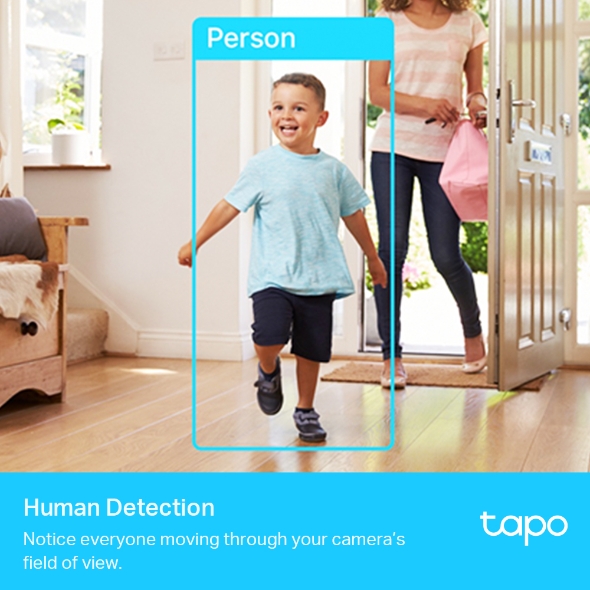
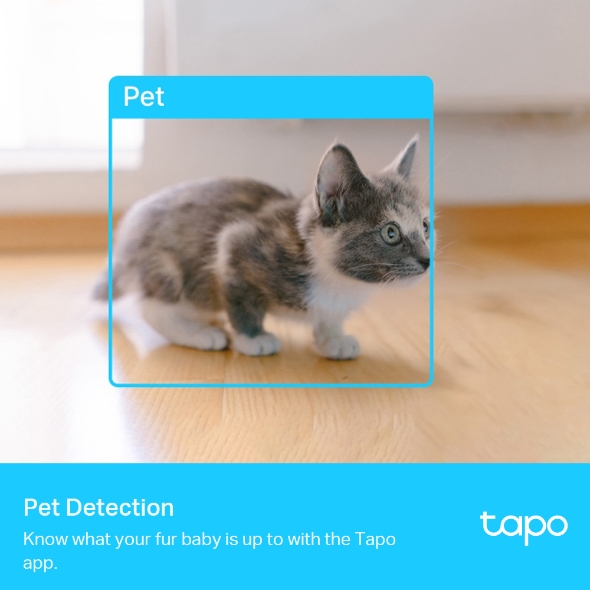
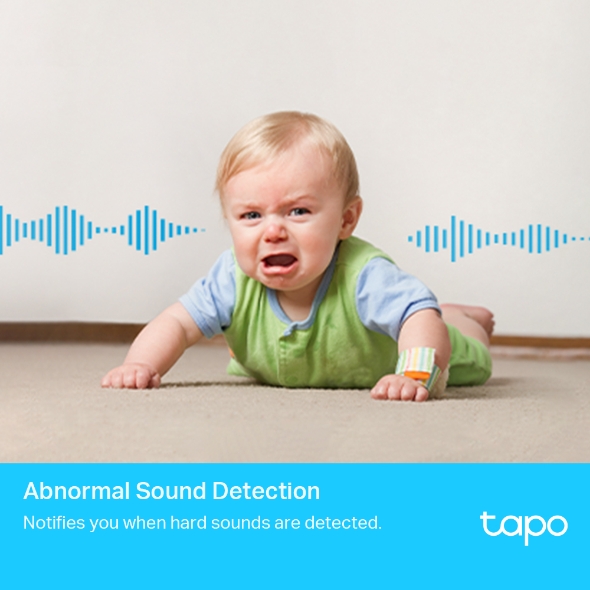
Smart AI Detection and Notification
Smart AI identifies people, pets, and vehicles while recognizing a baby crying and other sounds, notifying users as needed.
-
 Person
Human Detection
Notice everyone moving through your camera’s field of view.
-
 Pet
Pet
Pet Detection
Know what your fur baby is up to with the Tapo app.

Abnormal Sound Detection
Notifies you when hard sounds are detected.
Beta Function
*Coming Soon
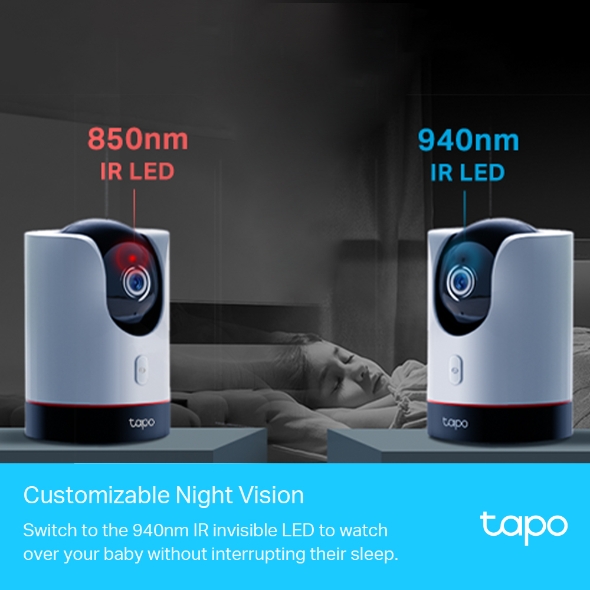
Customizable Night Vision
Switch to the 940nm IR invisible LED to watch over your baby without interrupting their sleep.
IR LED
IR LED
Starlight Sensor
The highly-sensitive starlight sensor captures higher-quality images even in low-light conditions.
Smart Motion Tracking
Precisely tracks and follows a subject, keeping it within the camera’s field of view with up to 120°/s rotating speed.

Flexible Storage Choice
Save recorded videos on the MicroSD Card†(up to 512 GB) or by using Tapo Care** cloud storage services.

Activity Zones
Notifies you when activity is detected in specific zones.

Cross-Line Detection
Notifies you when something or someone passes a set boundary.

Sound and Light Alarm
Trigger sounds and light as an alarm when motion is detected.

Panoramic View
Generate a panoramic view by photographing the surrounding environment.
 OK. Honey! Be careful with that!
 Two-Way Audio
Enables communication through a built-in microphone and speaker.
*Images and information are for reference only. Actual products may vary.
Tapo App Support
- 1 Download the free app
- 2 Plug in and connect
- 3 Control from anywhere




Walk You Through Setup Step by Step
-
1
 Download and open Tapo App
 -
2
 Tap Plus (+) to add your smart device
 -
3
 Look for your device and connect
 -
4
 Name the device and choose the room it’s in
 -
5
 Congratulations! You’ve now completed the configuration
Downloads